
- twitter image downloader
- x tools
How to Download Anything From Twitter
Which downloader you need depends on the format. A quick comparison of saving videos, GIFs and photos from X, with links to each step-by-step guide.
Guides
Practical workflows for turning X activity and Xholic tools into a repeatable system for replies, posts, analytics, profile polish, and consistency.
Latest guide
How X accounts are valued - followers, engagement rate, niche and revenue - with real sale ranges and the formula buyers actually use.
Which downloader you need depends on the format. A quick comparison of saving videos, GIFs and photos from X, with links to each step-by-step guide.
Create realistic X/Twitter suspended-account screen mockups with editable profile details for education, content, and demos.
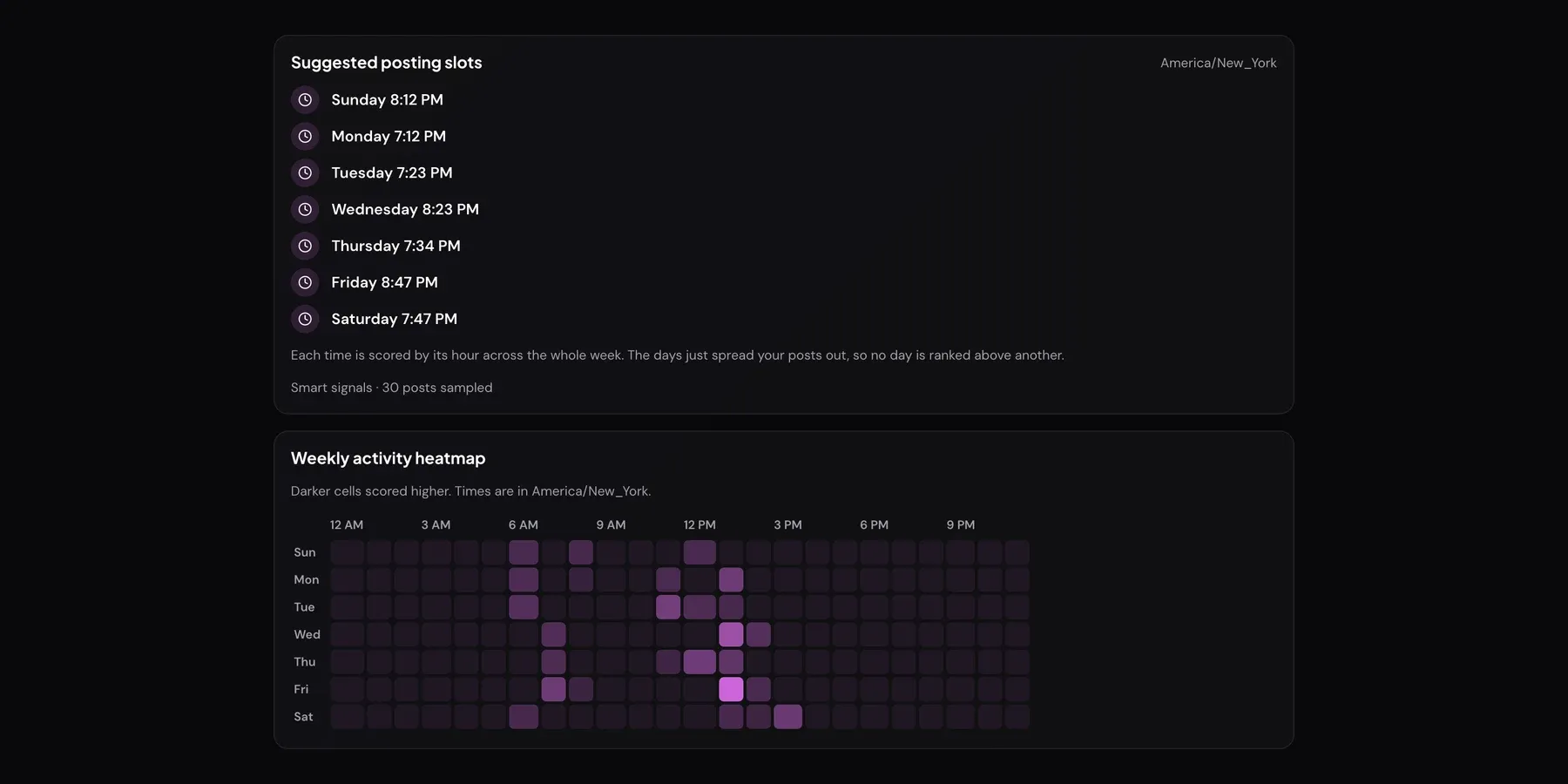
How the tool builds your posting schedule - the data it uses, how to read the heatmap, and how to test your own windows in two weeks.
Make a convincing tweet mockup in 5 steps - set the handle, avatar, engagement counts and theme, then export a clean PNG for slides or ads.
Paste a tweet, choose a tone, generate a reply chain - plus prompt tips for replies that read human and actually start conversations.
X serves GIFs as MP4 files, so a right-click will not do it. Here is how to get a true .gif back, on desktop and mobile, in three quick steps.
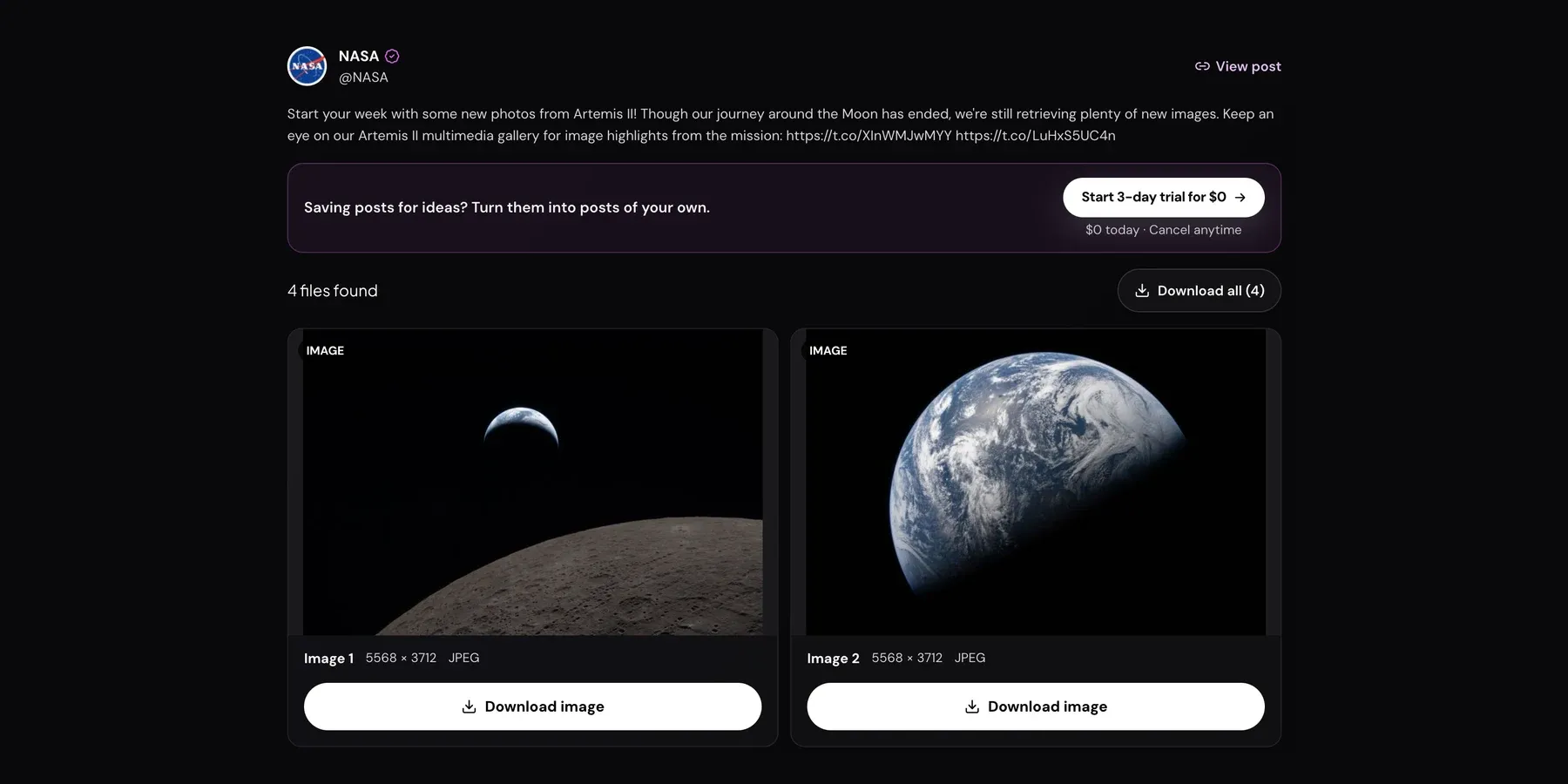
Right-click saves a compressed copy. Here is how to get the original-resolution photo from any tweet, including every image in a multi-photo post.
Copy the tweet link, paste, pick a quality, save. Plus how to download on iPhone and Android, and what to do when a link will not work.
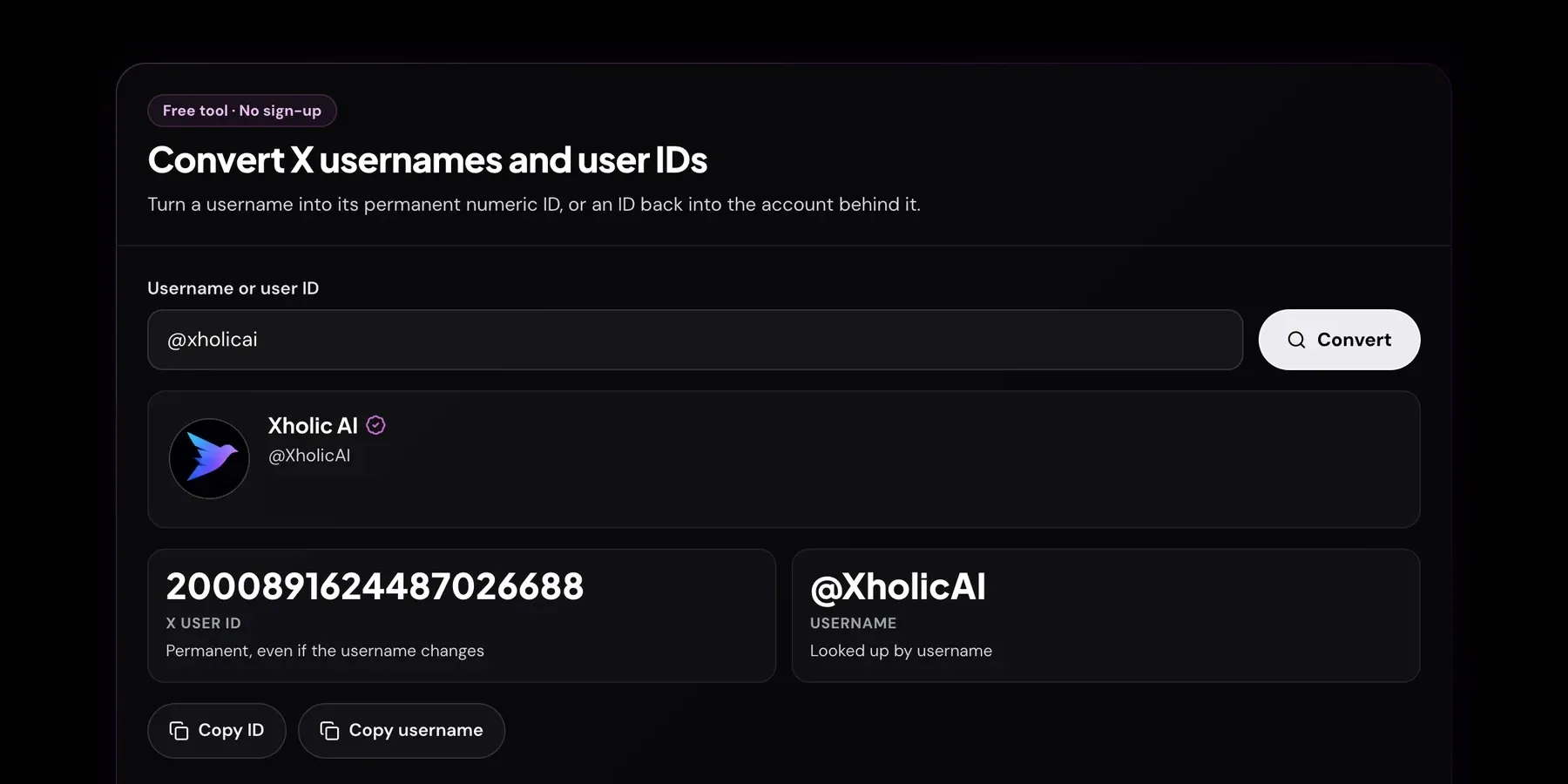
Your @handle can change; your numeric ID never does. How to find any account's X ID in seconds, and why it matters for APIs and ads.


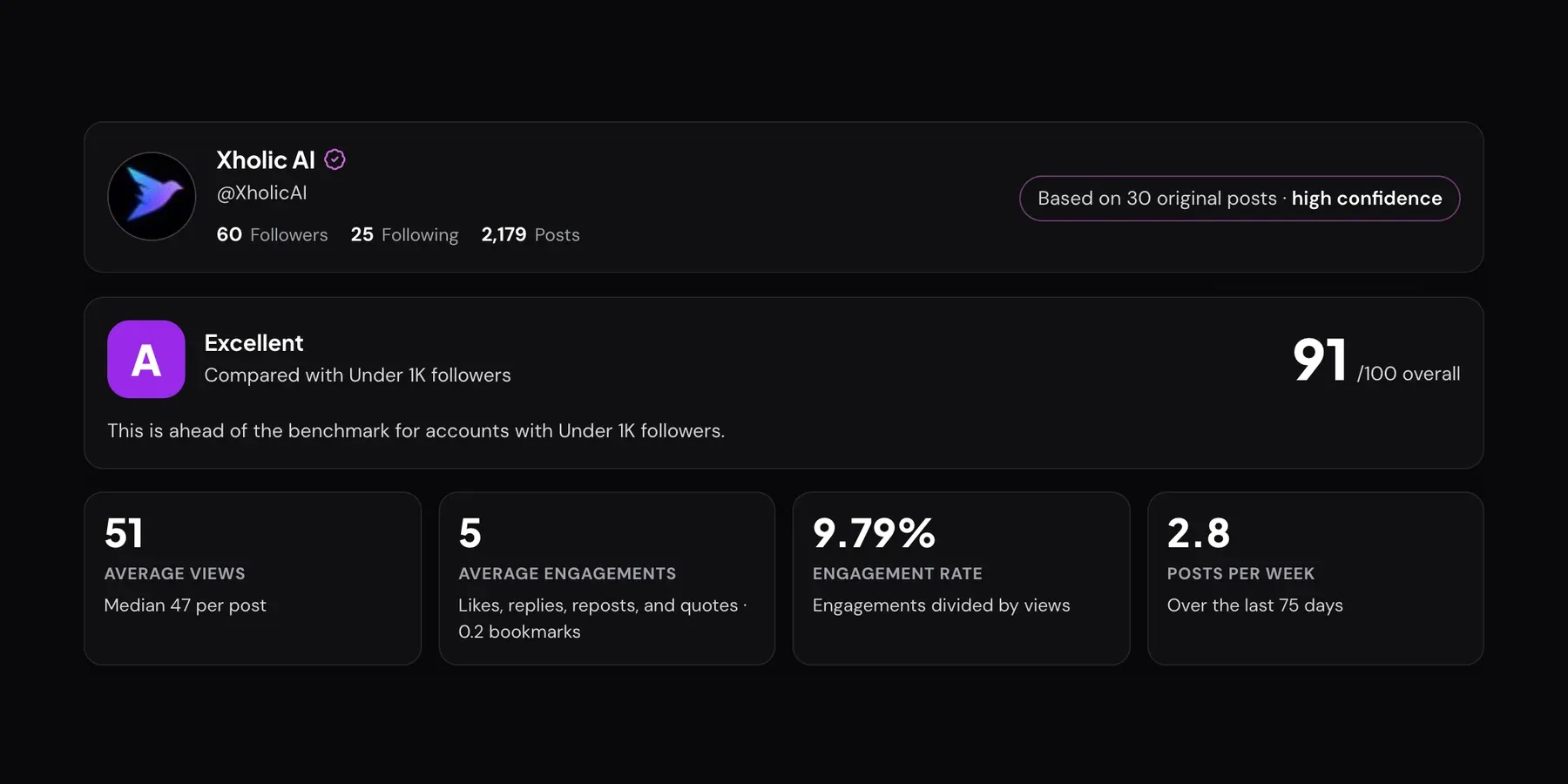
A short walkthrough of the X Profile Analytics tool: paste a handle, read each panel, export your report. Screenshots for every step.
Create realistic X/Twitter blocked-profile screen mockups for demos, documentation, education, and content examples.
Track any X account's followers in real time - how to set it up, what the 24-hour delta means, and how to use it during launches and streams.
Create realistic X/Twitter quote tweet mockups with editable parent and quote posts for planning, approvals, and examples.
Design a 1500x500 X/Twitter header image in the browser, add text, preview the layout, and export a ready-to-upload PNG.
The 4-line bio formula, the 160-character limit, keyword placement and 20 examples - plus how to generate one instantly with our free tool.
Count weighted X/Twitter characters for posts, links, emoji, and Unicode text using rules that match Twitter's character behavior.
Create Unicode font styles for X/Twitter bios, display names, and posts, then copy them into Twitter in seconds.
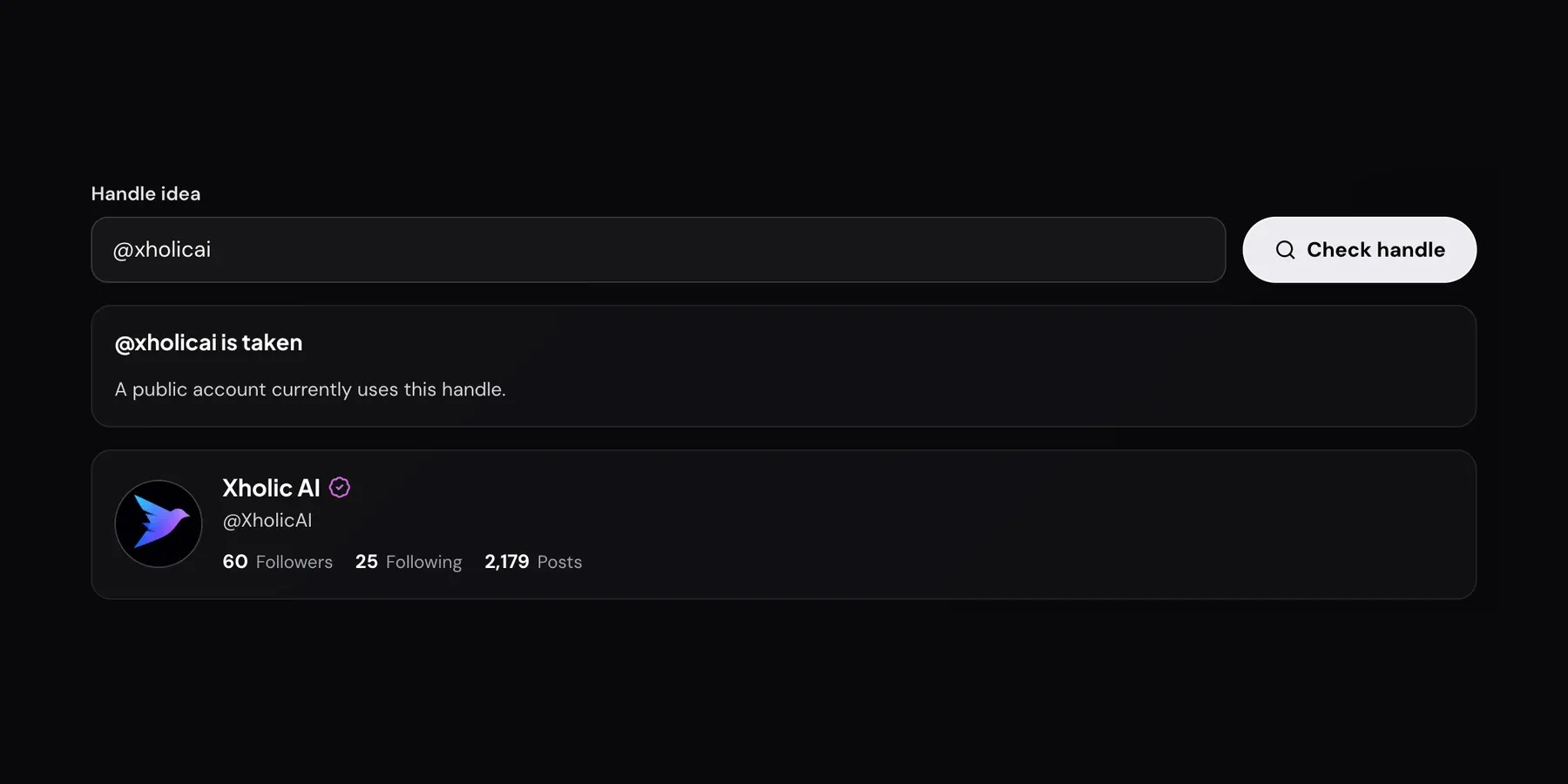
Check any @handle in one click, understand why taken names sometimes look free, and see what to do about inactive or squatted usernames.
Score a public X/Twitter profile across completeness, positioning, visual consistency, audience shape, and visible engagement.
Change your @username on X in 4 steps, on web and mobile. What happens to your old handle, your links and your followers, and how to reclaim it.
Every Twitter (X) metric explained in one place - impressions, engagement rate, profile visits and more, plus how to read each one and act on it.