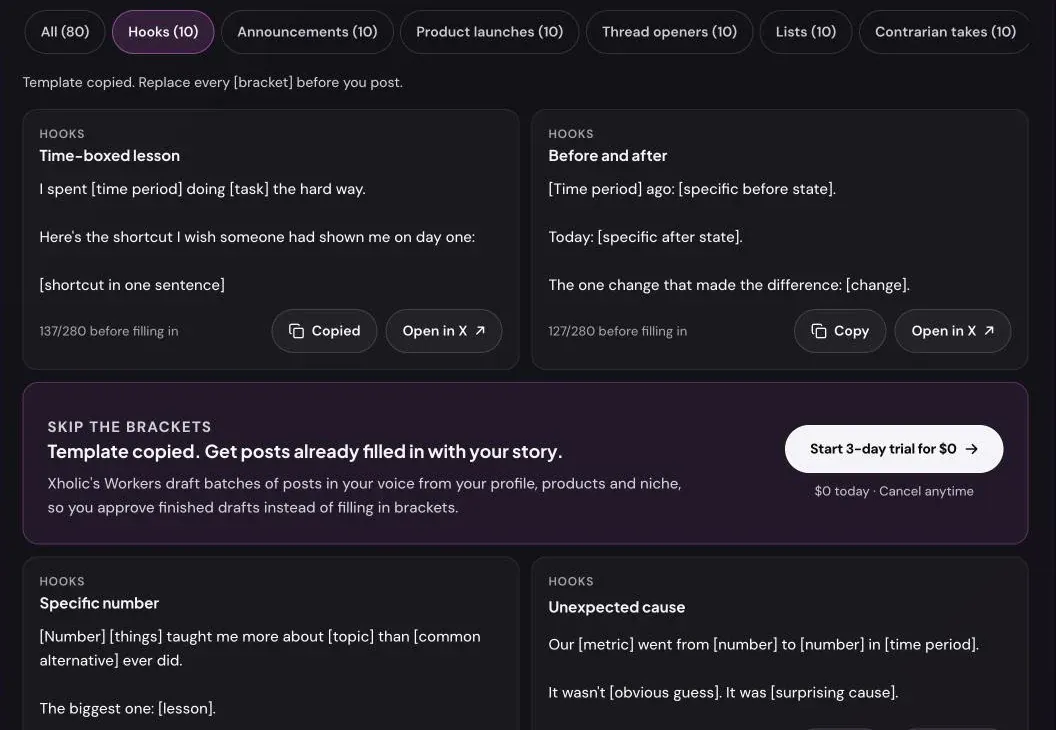
A tweet template is a post with the specifics taken out. “I spent [time period] doing [task] the hard way” isn’t a post yet, but it already has the part that makes people read on: a cost, a contrast and a promise of a shortcut. Your job is to put real details into the brackets.
This guide explains how to use the 80 templates on Xholic’s free Twitter post templates page: how to choose one, how to fill it in so it doesn’t read as generic, and how to post it.
The eight kinds of template
Each category does one job. Pick by the job, not by which template looks clever.
| Category | Use it when you want to | What makes it work |
|---|---|---|
| Hooks | Open a post or thread with a reason to keep reading | A specific number, contrast or result in the first line |
| Announcements | Share news about you or your company | Saying why it matters to the reader, not just what happened |
| Product launches | Get attention on launch day | Leading with the problem and ending with one link |
| Thread openers | Start a thread people expand | Telling readers exactly what they’ll get and how much |
| Lists | Share tools, lessons, mistakes or resources | Numbered, scannable items with one line each |
| Contrarian takes | Disagree with common advice | Backing the claim with your own experience |
| Milestones | Mark followers, revenue or an anniversary | Sharing the lesson behind the number |
| Questions | Get replies | Questions that are easy and quick to answer |
How to fill in a template
1. Replace every bracket with something concrete
Generic fills produce generic posts. Compare two versions of the same hook:
- “I spent a long time doing marketing the hard way.”
- “I spent 14 months doing cold email the hard way.”
The second one is the same template, but it now says something only you could say. Numbers, names, tools and places do most of the work.
2. Delete what doesn’t apply
Templates include optional lines. If a “proof” line would mean inventing a number, delete it. A shorter true post beats a complete made-up one.
3. Rewrite one phrase in your own words
Change at least one connecting phrase (“Here’s the shortcut”, “The one change”) to how you’d actually say it. That alone stops a template from sounding like everyone else who used it.
4. Check the length
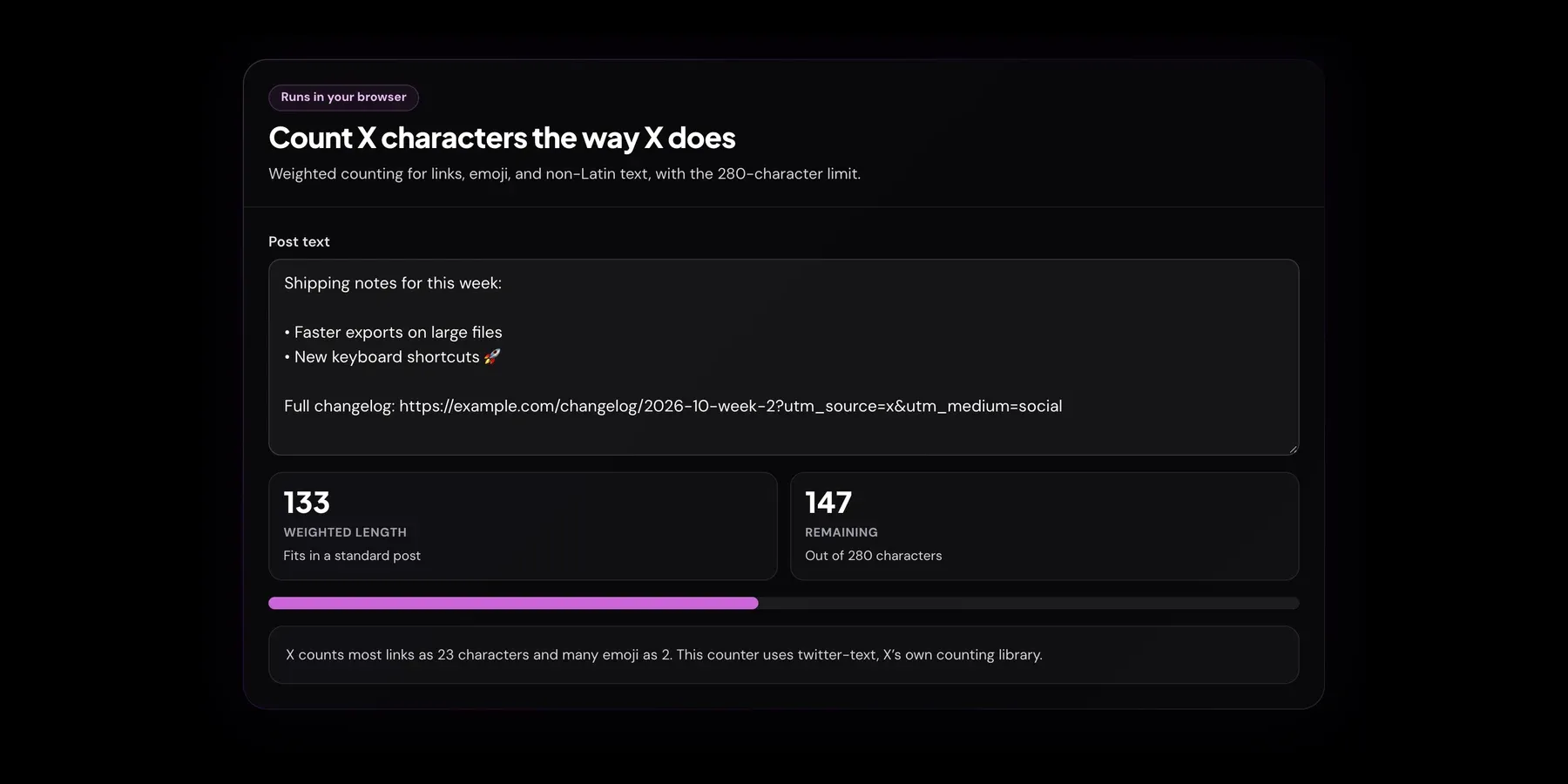
Every template fits in 280 characters before you fill it in, but filled versions can run long. Paste the post into the Twitter character counter, which counts links, emoji and CJK text the way X does.
A worked example
Template (Lists, “Lessons from time”):
[Number] lessons from [time period] of [doing something]: 1. [Lesson] 2. [Lesson] 3. [Lesson]…
Filled in:
5 lessons from 2 years of running a newsletter:
- The subject line matters more than the email
- Send on the same day every week
- Reply to every reader who replies
- One link per issue gets more clicks than five
- Growth came from other newsletters, not social
The last one took me longest to learn.
Every bracket became a specific claim the writer can stand behind, and the closing line from the template still pulls readers to the last item.
Copy vs. Open in X
Each template has two buttons:
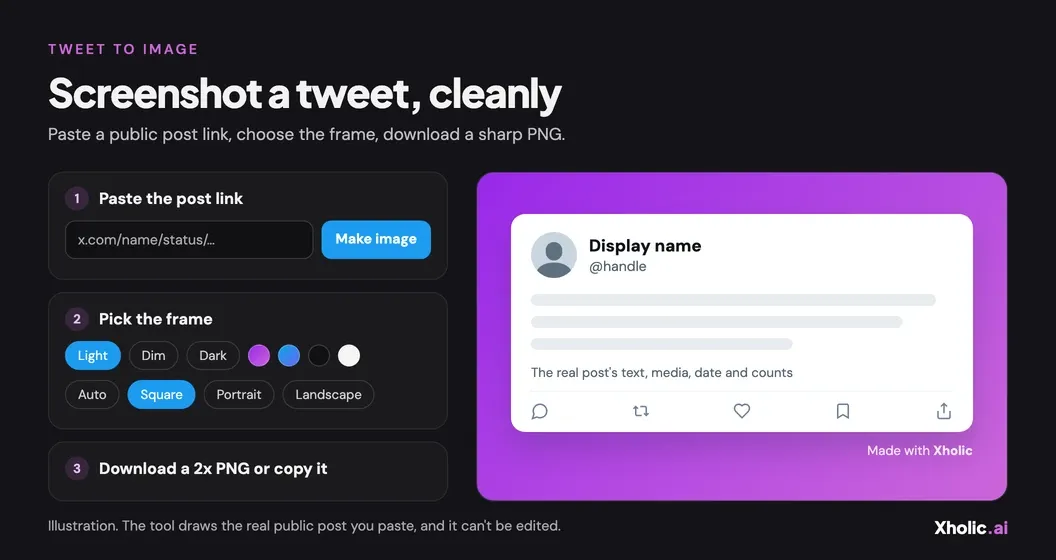
- Copy puts the template on your clipboard so you can fill it in your notes app, a doc, or the blank tweet template if you want an image.
- Open in X opens X’s post composer in a new tab with the template already typed in. Nothing is posted until you edit the text and press Post yourself, and Xholic never sees your X account.
Most people do better copying first: it’s easier to replace brackets in a notes app than in X’s composer.
![X's post composer opened from a template with Open in X: the text "I spent [time period] doing [task] the hard way" with its brackets still in place, before posting.](/_astro/twitter-post-templates-open-in-x.CgWb_XbD_ZTaNis.webp)
Building a week from templates
Templates are most useful as a mix. One simple rotation:
- Monday: a list
- Tuesday: a question
- Wednesday: a hook that starts a thread
- Thursday: a contrarian take
- Friday: a milestone or honest recap
Then check which kinds earned the most replies and profile visits in X’s analytics, and use those more often.
Frequently asked questions
What is a tweet template?
A reusable post structure with blanks to fill in. It keeps the shape that makes a post easy to read and leaves the specifics to you.
Are the templates free to use?
Yes. Use and edit them on any account as often as you like. No signup is needed.
Will people notice I used a template?
Not if you fill every bracket with real specifics and rewrite at least one phrase. Readers notice vague claims, not structures.
Does Open in X post anything automatically?
No. It only opens X’s composer with the text filled in. You still edit it and press Post yourself.
Can I use these templates for threads?
Yes. Start with a thread opener, then build the thread from a list template, one item per post.
Where did the templates come from?
We wrote them for this page. None is copied from a specific viral post.
Related tools and guides
- Blank tweet template: turn a filled-in template into a PNG.
- How to write a viral Twitter thread: hooks and structure for longer posts.
- Twitter bio templates: 180 fill-in-the-blank bios.
- Best time to tweet: when to post the finished version.