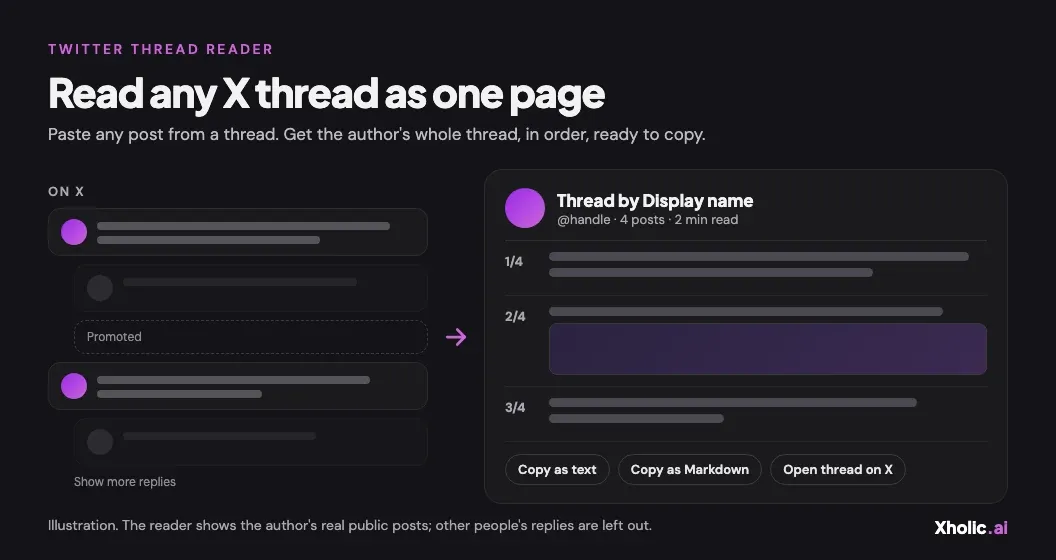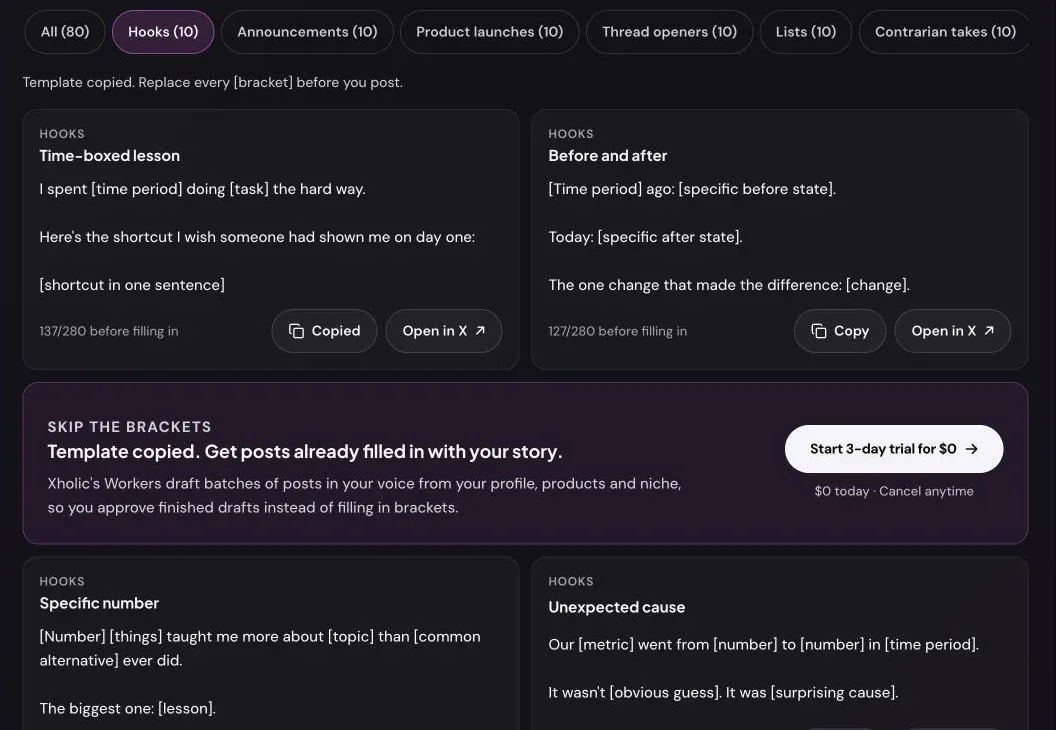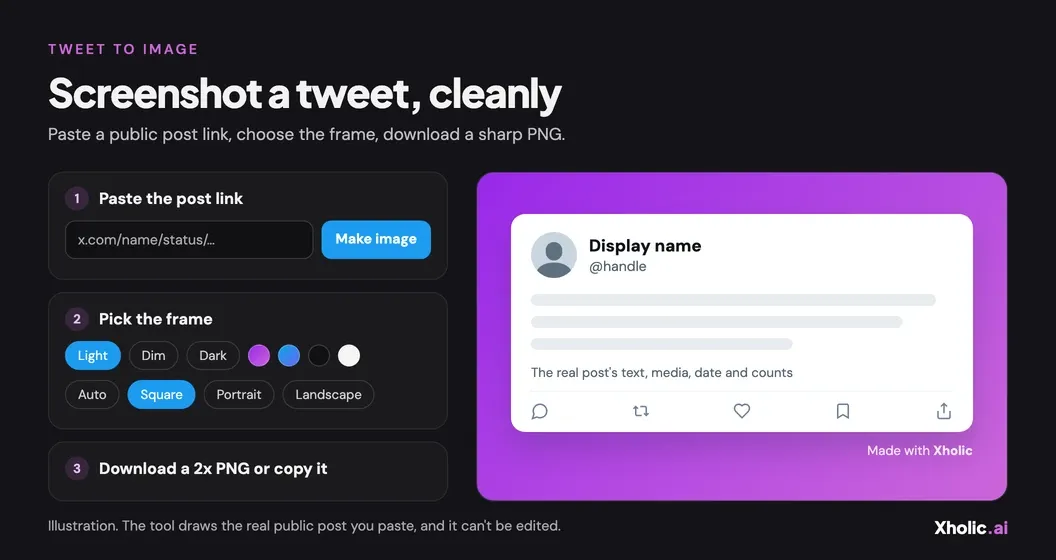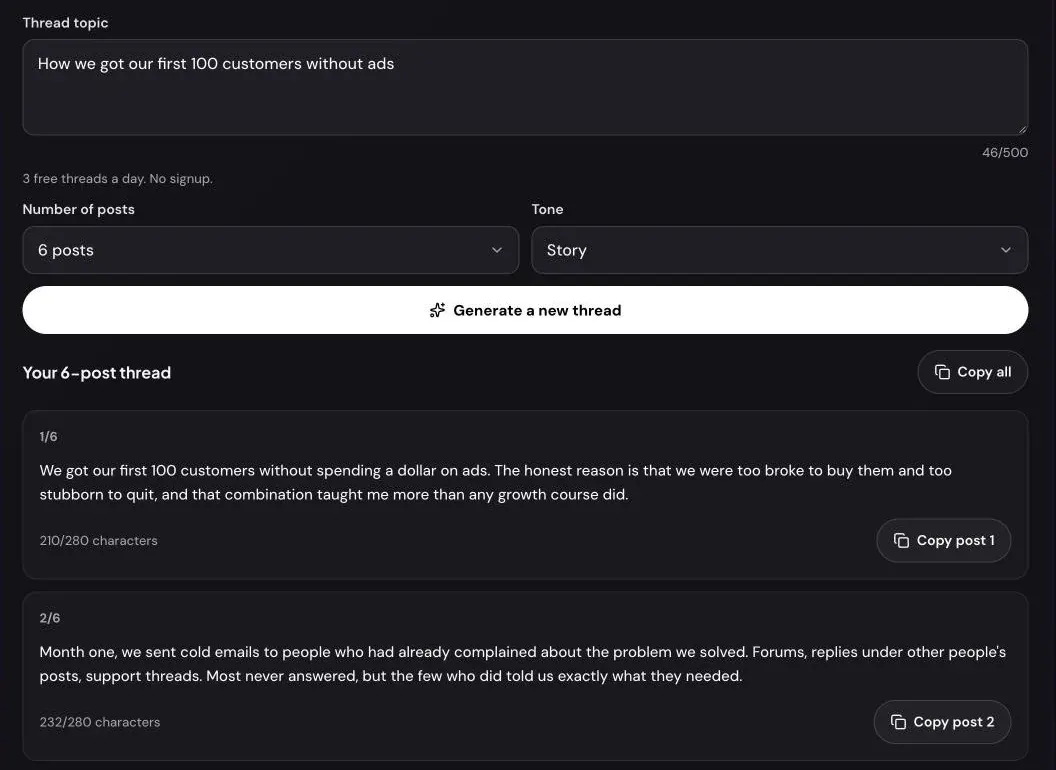
A thread lives or dies on its first post. If the hook doesn’t give people a reason to open it, the rest is never read, however good it is. A thread generator helps most when it gets that structure right: a hook that makes a promise, then one idea per post until the promise is kept.
This guide shows how to use Xholic’s free AI Thread Generator: what to type, how many posts to ask for, how to judge the hook, and how to get the thread onto X.
What the AI Thread Generator does
You describe a topic, choose a number of posts and a tone, and the tool writes a complete thread. The first post is the hook. Each post after it carries one idea, and the last lands the takeaway.
| Setting | Options | What it changes |
|---|---|---|
| Thread topic | Up to 500 characters | What the thread is about |
| Number of posts | 4 to 10 (6 by default) | How long the thread is |
| Tone | Insightful, Funny, Contrarian, Story, Punchy | How the thread sounds |
Every post stays under 280 characters, the limit for accounts without X Premium, so you can post the thread from any account. It’s free, needs no signup and allows 3 threads a day.
How to generate a thread, step by step
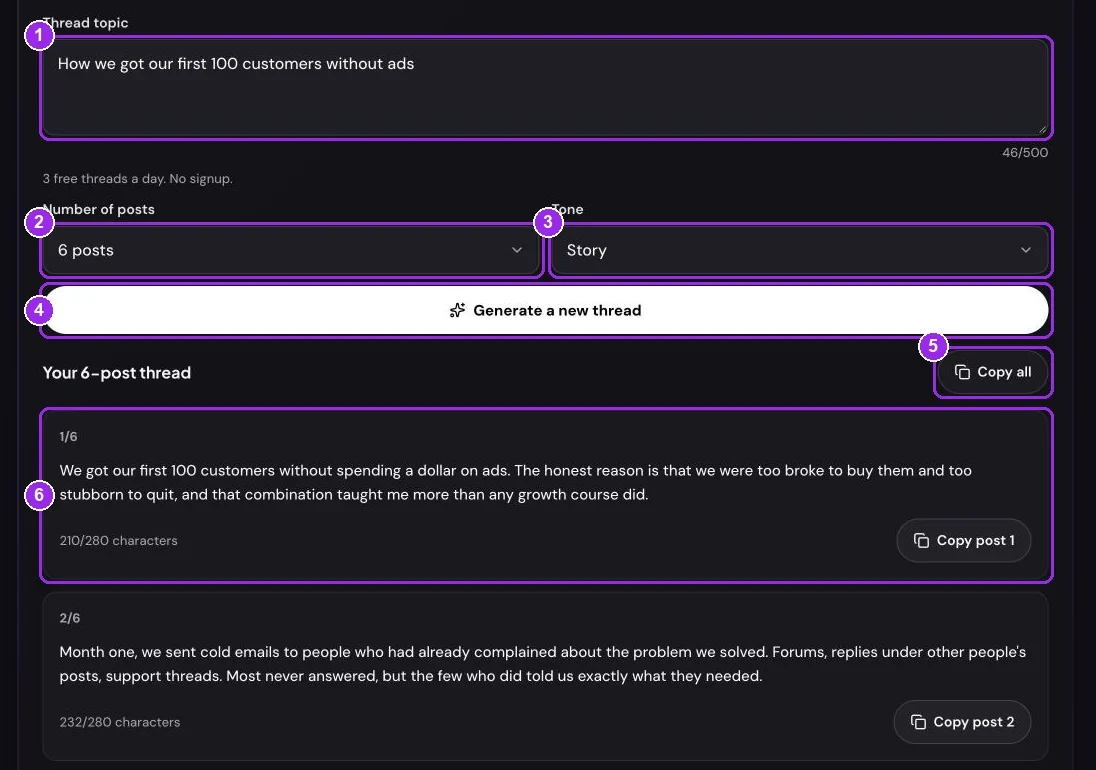
Step 1: Describe the topic and the angle
Threads work best when the topic already contains its structure. Compare:
- “Cold email” gives a general overview.
- “Mistakes to avoid when writing a cold email” gives a list, one mistake per post, with an obvious hook.
Good angles for threads are steps (“how we set up…”), lessons (“what a year of… taught me”), mistakes and stories with a turn. Type yours into Thread topic; it needs at least 3 characters.
Step 2: Choose the number of posts
Number of posts runs from 4 to 10. Six is a good default for most topics. Use 4 or 5 for a single argument and 8 to 10 for a step-by-step guide where each step needs its own post. A longer thread isn’t better on its own: every extra post is another place for readers to drop off.
Step 3: Pick a tone
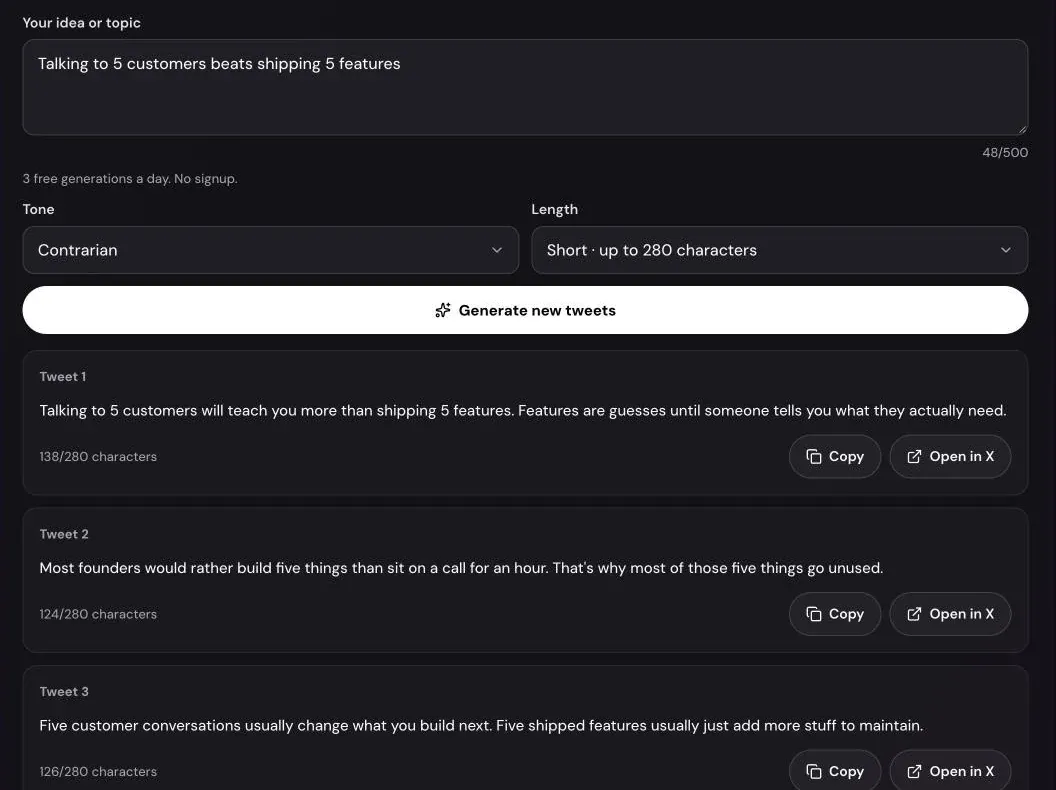
The five tones are the same as in the AI Tweet Generator: Insightful for lessons, Funny for observations, Contrarian for an argument against common advice, Story for a first-person account and Punchy for short, sharp lines. Story works especially well for threads, because a story gives readers a reason to keep going.
Step 4: Generate and check the hook first
Press Generate thread. The thread appears numbered 1/6, 2/6 and so on, each post with its count, such as “212/280 characters”. The numbers are only on screen; they aren’t part of the text you copy.
Read post 1 on its own. Would it make you open the thread if a stranger posted it? A strong hook names a result, a mistake or a claim the rest of the thread pays off. If it’s vague, reword the topic to include the payoff, such as “how we got our first 100 customers without ads” instead of “getting customers”, and press Generate a new thread.
Step 5: Edit, then post the thread on X
Before posting, go through the thread once:
- Replace general examples with real ones from your work.
- Cut any post that repeats an earlier one. A five-post thread that holds attention beats a seven-post one that sags.
- Check the last post states the takeaway plainly.
To publish, copy post 1 with Copy post 1, paste it into X’s composer, press + to add the next post, and repeat. Then press Post all. If you’d rather draft somewhere else first, Copy all copies the whole thread with each post under its own “1/6” line.
What makes a thread hold attention
- The hook makes a specific promise. “7 mistakes” or “what I’d do differently” tells readers what they’ll get.
- One idea per post. Each post should make sense if someone sees it on its own.
- Momentum in the middle. The middle posts are where most readers leave, so keep them short and concrete.
- A clear ending. Finish with the takeaway, not a request to follow.
Once the thread is live, the Twitter Thread Retention Calculator shows where readers dropped off, using each post’s views. For hook formulas and thread formats, read how to write a viral Twitter thread.
Thread generator or reply chain generator?
They solve different problems. The AI Thread Generator writes the text of a real thread for you to post. The Reply Chain Generator makes an image mockup of a thread, useful for slides, tutorials or previewing how a conversation looks. You can use both: write the thread here, then mock it up there.
Troubleshooting
“Describe the thread’s topic in a few words, like “mistakes to avoid in cold email”.” The topic field has fewer than 3 characters.
“You’ve used your 3 free thread generations for today.” Each visitor gets 3 threads a day. The message says when more are available. Failed attempts don’t count.
“The free AI writer has reached today’s limit for everyone.” The tool has a shared daily budget that resets at 00:00 UTC. The message shows that time in your timezone.
“We can’t write posts on that topic. Try a different one.” The writer declines hateful, sexual, violent or harassing topics and posts about private people.
The thread has more posts than I asked for. If a post comes back over 280 characters, the tool splits it at a sentence end instead of cutting it off, so you may get one or two extra posts.
Frequently asked questions
Is the thread generator free?
Yes, with no signup. You can generate 3 threads a day. Xholic’s app writes threads and posts in your own voice if you need more.
How many posts should a Twitter thread have?
Enough to deliver the idea and no more. Five to seven suits most topics, and step-by-step guides can run to ten. The tool lets you choose 4 to 10.
Are the posts short enough for a free X account?
Yes. Every post stays under 280 characters, which is the limit without X Premium, and each one shows its count.
Can the tool post the thread for me?
No. It never connects to your X account. You copy the posts into X’s composer and publish the thread yourself.
Why are the posts numbered on screen but not in the copied text?
Numbers like “1/6” take up characters and many accounts don’t use them. They’re shown to help you keep the order. Copy all puts each number on its own line so you can delete them easily.
What happens to the topic I type?
It’s sent to an AI model to write the thread. It isn’t attached to an account and the tool doesn’t save it.
Related guides and tools
- AI Thread Generator: a hook-first thread of 4 to 10 posts.
- AI Tweet Generator guide: turn one idea into three single tweets.
- How to write a viral Twitter thread: hook formulas, arcs and formats.
- Thread Retention Calculator guide: find where readers drop off.
- Reply Chain Generator guide: mock up a thread as an image.