Describe the topic
Write what the thread should teach or tell in up to 500 characters. Include the angle, such as 'what we learned' or 'mistakes to avoid'.
Turn a topic into a hook-first X thread of 4 to 10 posts, each under 280 characters with its count shown. Copy one post or the whole thread. Free, no signup.
Describe the topic, choose how many posts and a tone, and get a hook-first thread with every post under 280 characters.
See the full app
Click through a sample creator's account in the real app. No sign-up, nothing to install.
No sign-up or login needed · Takes about 2 minutes
AI thread writing
Most threads are lost in the first post. This generator writes the hook first: a specific promise or tension that gives people a reason to open the thread. Every post after it carries one idea, and the last one lands the takeaway.
Pick between 4 and 10 posts and a tone. Every post stays under 280 characters, the limit for accounts without X Premium, and shows its count, so you can post the whole thread from any account without trimming.
Copy posts one at a time as you build the thread in X, or copy the whole thread at once to paste into notes or a scheduler. Posts are numbered on screen, but the numbers aren't added to the text you copy.
How it works
Threads work best on a topic you can break into steps, lessons or a story with a turn.
Write what the thread should teach or tell in up to 500 characters. Include the angle, such as 'what we learned' or 'mistakes to avoid'.
Six posts is a good default. Use 4 for a quick point and up to 10 for a step-by-step guide.
If the first post wouldn't make you open the thread, change the topic wording and generate again.
Copy each post into X's thread composer in order, or copy all of them at once.
Examples
Three sample threads, shortened to their first four posts. Each shows the topic and settings that were entered.
Story · 6 posts
Insightful · 7 posts
Contrarian · 5 posts
What you get
Structured the way threads that get read are structured.
The opening post makes a promise the rest of the thread keeps, without 'A thread 🧵' boilerplate.
Posts that run long are split at a sentence end, so no post needs trimming in X.
Copy posts one by one while you build the thread, or the whole thread with each post on its own block.
Each post shows its length using X's weighted count, where emoji count as 2 and links as 23.
Use cases
Threads suit ideas that need more than one post to land.
How you set something up, in the order someone else would need to do it.
What a launch, a hire or a year taught you, one lesson per post.
A moment from your work told in order, ending with what you'd do differently.
Responsible use
Generated threads are drafts. Verify every claim, swap general examples for real ones from your work, and cut any post that doesn't earn its place. Your topic is sent to an AI model to write the thread and isn't attached to an account. Xholic AI is not affiliated with X Corp.
FAQ
Length, structure and how to post the thread.
Yes, with no signup. You can generate 3 threads a day. Xholic's app writes threads and posts in your own voice if you need more.
Long enough to deliver the idea and no longer. Five to seven posts suits most topics; step-by-step guides can run to ten. The generator lets you pick 4 to 10.
280 on a standard account. Every post this tool writes stays under 280, so the thread works whether or not you have X Premium.
A specific promise or tension in the first line: a result, a mistake or a claim people want explained. The generator writes the hook first and avoids filler like 'A thread 🧵'.
Paste the first post into X's composer, press the + button to add the next post, and repeat until the thread is complete. Then press Post all.
No. The Reply Chain Generator makes an image mockup of a thread. This tool writes the text of a real thread for you to post.
From free tools to workflow
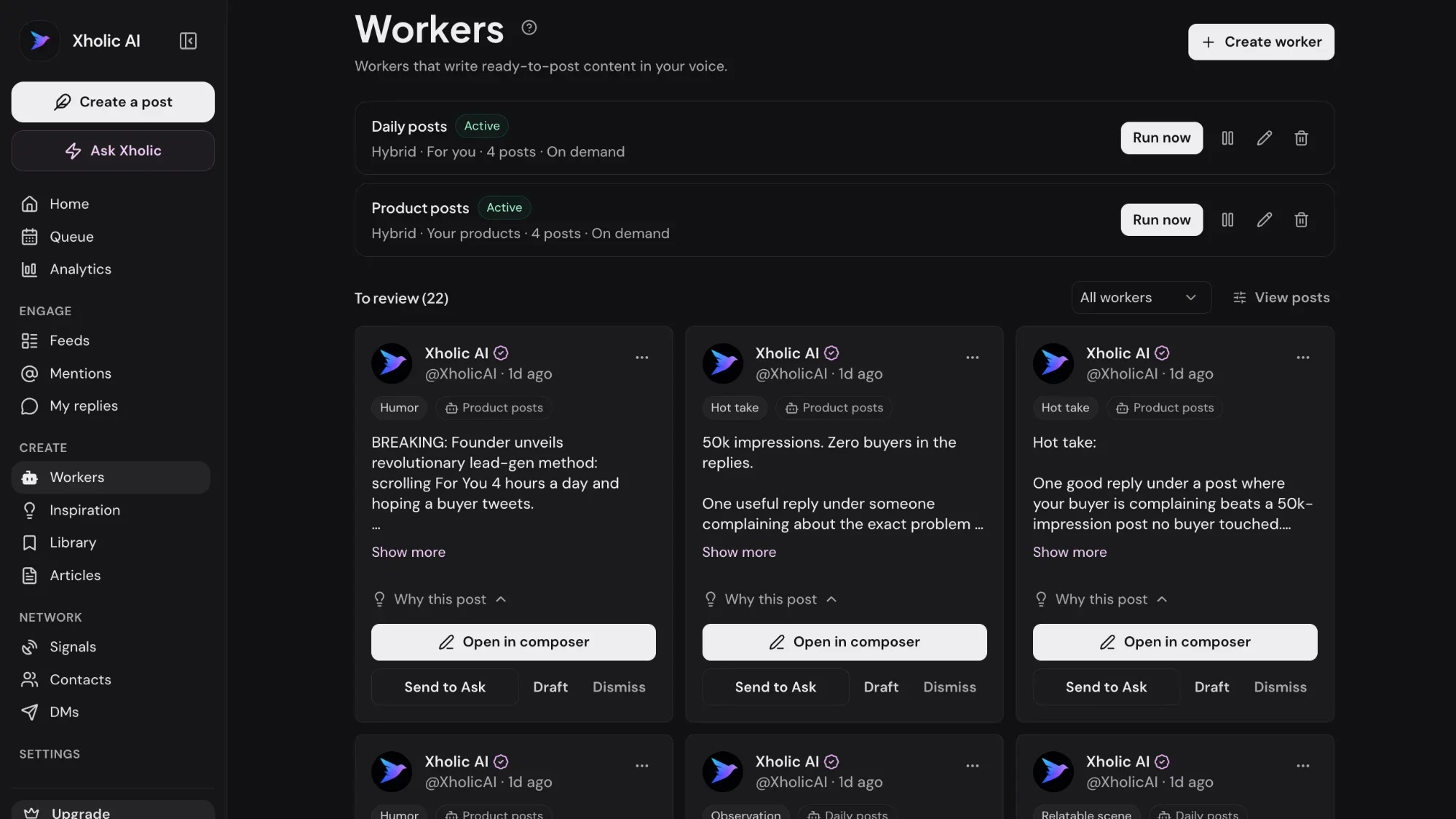
Xholic learns your voice from past posts and drafts threads and posts on your topics every day, ready to review and schedule.
$0 today · Card required · Cancel anytime
Browse all free toolsLive demo: no sign-up or login needed · takes about 2 minutes
Keep exploring