Describe your idea
Write the topic or point you want to make in up to 500 characters. A detail from your own work gives the tweets something only you could say.
Turn a topic or rough idea into 3 ready-to-post tweets. Pick a tone and length, see each character count, then copy or open it in X. Free, no signup.
Describe what you want to say, pick a tone and length, and get three tweets to copy or open in X.
See the full app
Click through a sample creator's account in the real app. No sign-up, nothing to install.
No sign-up or login needed · Takes about 2 minutes
AI tweet writing
Type a topic, a rough idea or a half-finished thought, pick a tone and a length, and the generator writes three different tweets about it. Each one takes its own angle, such as a lesson, a list or a bold claim, so you choose between real options instead of three rewordings of the same sentence.
Every tweet shows its character count the way X counts it, where an emoji counts as 2 and a link as 23. Short tweets stay under 280 characters, so they fit any account. Medium and long tweets go up to 500 and 1,000 characters for accounts with X Premium.
The writer is told to sound like someone posting from their own account: plain words, no hashtag spam, no emoji unless the tone calls for it, and no invented statistics. Copy the one you like, or open it straight in X's composer and edit it there.
How it works
The more specific the idea, the better the tweets. 'Why we stopped doing sales calls for deals under $5K' beats 'sales'.
Write the topic or point you want to make in up to 500 characters. A detail from your own work gives the tweets something only you could say.
Insightful for lessons, funny for observations, contrarian for a strong opinion, story for a moment from your week, punchy for short lines.
Short fits every account at 280 characters. Medium (500) and long (1,000) need X Premium.
Pick the best of the three, edit a word or two so it sounds like you, then copy it or open it in X's composer.
Examples
Three sample results. Each shows the idea and settings that were entered and one of the three tweets that came back.
Contrarian · Short
Insightful · Medium
Funny · Short
What you get
Built for posting, not for padding a content calendar.
Each request returns three tweets that approach the idea differently, so one usually fits what you meant to say.
Counts follow X's weighted rules, so a tweet that shows 270/280 here also fits in X's composer.
One click opens X's composer with the tweet filled in. Nothing is posted until you press Post.
At most one hashtag, and usually none. Emoji only appear when the tone is funny.
Use cases
It's best at turning a vague idea into a few concrete first drafts.
You know what you want to talk about but not how to open it. Three drafts give you a starting line.
Paste a lesson from a meeting, a customer call or a book and get it in tweet form.
See the same idea as a story, a contrarian take and a punchy one-liner before you pick one.
Responsible use
Generated tweets are drafts. Check every fact and number, remove anything you can't back up, and change the wording until it sounds like you. Your idea is sent to an AI model to write the tweets and isn't attached to an account. Xholic AI is not affiliated with X Corp.
FAQ
Limits, quality and what happens to your idea.
Yes. There's no signup, and you can generate tweets 3 times a day. Each time gives you three tweets. If you want posts written in your own voice every day, Xholic does that inside the app.
You describe an idea and pick a tone and length. An AI writer drafts several tweets, and the tool drops any that run over the limit, repeat each other or read like AI filler, then shows you the best three with their character counts.
Yes. Choose Medium for up to 500 characters or Long for up to 1,000. X only lets you post more than 280 characters with X Premium, so use Short if your account doesn't have it.
The writer avoids the usual tells: hashtag strings, emoji everywhere, words like 'game-changer' and invented statistics. Still, read each draft and add one detail from your own experience. That's what makes a tweet sound like you.
Open in X fills X's composer with the tweet in a new tab. You review it and press Post yourself. The tool never connects to your X account.
Start with what you did this week: a decision, a mistake, a number that surprised you or a question a customer asked. Type it in as the idea and let the generator find the angle.
From free tools to workflow
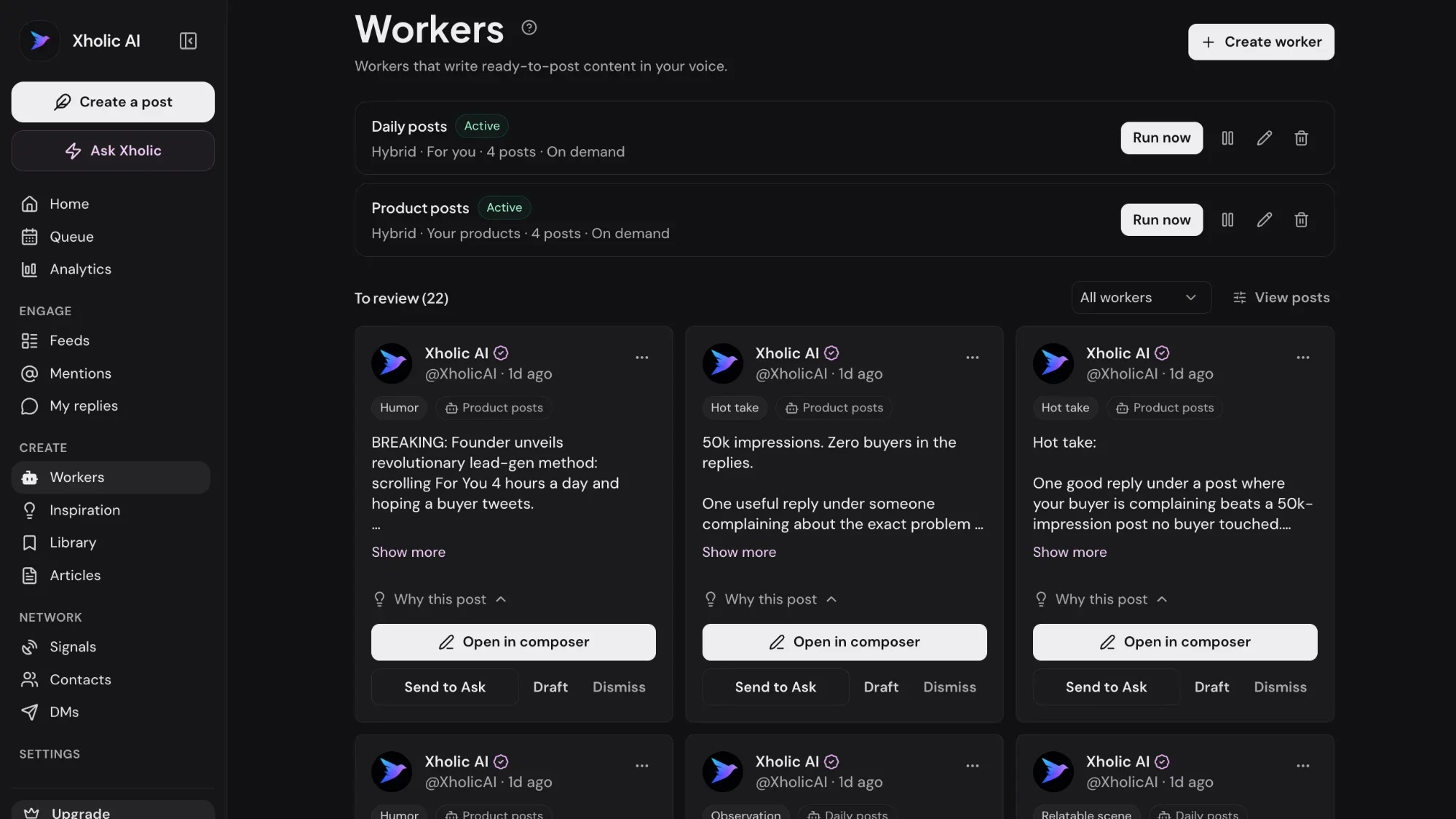
Xholic learns how you write from your past posts and drafts new ones on your topics every day, ready to review and schedule.
$0 today · Card required · Cancel anytime
Browse all free toolsLive demo: no sign-up or login needed · takes about 2 minutes
Keep exploring