Pro and Max include up to 5 connected X accounts and Ultra includes up to 10, counting your own. Every account connects through X's official sign-in. Compare plans
Do I pay per account or per seat?
Neither. One plan covers every X account you connect, and those accounts share the plan's AI credits and limits on a single bill. Sharing access with someone doesn't add a billed seat either.
What's the difference between adding an account and sharing access?
Adding an account puts another X profile under your plan, so you can switch to it and work as that account. Sharing access lets another Xholic user work inside your account as an Editor or with Full access, while you stay the owner.
Does each account keep its own voice?
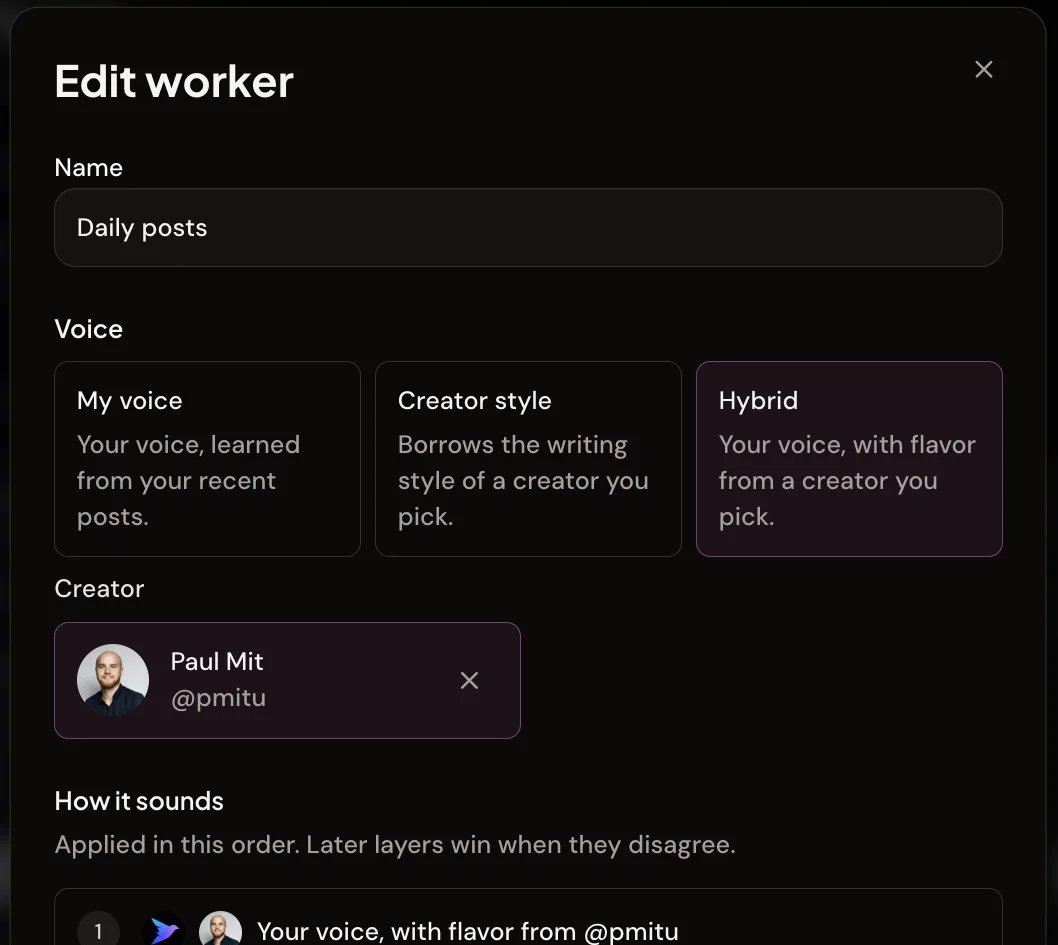
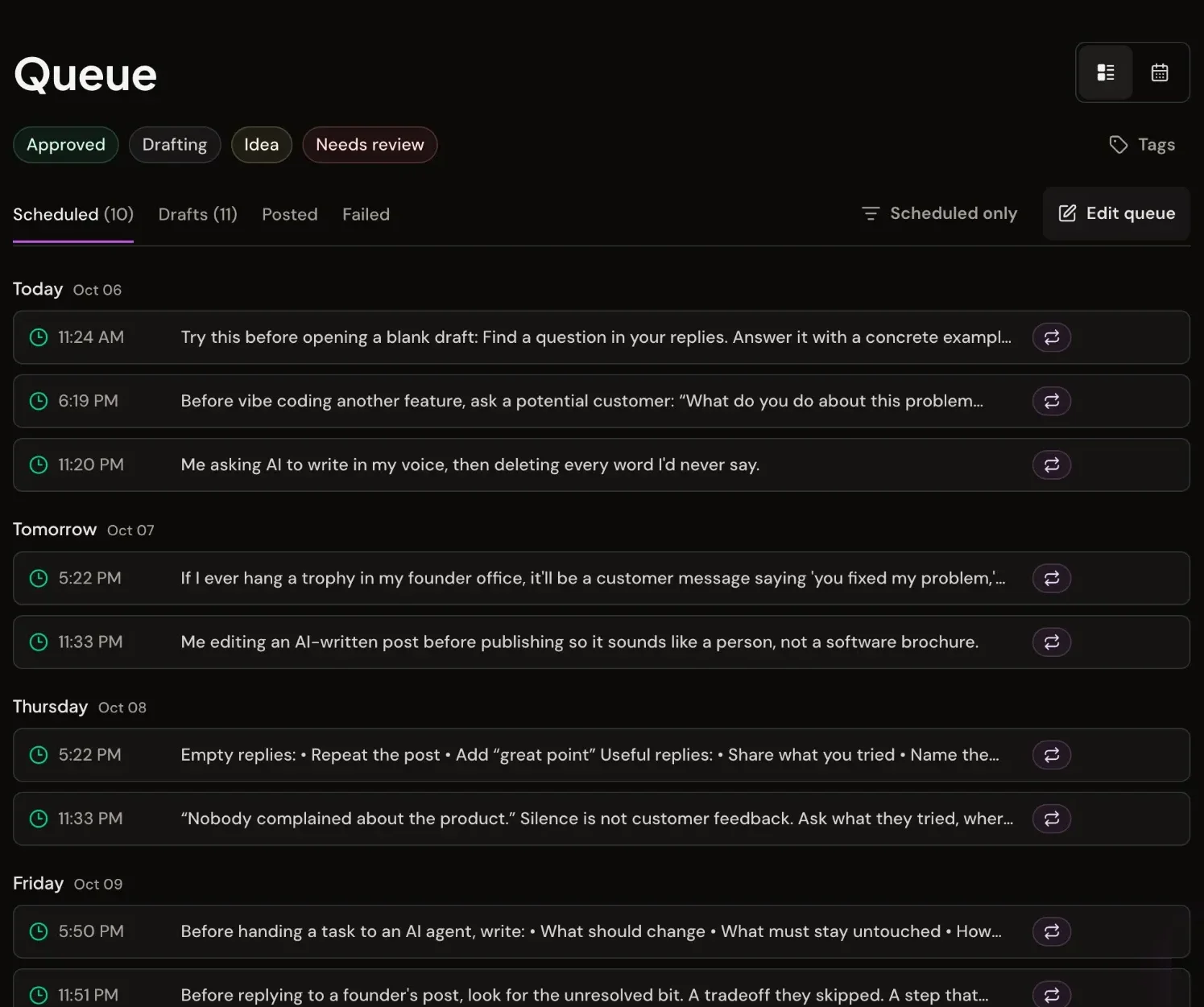
Yes. Every added account goes through its own setup and keeps its own drafts, queue, settings and AI context, so a client's posts never borrow your style.
Do I have to share my X password?
No. Added accounts connect through X's own sign-in, and shared access is granted to the other person's Xholic account. Nobody sees a password or an X token.
Do teammates need their own Xholic plan?
Yes. Both people need an active plan or trial to share access. Work a teammate does inside your account uses your account's credits, not theirs.
What can an Editor do?
Editors can write, schedule and publish posts, reply from Engage and the reply writer, write X Articles and use Ask Xholic. They can't change the account's AI context, send DMs, manage Signals or contacts, or change settings, schedule slots and automation rules. Full access can do all of that except billing, connecting accounts and sharing.
Can a client approve posts before they go live?
There's no built-in approval queue. Instead, you can send a read-only preview link to any unpublished scheduled post. The client opens it in a browser without an account, and the link expires after 30 days or when you revoke it.
Can I share an account I added to my plan?
No. Only a main account can be shared or receive shared access. To give someone access to a client's profile, the client's own Xholic account shares it with them.
What happens when I remove an account or someone's access?
Removing an added account keeps its content but stops its scheduled activity. Revoking shared access takes effect right away, and the other person gets an email letting them know.
xholic
For agencies and teams
Run every account from one place
Connect up to 10 X accounts, keep each voice its own, and bring in help without handing over a password.
We use analytics cookies and similar technologies to understand site usage and improve Xholic. Select Allow all to enable analytics cookies. Privacy Policy