Find your next customers on X
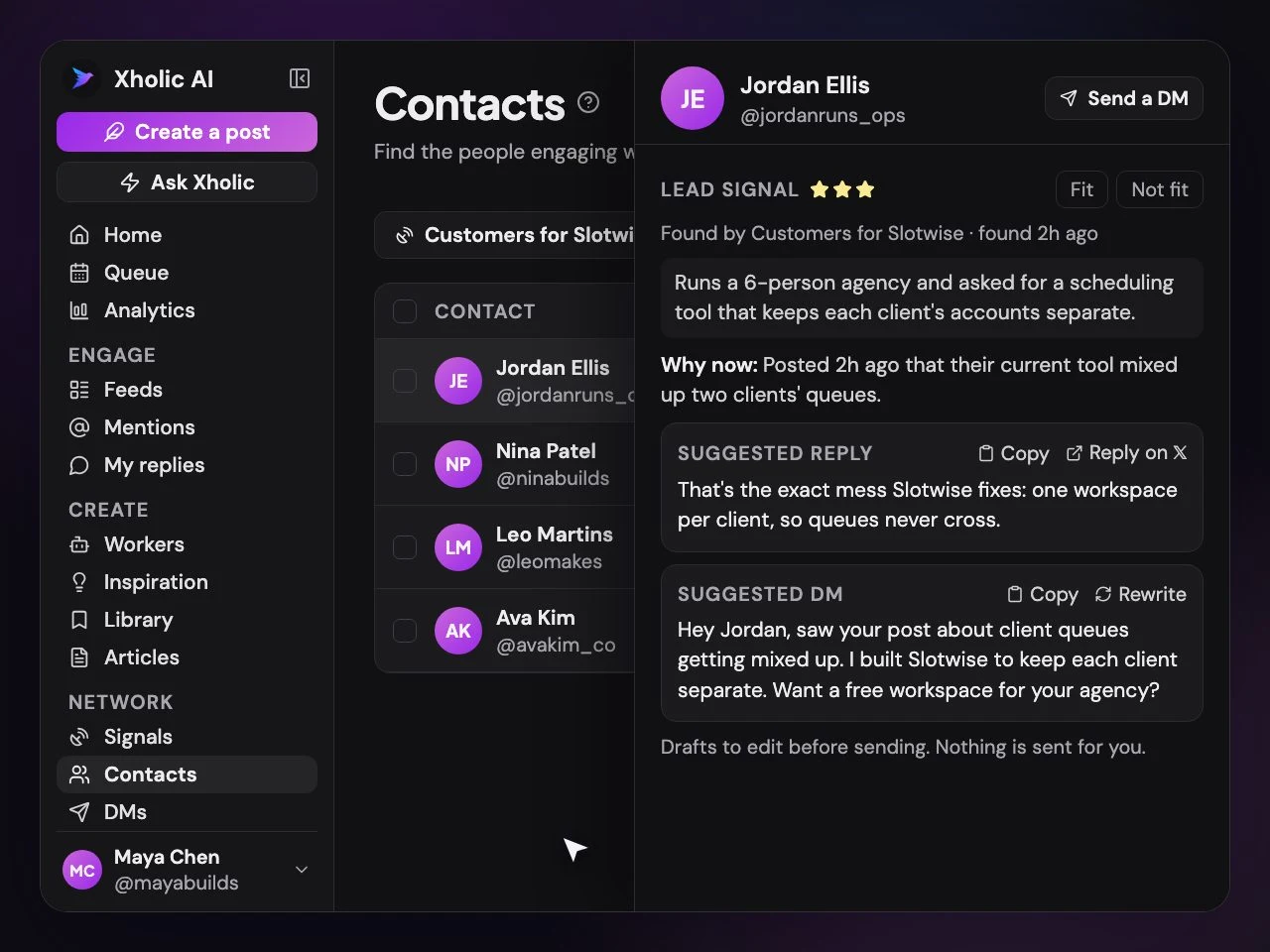
Add your product and Xholic watches X for people who'd buy it. Each lead comes scored, with why to reach out now and a reply and DM ready to edit.
Demo needs no sign-up. Trial needs no card.
The busywork
Customers are already on X, asking
Finding them by hand, and with Xholic.
| Task | By hand | With Xholic |
|---|---|---|
| Finding people | Keyword searches, by hand, every day. | Agents watch X around the clock: your competitors' audiences and anyone describing your problem. |
| Knowing who fits | A guess from a short bio. | Every person is scored by AI against your ideal customer, with the reason. |
| Timing | You find the post a week late. | Each lead says why now is a good moment to reach out. |
| The first message | A blank DM box. | A suggested reply to their post and an opening DM, ready to edit. |
| Following up | Reminders in a spreadsheet. | Up to two follow-ups that stop as soon as they reply. |
| Getting better | Starts from scratch each time. | Mark a lead as not a fit and that agent learns from it. |
How it works
From a post to a conversation
Start an agent, find the people, keep them in one place, and follow up while they're still interested.
Pick Find customers and Xholic lines up your competitors on X, writes searches and checks they find real people.
See Signals in the live demo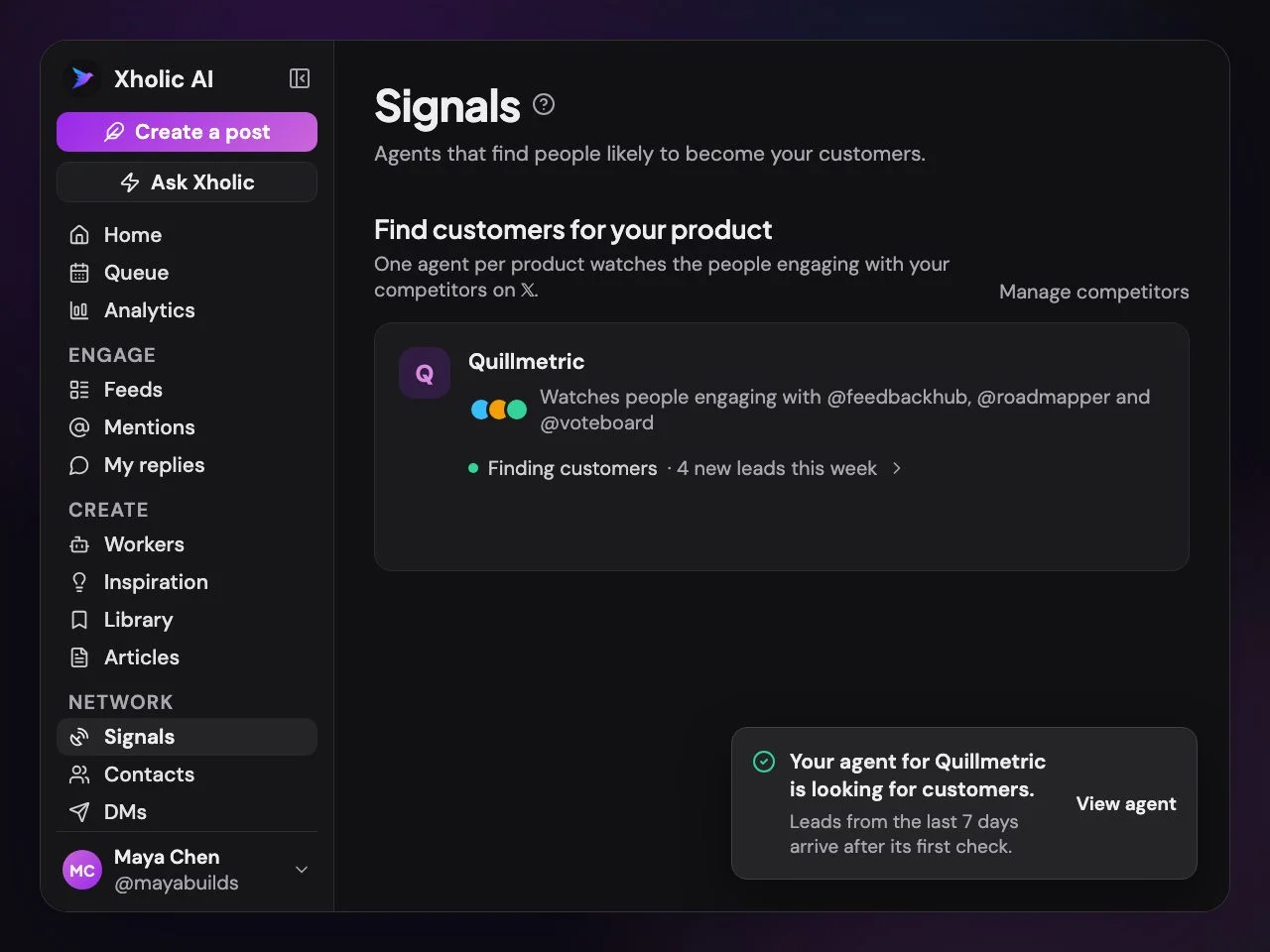
The agent watches the people engaging with your competitors and anyone describing the problem you solve.
See Signals in the live demo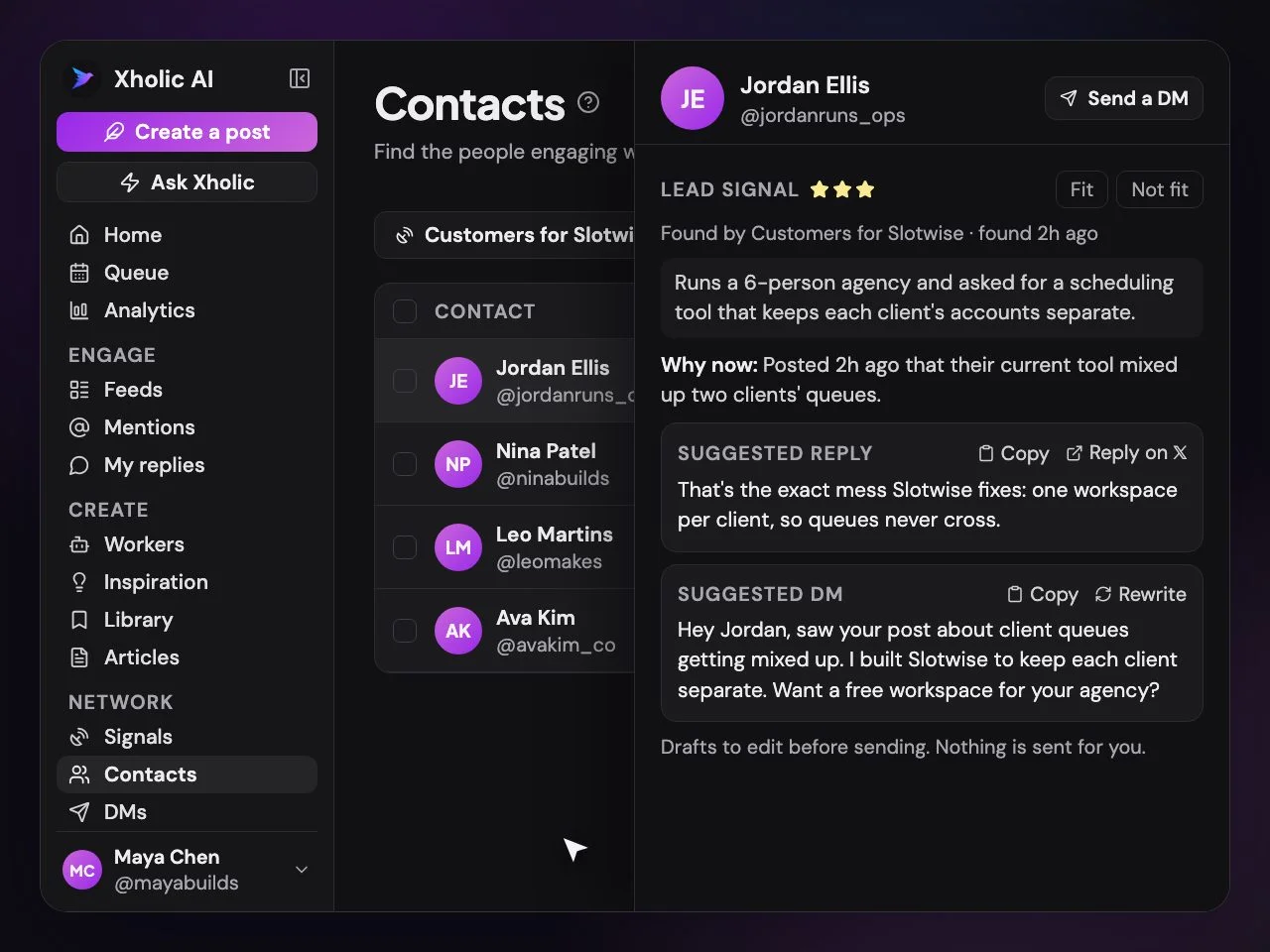
Leads, followers, repliers and reposters land in Contacts, sorted into lists you can act on.
See Contacts in the live demo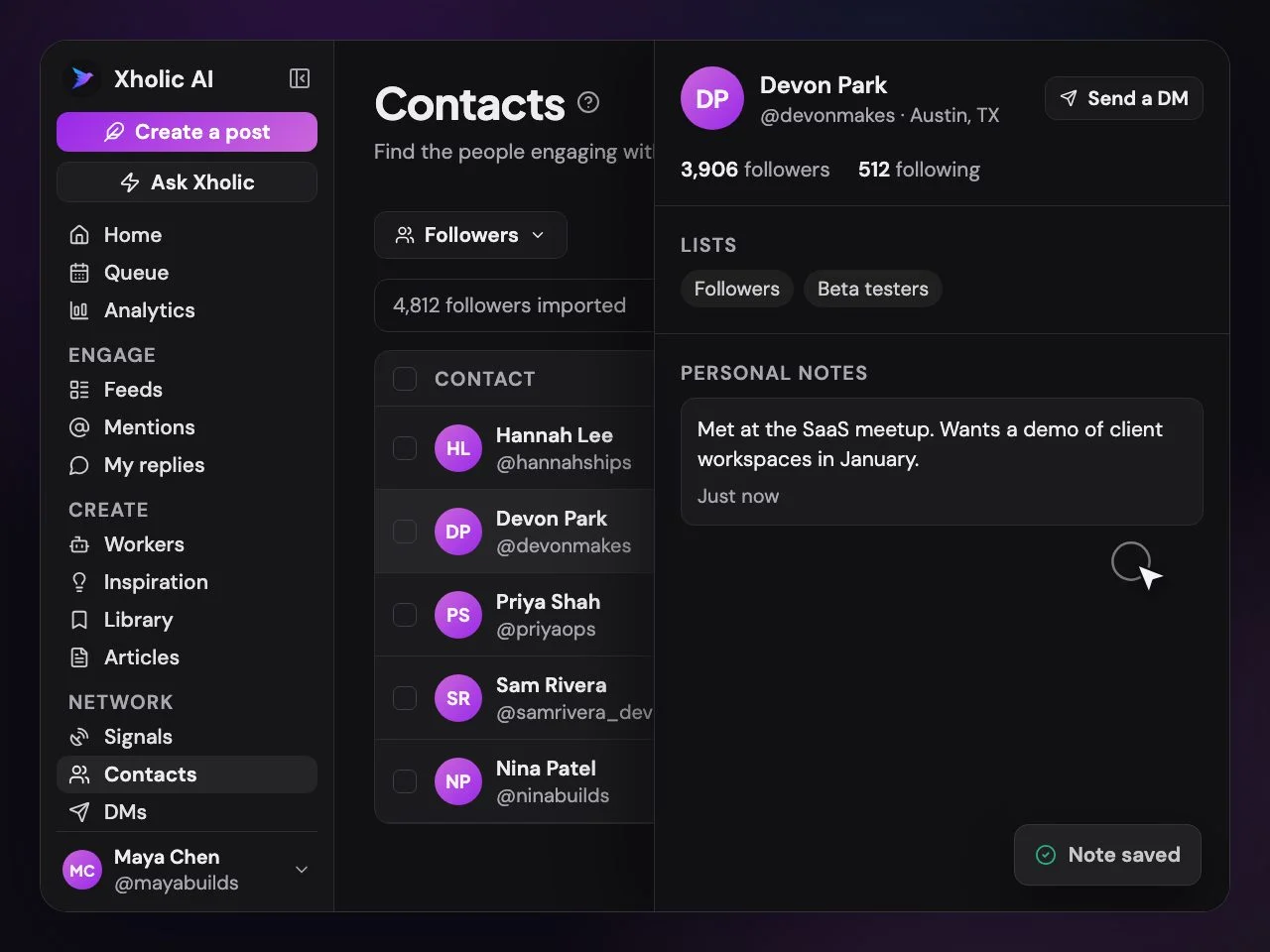
Reply on their post, send the opening DM yourself, or run a campaign with follow-ups that stop when they answer.
See DMs in the live demo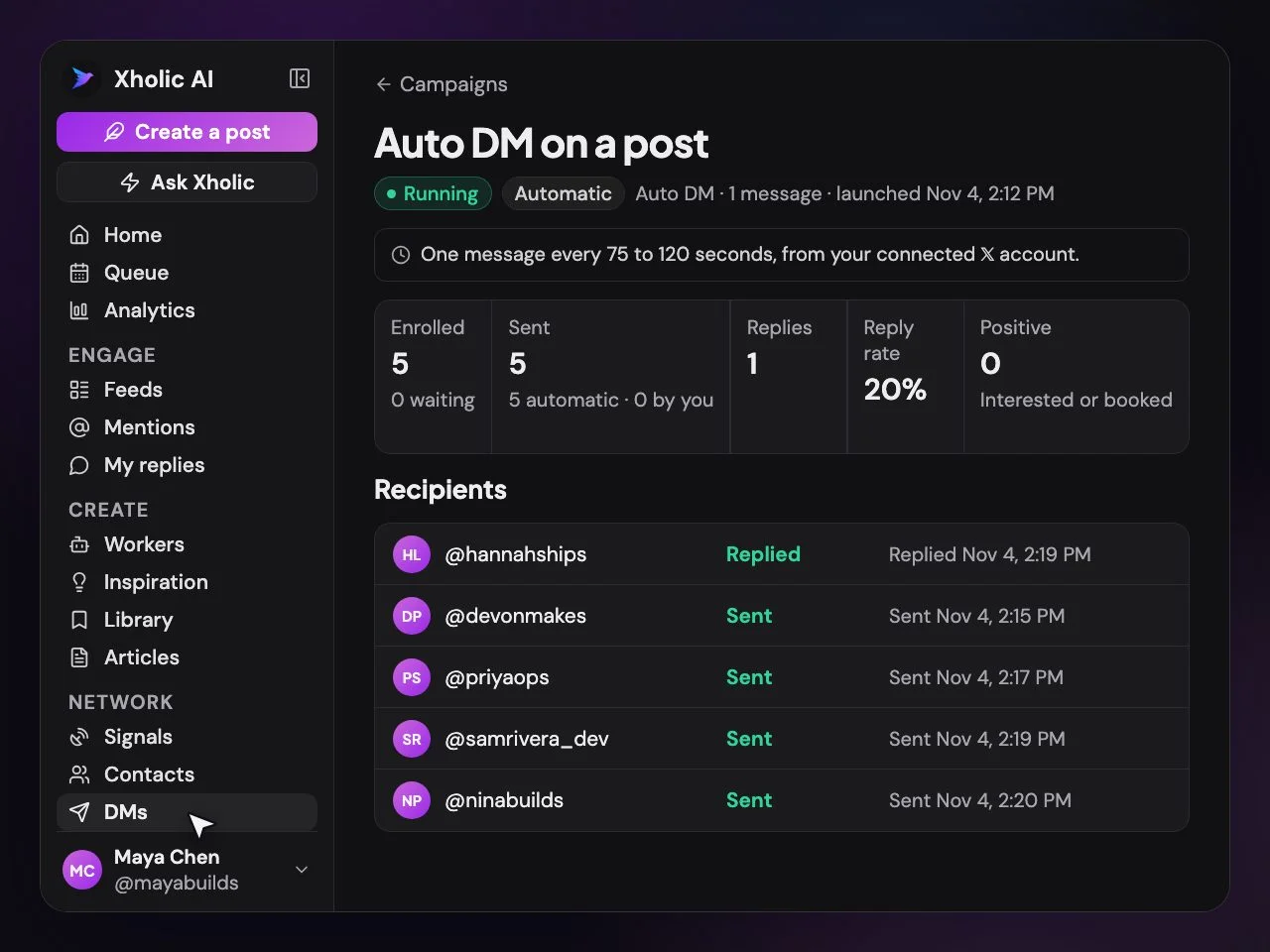
Reaching out
Follow up your way
Send every message yourself, or let Xholic send within careful limits.
Assisted DMs
Xholic prepares each message; you send it on X. Never counts against your plan.
Campaigns
Lists of up to 5,000 people, with up to two follow-ups that stop on a reply.
Auto DMs
Message everyone who replies to your post with a chosen keyword.
Reply inbox
Every reply in one place, with a lead status for each person.
Careful by default
Cold sends are capped per account per day, and "stop" is always honored.
Exclusion rules
Skip followers, existing conversations and anyone already messaged.
Plans
Lead finding on every plan
Signals and Find customers agents share one allowance. Assisted DMs never count.
| Plan | Price | Lead agents | AI-scored leads / month | Automated DMs / month |
|---|---|---|---|---|
| Pro | $19/mo | 1 | 1,500 | Packs only |
| Max | $29/mo | 3 | 9,000 | Packs only |
| Ultra | $99/mo | 8 | 24,000 | 300 |
The 7-day free trial includes one lead agent with a smaller budget. DM packs never expire and work on any paid plan. See everything in each plan
FAQs
Lead finding
How Xholic finds, scores and reaches people.
How does Xholic find customers on X?
You describe who you want to reach, or add your product and pick Find customers. A Signals agent then watches X around the clock: the people engaging with your competitors and anyone describing the problem you solve. Every person it finds is scored by AI against your description, and good matches go into a Contacts list.
What do I get with each lead?
Who they are, why they fit, why now is a good moment to reach out, a suggested reply to their post and an opening DM you can edit. Nothing is sent until you choose to send it.
How does it know who my competitors are?
You can type them in, or let Xholic find them with a web search. Before it suggests one, it checks that the X account really belongs to that company by matching it against the company's website.
Does the agent get better over time?
Yes. When you mark a lead as not a fit, with an optional reason, that agent learns from it. New searches are tried on the last 7 days of X posts first and kept only when they find real people who look like your audience.
Can Xholic send DMs for me?
Yes, in a few ways. Auto DMs message people who reply to your post with a keyword. Campaigns message a list of up to 5,000 people, with up to two follow-ups that stop as soon as someone replies. Or use assisted DMs: Xholic prepares each message in a daily queue and you send it yourself on X, which never counts against your plan.
Is DMing people this way safe for my account?
Xholic keeps outreach within careful limits: automatic messages to people who haven't contacted you are capped per X account per day, exclusion rules can skip anyone already messaged or already in a conversation, and anyone who replies "stop" isn't messaged again. For full control, assisted DMs let you send every message yourself.
How many leads and DMs are included?
It depends on the plan; the table above has the current numbers. Signals and Find customers agents share one allowance. Automated DMs are included on Ultra, and any paid plan can add DM packs that never expire. The free trial includes one lead agent with a smaller budget, so it finds fewer leads than a paid plan. Compare plans
Can I see my leads from Claude or ChatGPT?
Yes. Connect Xholic to Claude, ChatGPT, Grok or another AI and ask for your warmest leads, run an agent, rate a lead or draft a reply. New leads can also go to your own code through signed webhooks. Connect your AI
Meet the people who'd buy
Add your product, and Xholic starts finding the people already asking for it.
No card needed · Nothing to cancel
Compare plansLive demo: no sign-up or login needed · takes about 2 minutes
Keep reading
Go deeper
- Twitter lead generationThe full playbook for finding customers on X.
- Twitter DM automationWhat to automate, and what to send yourself.
- Twitter CRM toolsKeeping track of the people you talk to on X.
- The growth loopHow Xholic grows the audience your leads come from.
- Connect your AIAsk Claude or ChatGPT for your warmest leads.
- Plans and pricingLead agents, scored leads and DMs by plan.