Product launch
Launch on X with people already waiting
Most X launches get one burst of attention and fade by evening. Xholic helps you build interest before the day, run the day in your own voice and turn every "send me the link" into a conversation afterwards.
Demo needs no sign-up. Trial needs no card.
The problem
What gets in the way on X
Launching to nobody
If no one was waiting, the launch post reaches your usual audience and stops there.
Launch day is chaos
Replies, quotes and questions pile up while you're also fixing bugs. Slow answers cost the momentum the post earned.
Interest isn't followed up
Dozens of people say "interested" in the replies, and a week later nobody has written back to them.
How it works
How it works with Xholic
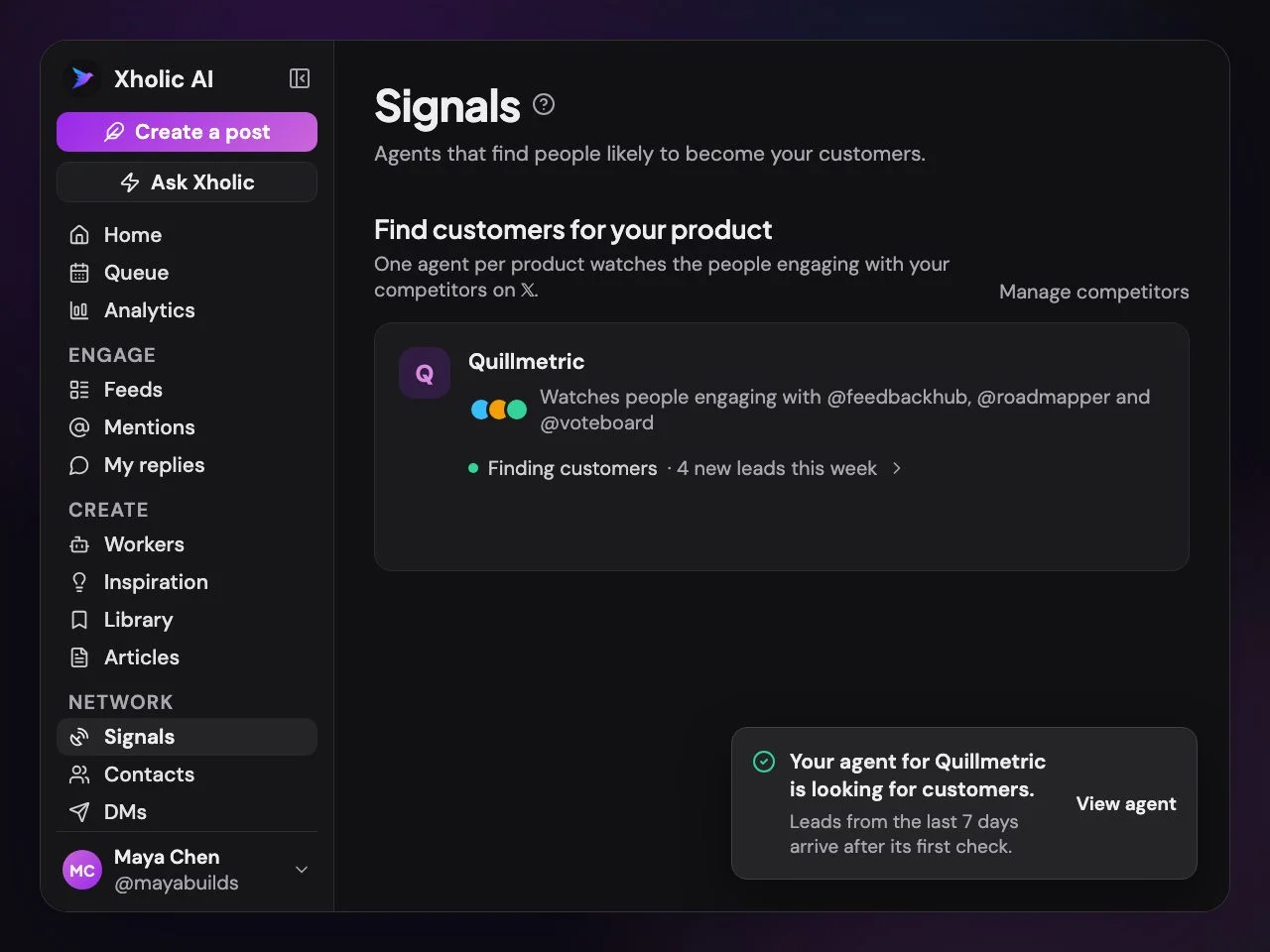
Save the product so every draft knows it. Find customers starts collecting people who describe the problem it solves, so you have a list to tell on the day.
Workers and Remix draft teaser posts from the product and proven launch formats. Ask Xholic's Product Launch Post guide plans the launch post itself.
See the editor in the live demo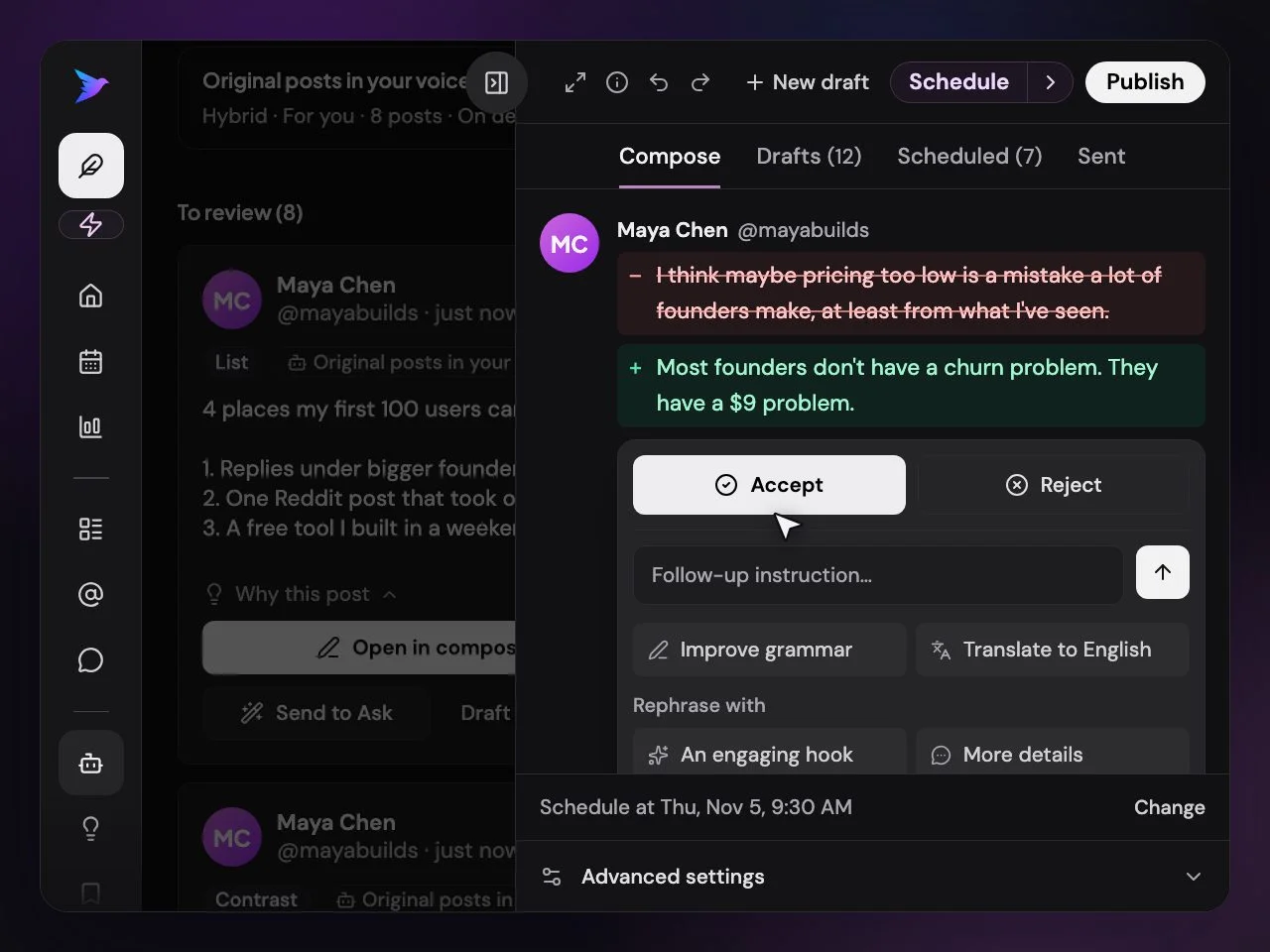
The Queue publishes the launch post or thread at the time your account does best, with media converted to X-ready formats automatically. Auto-plug can add your link in a reply under conditions you set.
See the queue in the live demo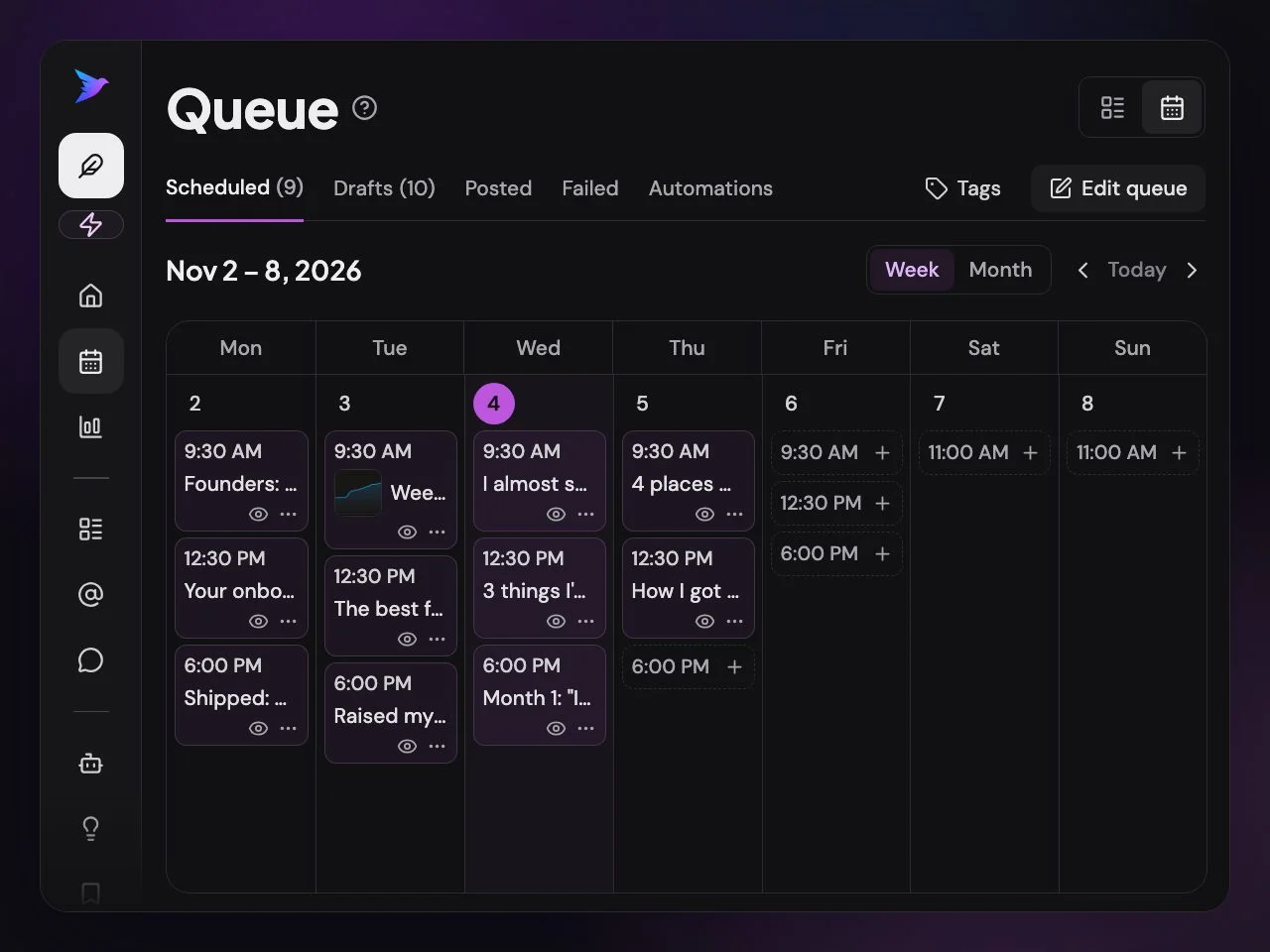
Set an Auto DM for people who reply with a keyword, like "reply LAUNCH for early access". Everyone who asks gets the link.
See automations in the live demo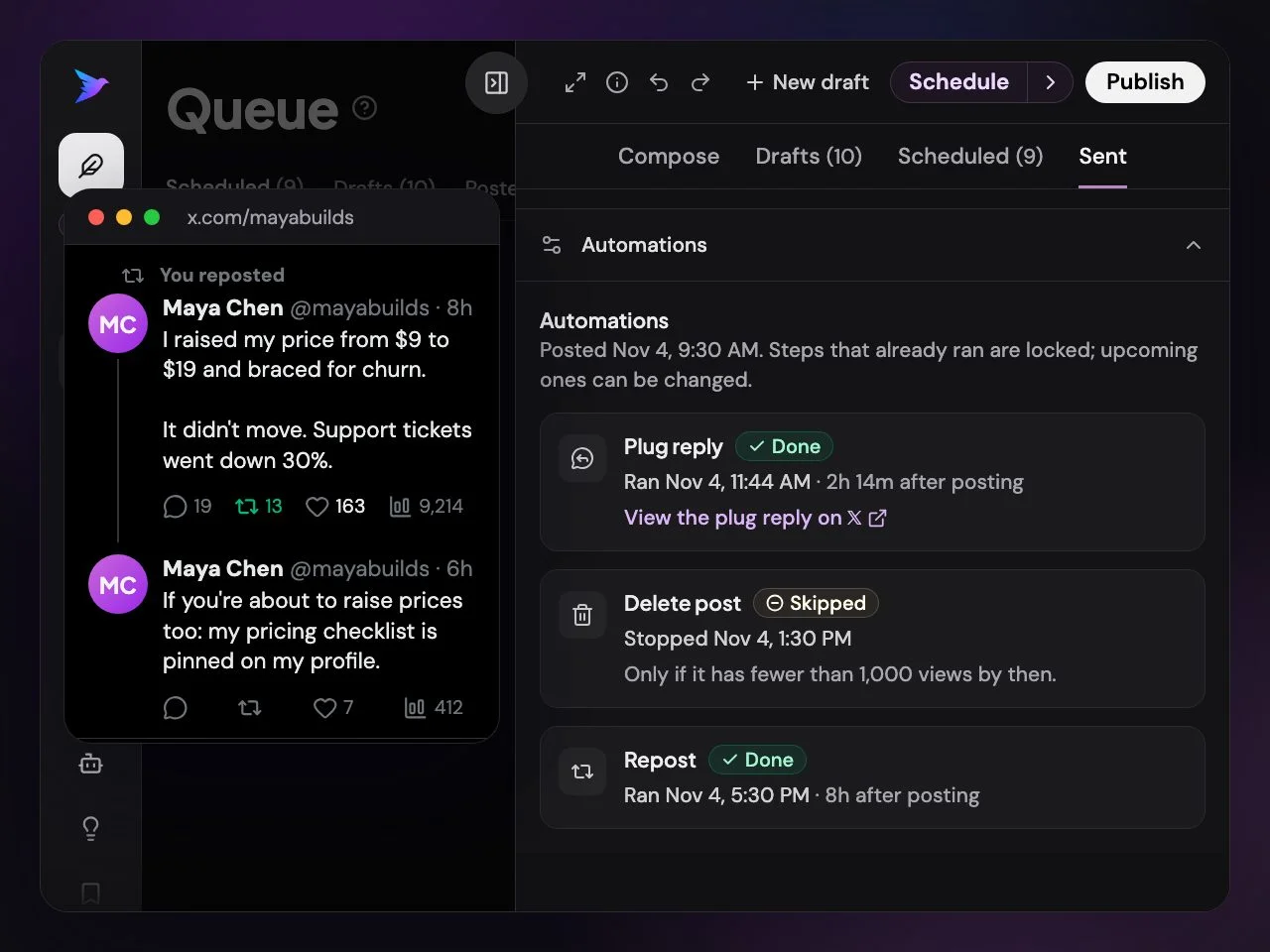
Reply to the people who engaged, DM warm leads with follow-ups that stop on a reply, and see whether the launch post took off against your usual.
See Analytics in the live demo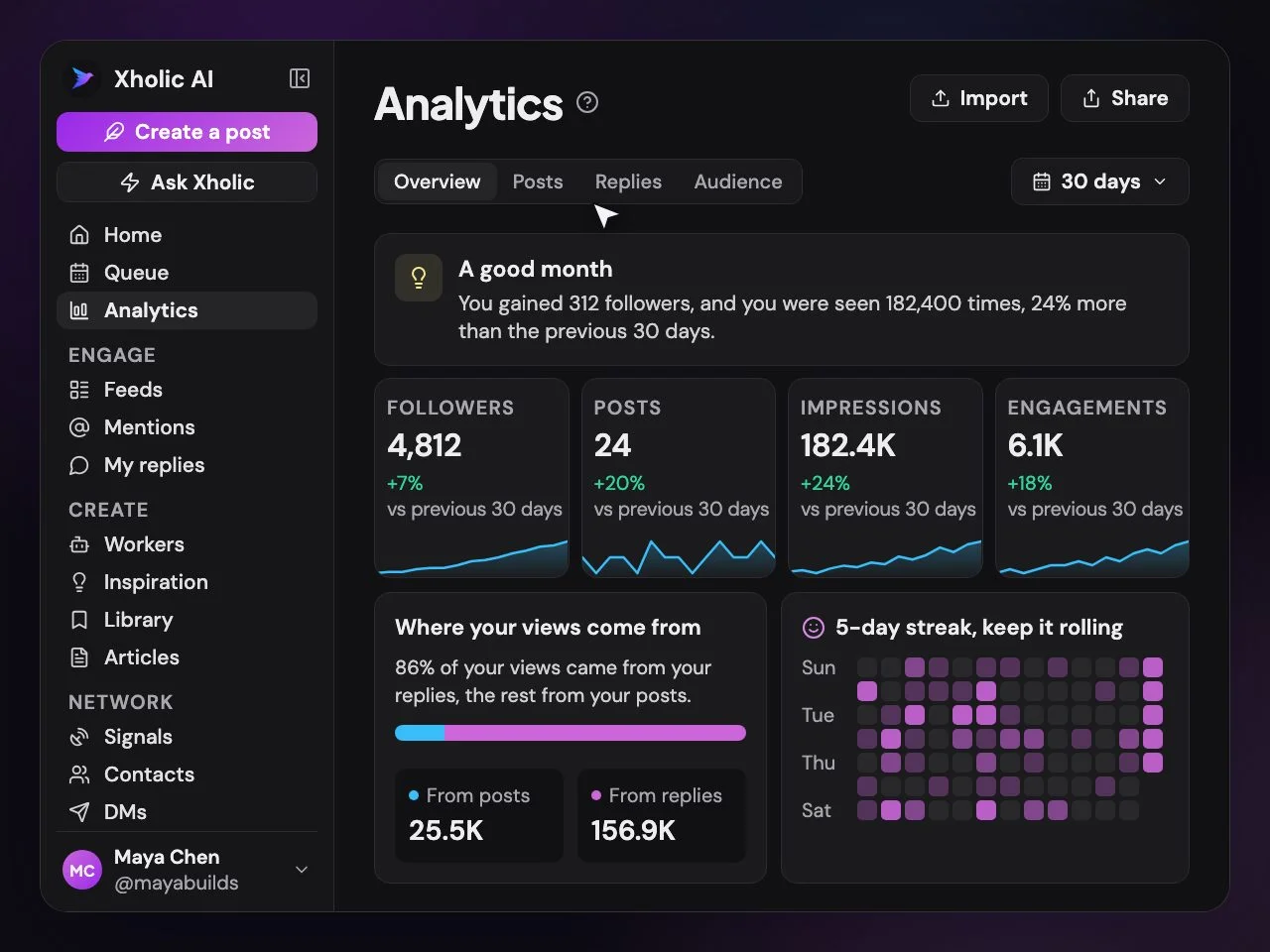
What you get
The parts of Xholic you'll use
A warm list before launch
Lead agents collect people who need the product before you announce it.
Queue and automation rules
Exact-time posting, auto-repost, auto-plug and auto-delete rules you switch on.
Keyword Auto DMs
Send the link to everyone who replies with your keyword, after you turn it on.
Taking off?
Compares the launch post's views with your usual at the same age, as it happens.
Fast replies inside X
The reply wand drafts answers in your voice while you handle the launch.
FAQs
Product launch: common questions
Straight answers about how it works, what it costs and what stays in your control.
When should I start preparing an X launch?
Two to four weeks before is a good rule. That gives lead agents time to collect interested people and gives you a few teaser posts to see what angle lands.
Can Xholic write the launch thread?
Yes. Ask Xholic's Product Launch Post guide drafts it from your saved product, in your voice and from proven launch formats. You edit and approve it before it's scheduled.
How do Auto DMs work on launch day?
You choose a keyword and write the message. When someone replies to your post with that keyword, optionally only if they also repost, they get your DM. Automated DMs come from a monthly allowance on Ultra or DM packs on any paid plan. Compare plans
Will Xholic post the launch for me?
Only the post you approved, at the time you chose. Nothing goes out that you haven't reviewed.
Can I launch from several accounts?
Yes. Founder and company accounts each keep their own voice and queue. See pricing for the number of accounts per plan. Teams
See it on your own account
Start the free trial, connect your X account with X's official sign-in and get your first drafts and leads today.
No card needed · Nothing to cancel
Compare plansLive demo: no sign-up or login needed · takes about 2 minutes
Keep reading
Keep exploring
- For SaaS companiesFind buyers for your SaaS on X and keep the founder account posting in their voice.
- For AI startupsGet an AI product heard on X when every timeline is full of launches that look the same.
- Build in publicBuild in public on X without inventing numbers: posts from your real milestones.
- DM outreachDM outreach on X with follow-ups that stop on a reply, daily caps and assisted sending.
- For foundersCustomers from X while you build: leads, posts in your voice, a weekly plan.
- Lead findingSignals and Find customers: people on X who'd buy what you sell.