You see a screenshot of a supposedly explosive post spreading across X (formerly Twitter). The wording sounds plausible, the profile photo looks familiar, and dozens of people are reposting it. Before you reply, quote-post, or save it as evidence, verify the account, the post, the attached media, the links, and the amplification pattern.
The reliable answer to how to spot a fake tweet isn’t one visual trick. Use a layered workflow. A screenshot can be fabricated, an account can impersonate someone real, or a genuine post can be stripped from its original context. The checks below help you distinguish those cases without trusting a single clue.
Why Fake Tweets Slip Past Even Careful Screenshot
A viral screenshot creates pressure to react before you verify. The post may appear to show a founder making an outrageous admission, a politician announcing a policy, or a company confirming a crisis. You open X, see people arguing about it, and treat the volume as indirect proof that the post exists.
That shortcut fails because fake tweets now arrive in several forms. AI-generated screenshots may never have appeared on X at all. Impersonator accounts can publish convincing posts under a familiar display name. Authentic posts can also be copied, cropped, or reposted with a misleading caption that changes what readers think the author meant. A free fake tweet generator can produce a convincing post card in a couple of minutes, which is exactly why a screenshot alone proves nothing.
Each form bypasses casual skepticism differently:
- Synthetic screenshots exploit trust in visual evidence. Readers inspect the words but overlook the layout, typography, metadata, or missing live URL.
- Impersonation accounts borrow recognition from a real person or brand. A similar avatar and display name can make a low-credibility handle look legitimate at a glance.
- Context-stripped posts use genuine material. The deception comes from the date, reply thread, omitted qualification, or unrelated caption.
Emotional speed makes the problem worse. Anger, fear, triumph, and surprise encourage immediate sharing, while verification feels slow and unnecessary. That pattern matters because false news in the MIT analysis was 70% more likely to be retweeted than true news, and false stories reached 1,500 people about six times faster than truthful stories, according to the MIT study of false news diffusion on Twitter.
Practical rule: The more a post demands an instant reaction, the more deliberately you should slow down.
Coordinated amplification adds another layer. A thin claim can look like consensus when many accounts repeat the same wording or URL. A 2024 summary reported that 10 superspreader users produced more than a third of low-credibility content during an eight-month period in 2020, while more than 70% of those posts came from 1,000 accounts. The same report cited earlier Knight Foundation research finding that 79.3% of tweets linking to fake and conspiracy news were concentrated on 24 outlets. Those figures support skepticism toward tight clusters of repeat amplifiers, not automatic judgment based on one account alone. Learn more about fake tweet construction and verification workflows.
Reading the Account Before You Read the Post
Start with the profile. Don’t let a dramatic post dictate your order of operations. A suspicious handle can invalidate the screenshot before you spend time analyzing punctuation or image pixels.
Check the handle, not just the display name. An impersonator may use a swapped character, an extra underscore, or a lookalike spelling while copying a company or creator’s avatar. Compare the handle with the identity’s official website, other verified channels, or links from a known account. A display name is easy to copy. The unique handle is the stronger starting point.
Then compare the account’s history with the claim:
- Join date and activity: A recently created account posting only crisis claims deserves scrutiny. An older account with a consistent history can still be compromised, so age alone doesn’t prove authenticity.
- Bio specificity: A real operator usually describes a role, project, interest, or point of view. Dense buzzwords without a clear identity are weaker evidence.
- Profile image: Default images, stolen headshots, and recycled brand graphics can signal impersonation. Use image search when the account claims to represent a public figure or organization.
- Pinned post: A useful pinned post normally establishes context. A vague slogan, copied announcement, or unrelated viral post tells you little.
- Location and links: Specific, consistent details are more useful than generic claims of authority. Check whether the linked site belongs to the person or organization.
Follower count is a poor trust shortcut. A 2026 USC study found that users spreading COVID-19 misinformation had fewer followers than users pushing back, which reinforces the point that reach and credibility aren’t interchangeable. Ordinary-looking accounts can spread misleading content, while a large account can publish an inaccurate or manipulated post.
For additional profile-level checks, browse Captapi Twitter how-to for practical profile inspection guidance.
| Signal | Suspicious Profile | Legitimate Profile |
|---|---|---|
| Handle | Uses swapped characters or extra punctuation | Matches the identity’s known handle |
| History | Repetitive reposts, sudden topic changes, or thin activity | Consistent interests and recognizable posting patterns |
| Bio | Generic authority language and dense buzzwords | Specific role, project, location, or expertise |
| Image | Default, stolen, or recycled avatar | Consistent image or identifiable brand asset |
| Pinned post | Vague slogan or unrelated viral content | Explains the account’s work or current focus |
Use identity alone as a reason to discount a claim when the handle clearly impersonates someone, the account has no credible history, and the profile offers no independent connection to the person or organization. Don’t call the post disproven yet. Treat it as unverified and move to the live-post check. A structured X profile audit guide can help you make this review repeatable.
Tweet-Level Red Flags in the Text and Metadata
Text rarely proves that a tweet is fake, but it can tell you where to spend your verification time. Look for manufactured urgency, suspicious attribution, and formatting that doesn’t match the account’s normal voice.
Common warning signs include:
- All-caps urgency: Phrases such as “BREAKING,” “SHARE THIS NOW,” or “THEY DON’T WANT YOU TO KNOW” push emotion before evidence.
- Invented quotations: A post places a polished statement inside quotation marks but provides no speech, interview, recording, or original publication.
- Vague attribution: “Sources confirm” or “insiders say” hides the person or document readers would need to check.
- Hashtag stacking: A cluster of trending hashtags can pull an unrelated claim into several conversations.
- Premature timing: The post claims to know an outcome before the relevant meeting, announcement, vote, or event has happened.
A defensible detection workflow combines text, account metadata, and network context. Research on fake-news detection systems has examined URL presence, mention and hashtag counts, punctuation share, vocabulary, follower and friend counts, reply and retweet activity, sentiment, and author behavior. The practical lesson is simple: read the wording, then inspect the account and propagation pattern. Text-only classifiers can miss a deceptive post that sounds completely normal. See the research on Twitter fake-news detection features for the broader feature set.
Metadata clues worth checking
Open the live post when possible. Confirm whether the client label says the web app, an official mobile app, or another publishing route. A client label isn’t proof of fraud, but a screenshot showing an implausible interface for the claimed period raises questions.
Read the thread structure. Missing numbering, a reply that appears before the supposed original, inconsistent timestamps, or a sudden change in writing style can indicate cropping or assembly. Cross-platform artifacts matter too. A screenshot may preserve a TikTok caption, Instagram line break, or Facebook-style reaction language that doesn’t belong in an X post.
A clean-looking tweet is only a clean-looking tweet. Natural grammar, correct spacing, and a familiar tone support plausibility, but they don’t establish that the account posted it or that the claim is true. Synthetic text can imitate a normal voice, and real accounts can publish false statements. Continue to the media, URL, engagement, and corroboration checks.
Verifying Screenshots and Images the Right Way
Don’t trust a screenshot because the thumbnail looks polished. Open it at full resolution and inspect the image as evidence, not decoration.
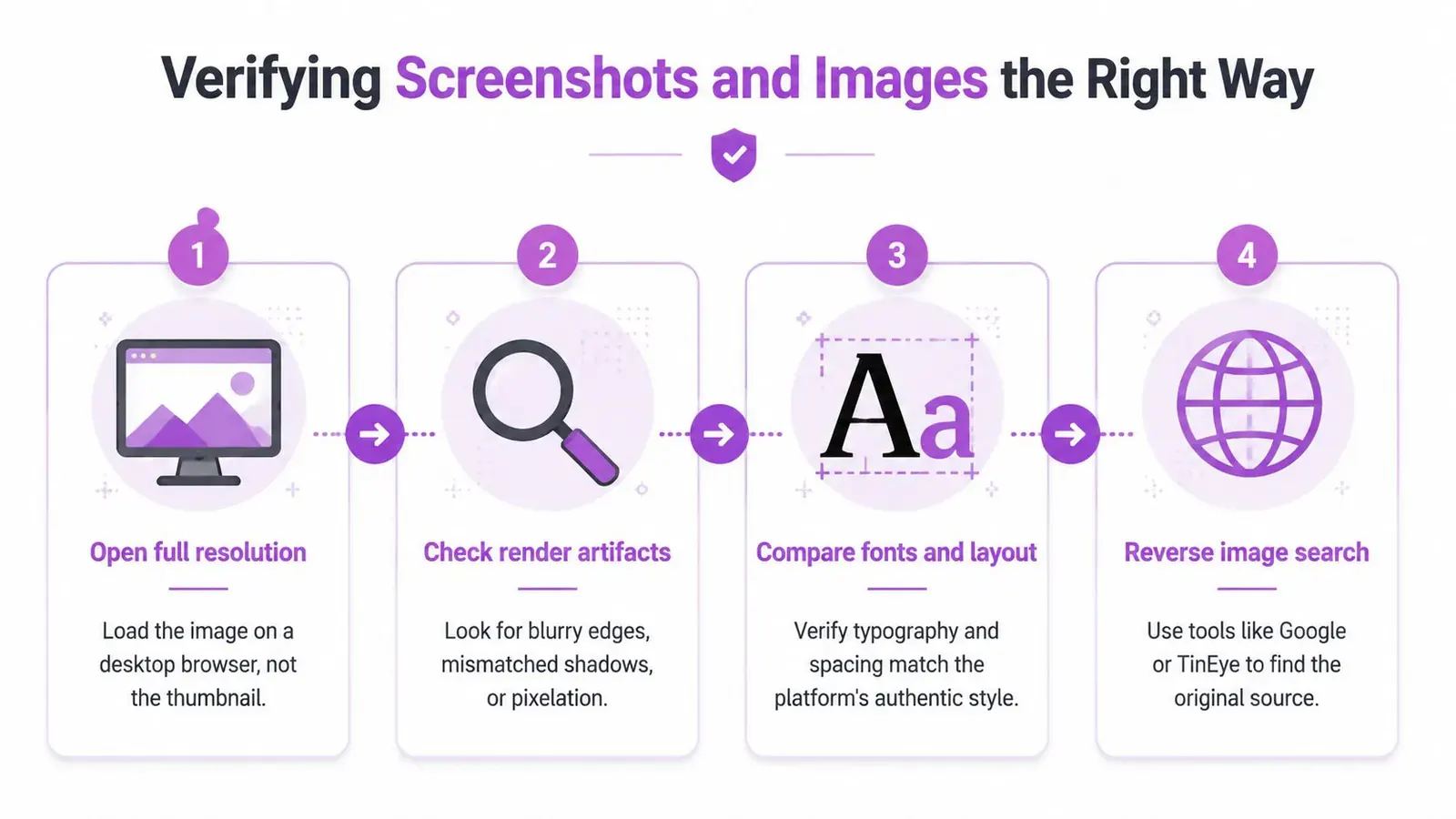
Use the same order every time
- Open the original file. Load the image on a desktop browser rather than relying on the compressed preview. Zoom into the username, timestamp, reply counts, icons, and edges.
- Inspect render artifacts. Look for blurry text, inconsistent font kerning, uneven spacing, misaligned counters, strange shadows, and pasted profile elements. Check whether the X interface matches the date the screenshot claims to show.
- Compare the layout. X changes visual details over time. Compare typography, icon placement, reply controls, spacing, and dark-mode treatment with authentic posts from the same period.
- Run a reverse-image search. Drop the screenshot or a distinctive crop into Google Images, Google Lens, TinEye, or Yandex. Earlier appearances can reveal recycled, misattributed, or debunked material.
Reverse-image results need interpretation. Identical matches across engines often indicate that the image has circulated before, but they don’t automatically prove the current caption is false. No result doesn’t prove an image is authentic either. It may be new, private, heavily edited, or AI-generated.
Use lighting, shadows, reflections, and text edges as supporting clues. Check EXIF metadata when the file still contains it, though screenshots and social platforms often remove metadata. If a news graphic appears in the image, visit the outlet’s actual site and search the headline, logo, and date rather than trusting the graphic.
The step-by-step image verification guidance from Humantext.pro is useful when you need a repeatable media review. For a practical file-handling workflow, you can also use the X image downloader to preserve media for examination.
Keep the routine short. Full-resolution inspection, a reverse-image search, and a direct search for the visible text can quickly separate a recycled screenshot from a post worth investigating further.
URLs, Engagement Patterns, and the Superspreader Tell
A plausible tweet can still funnel readers toward a malicious or misleading destination. Inspect the URL before opening it, especially when the post asks you to sign in, claim funds, download a file, or act before you can verify the story.
Shortened links hide the destination. Lookalike domains and unusual top-level domains can imitate a known publication, exchange, government agency, or software company. Link-in-bio redirects create another layer between the post and the final page. Expand or preview the destination where possible, check the spelling, and don’t enter credentials after following a link from an unverified claim.
Engagement patterns provide context, not a verdict. Sudden repost bursts, identical replies, and accounts that appear only to amplify one URL can indicate coordination. A cluster of low-follower accounts posting the same link in a tight window deserves more scrutiny than broad discussion from independent users with varied wording and histories.
Read ratios as clues, not verdicts
The table below gives directional interpretation. It isn’t a universal benchmark, because breaking news, celebrity posts, giveaways, and private communities produce different engagement shapes.
| Ratio | Organic Range | Suspicious Range | Likely Signal |
|---|---|---|---|
| Reposts to replies | Varies by topic and audience | Extremely one-sided activity | Broadcast amplification with little discussion |
| Early repliers repeating the same wording | Mixed language and opinions | Repeated phrases or identical calls to action | Copy-paste coordination |
| URL posts from related accounts | Spread across independent sources | Tight timing and repeated destination | Coordinated distribution |
| Likes and reposts over time | Gradual or event-driven growth | Abrupt burst without conversation | Artificial or organized amplification |
Don’t use raw engagement as proof that a tweet is credible. Misinformation on X can be concentrated among a small set of highly active accounts and sources, as the earlier research summary shows. Trace the accounts that appear repeatedly, compare their posting histories, and examine whether they share the same domains and phrasing.
A useful overview of how platforms identify suspicious behavior is Sift AI’s suspicious activity detection guide. Apply the same mindset manually: look for combinations of signals rather than declaring a post fake because one metric feels unusual.
Don’t confuse popularity with independent confirmation. Ten accounts repeating one claim still represent one information source if they all copied the same material.
Search, Archives, and Tools That Close the Case
The decisive question is often simple: does the post exist in the timeline? Search for the exact wording before debating the claim. If you only saw a screenshot, you need to find the live post, the original account, or a reliable record showing where the image came from.
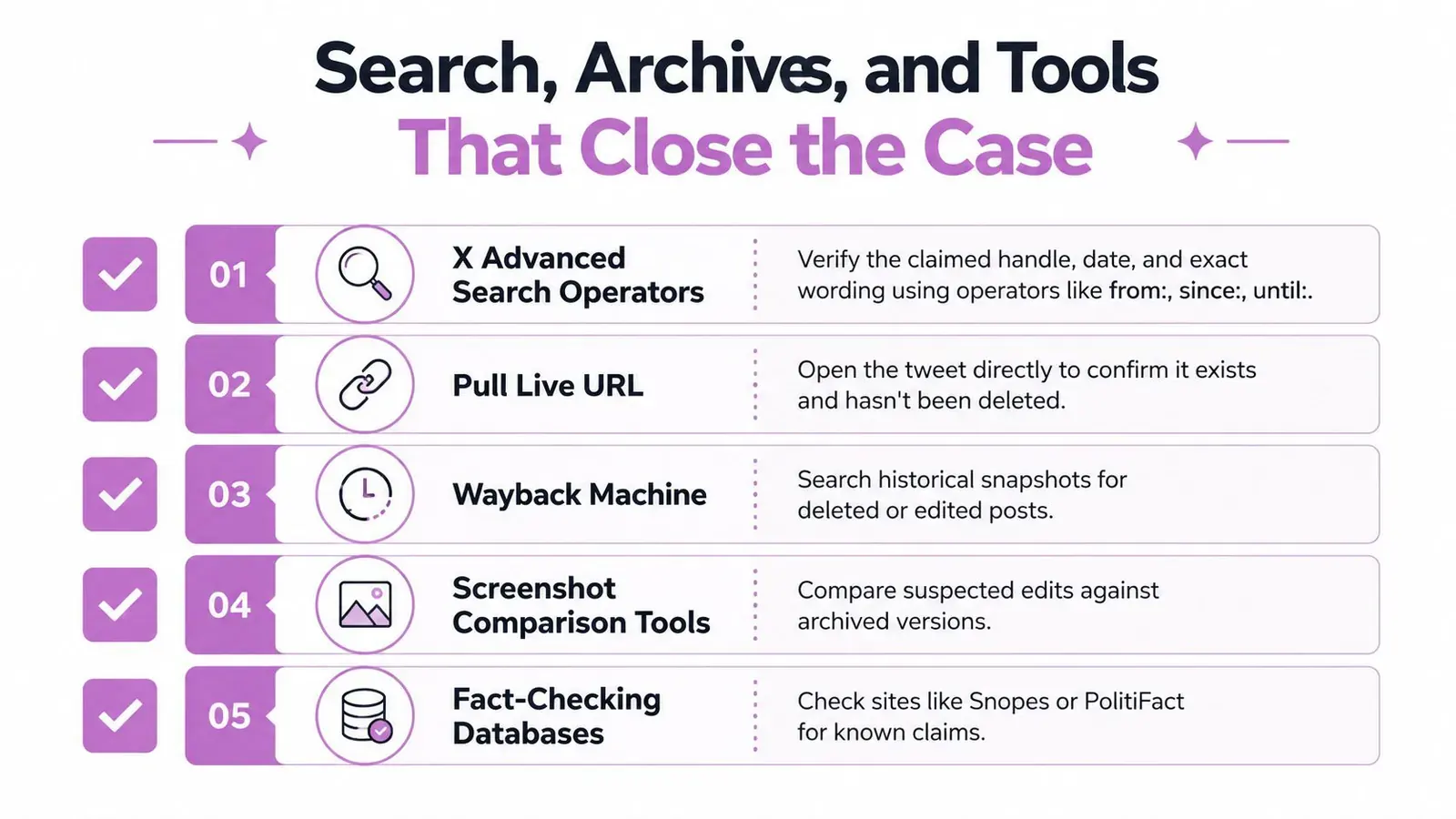
Follow a case-closing sequence
Search X first. Use the claimed handle and distinctive wording. X search operators such as from:, since:, and until: can narrow the result to a specific account and date range. Search a short exact phrase rather than the entire screenshot, since copied text may contain small formatting changes. This guide to X advanced search operators can help you construct precise queries.
Search the open web independently. Put the most distinctive phrase in quotation marks, then try Google, Bing, and DuckDuckGo. Search the alleged speaker’s name, the organization, and the claim separately. Different indexes surface different copies, archived pages, and fact-checks.
Open the live URL. A direct post URL is stronger evidence than a screenshot, but it still needs context. Check the handle, timestamp, replies, quote posts, edits or deletions, and whether the account’s current identity matches the screenshot.
Use archives carefully. The Wayback Machine and archive.today can preserve pages that later disappear. They may not capture every X element, and an archived page isn’t automatically authentic, but a dated snapshot can establish whether a post or profile existed at a particular point.
Preserve the evidence. Save the original screenshot, the direct URL, search queries, and relevant archive pages. Forensic tools such as FotoForensics and Forensically can provide additional image-level analysis, including indications of editing. Treat those outputs as clues that need human interpretation.
Bot scores and follower-history services can add context for account investigations. Social Blade and Tweet Binder may help you examine account history or activity patterns, but third-party scores aren’t proof of automation or deception. Use them to identify questions, then return to primary evidence.
Finish with corroboration. Search credible outlets, official statements, named experts, and original documents. If a major claim has no independent support after sustained public attention, that absence is a signal to weigh, not conclusive proof that the post is false. The strongest conclusion comes from several aligned checks: no live post, mismatched account, recycled image, dubious URL, and coordinated amplification.
Your Pre-Amplification Verification Checklist
Save this checklist and use it before you quote-post a screenshot or send it to a client. You don’t need a full investigation for every joke or low-stakes opinion, but you do need a quick pause before amplifying a claim that could damage someone’s reputation, move a market, or mislead your audience.
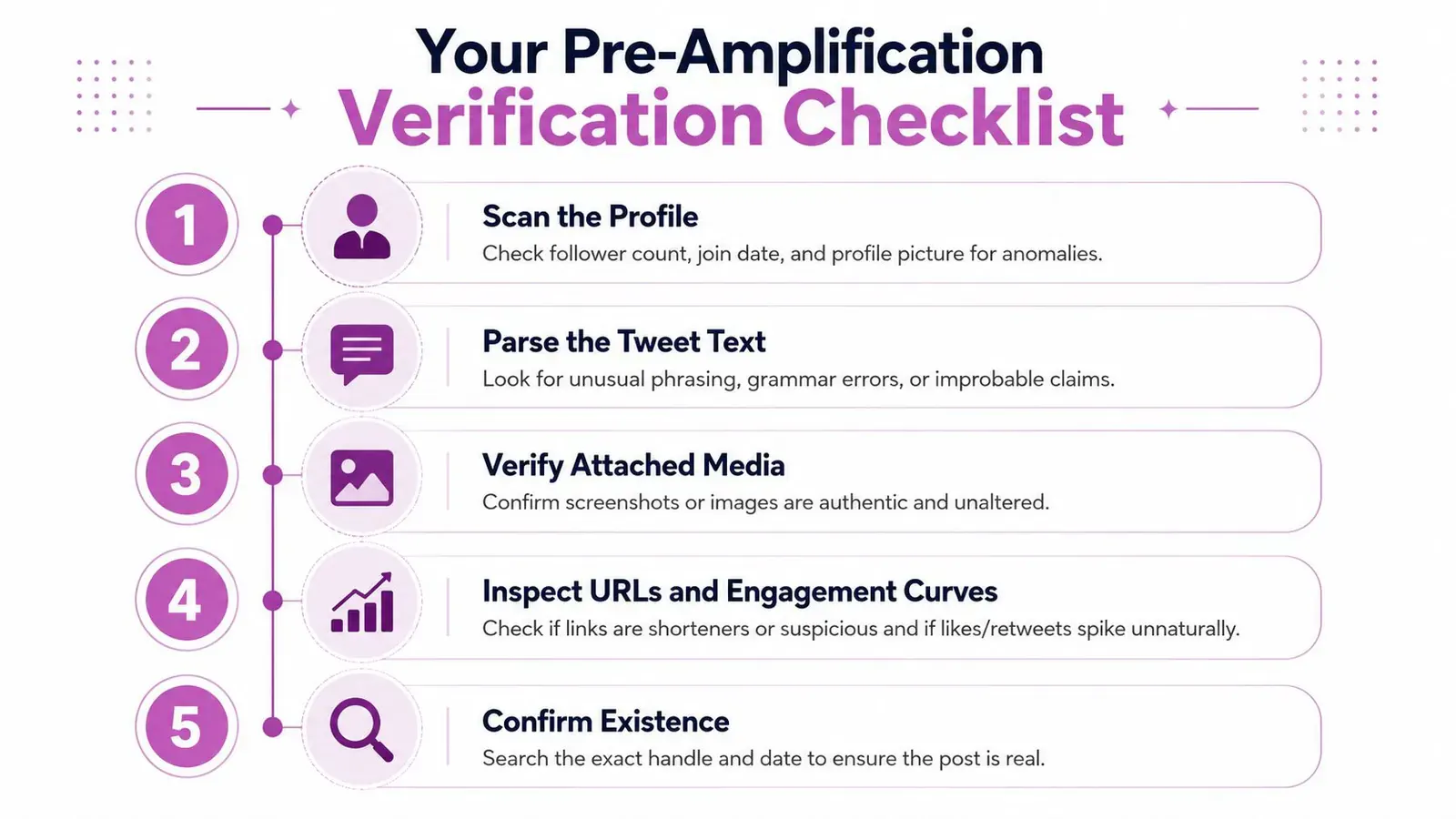
The 60-second triage
- Scan the profile. Confirm the handle, account history, join date, avatar, bio, pinned post, and external links. Ignore follower count as a standalone credibility signal.
- Parse the tweet. Look for emotional urgency, vague sourcing, improbable timing, unusual hashtags, invented quotes, and thread inconsistencies.
- Verify the media. Open the full image, inspect the interface and text, then run a reverse-image search. Search any visible headline separately.
- Inspect links and engagement. Expand suspicious URLs, check the destination, compare reply language, and look for a sudden burst from related accounts.
- Confirm existence. Search the exact phrase with the claimed handle and date. Open the direct post or an archive before treating the screenshot as authentic.
For a low-stakes post, stop after the triage if the account and live URL check out and nothing else looks abnormal. For a post worth replying to, take the deeper route: preserve the image, compare search results, inspect the account’s network, and find independent corroboration.
Decide what action the evidence supports
- Amplify: Only when the live post, account identity, media, and central claim have enough independent support.
- Reply cautiously: Ask for the original source or link instead of repeating the unverified claim in your own words.
- Save privately: Keep the screenshot and URL when it may matter later, but don’t add reach before verification.
- Report: Use reporting tools when the account impersonates someone, distributes scams, or targets people with demonstrably deceptive material.
- Ignore: Choose this when the post fails multiple checks and your response would only give it more attention.
Use a strict stop rule: two meaningful failed signals mean don’t amplify yet. A mismatched handle plus no live post is enough to pause. A recycled image plus a suspicious destination is enough to avoid the link. More evidence can change the decision, but engagement should never be your default while the case is unresolved.
Bookmark the search operators, reverse-image tools, and archive pages you use most. Mute obvious repeat amplifiers when they pollute your feed, and treat extraordinary claims as unverified until the account, post, media, network, and source all survive inspection.
Xholic AI helps you make better decisions on X without adding more noise, using personalized context to surface worthwhile conversations and shape relevant replies while you review and control every post before publishing. Visit Xholic AI to spend less time scrolling blindly and more time verifying, contributing, and building trust with the right audience.