Trying to grow on X (Twitter) usually breaks down in the same place. You know you should post more, reply faster, track what works, and stay visible, but doing all of that manually turns into tab overload and decision fatigue. The best Twitter marketing tools fix different parts of that problem: some help you discover better conversations, some keep your queue full, some give you analytics, and some make team workflow less chaotic.
Quick answer: if you’re a creator or founder focused on X first, use a tool built around discovery, drafting, and publishing on X. If you mainly need a clean scheduler, choose a lightweight publishing tool. If you run a team with approvals, reporting, and governance, pick an enterprise suite. X still matters at scale too. Sprout Social cites a 2026 estimate of 251 million daily active users and 557 million potential ad reach, so the channel is still big enough to justify a serious workflow.
1. Xholic AI

You open X to post, then lose 20 minutes scanning the feed, saving ideas, and replying in the wrong places. That is the problem Xholic AI tries to solve. It is built for the messy middle of X marketing: finding angles worth posting, spotting conversations worth joining, and turning both into a repeatable workflow.
That makes it a strong fit in the All-in-One Growth category, not the pure scheduling bucket. If your main bottleneck is ideation and reply volume, a calendar alone will not fix it. Xholic puts discovery, drafting, saving, remixing, streak tracking, and scheduling in one place so the workflow starts with live signals from X instead of a blank composer.
Why Xholic works well for X-first growth
The part I find most useful is semantic discovery. You describe a topic or angle, and Xholic pulls relevant posts, structures, and hooks based on meaning rather than a strict keyword match. For creators and social teams, that solves a real problem on X. Good ideas rarely use the same wording every time, so keyword search misses a lot of the patterns that are important.
The Chrome extension is the second piece that changes day-to-day use. While scrolling, you can save a post, remix it into a new draft, write a contextual reply, turn the post into a template, or log activity against your posting goals. Fewer tab switches sounds minor until you do this every day. It cuts the drop-off between seeing a good idea and turning it into something publishable.
A practical setup looks like this: use Xholic to find winning post formats and active reply opportunities, turn those into drafts, then send approved posts into a scheduler if your team already runs a separate queue. That job-to-be-done split is why this tool stands out. It handles discovery and response work well, which is where many X workflows break.
Practical rule: If the real blocker is weak ideas or inconsistent replies, start with a discovery-first tool before adding more scheduling software.
Useful Xholic features for creators and marketers:
- Inspiration: Search indexed tweets by meaning, then filter by likes, followers, date, and media type.
- Steal the Structure: Break a strong post into hook, tension, payoff, and reusable format.
- Tweet Remixer: Rewrite proven posts into an original draft in your voice.
- Reply Deck and AI Reply Composer: Find active conversations and draft replies that still need human review.
- Daily Pack: Generate ready-to-edit post ideas suited for your niche and style.
- Goals and Streaks: Track consistency and remove the mental load of remembering whether you posted.
- Smart Scheduler: Queue approved posts into recurring slots after review.
Best fit and trade-offs
Xholic fits founders, indie hackers, creators, analysts, and social media managers who treat X as a primary channel. It is also useful if you want mockup utilities in the same ecosystem, including the fake tweet generator, quote tweet mockup tool, and reply chain generator for approvals, decks, and campaign planning. Those tools are practical when you need to test creative, present concepts to clients, or build examples before a campaign goes live. Label mockups clearly when needed, and do not use them to impersonate people or mislead viewers.
There are trade-offs. The strongest workflow depends heavily on the Chrome extension, so teams that prefer a locked-down browser setup may feel friction. Some scheduling features are still developing, which matters if you need a mature multi-network publishing tool more than an X-specific growth workflow.
If your stack already includes a scheduler like Buffer or Typefully, Xholic can fill the discovery and reply gap instead of replacing everything. That is the right way to evaluate it. Use it for research, remixing, and conversation mining, then route polished posts into the publishing system your team already trusts. For a practical growth playbook, Xholic’s guide on organic Twitter growth is worth reading.
2. TweetHunter
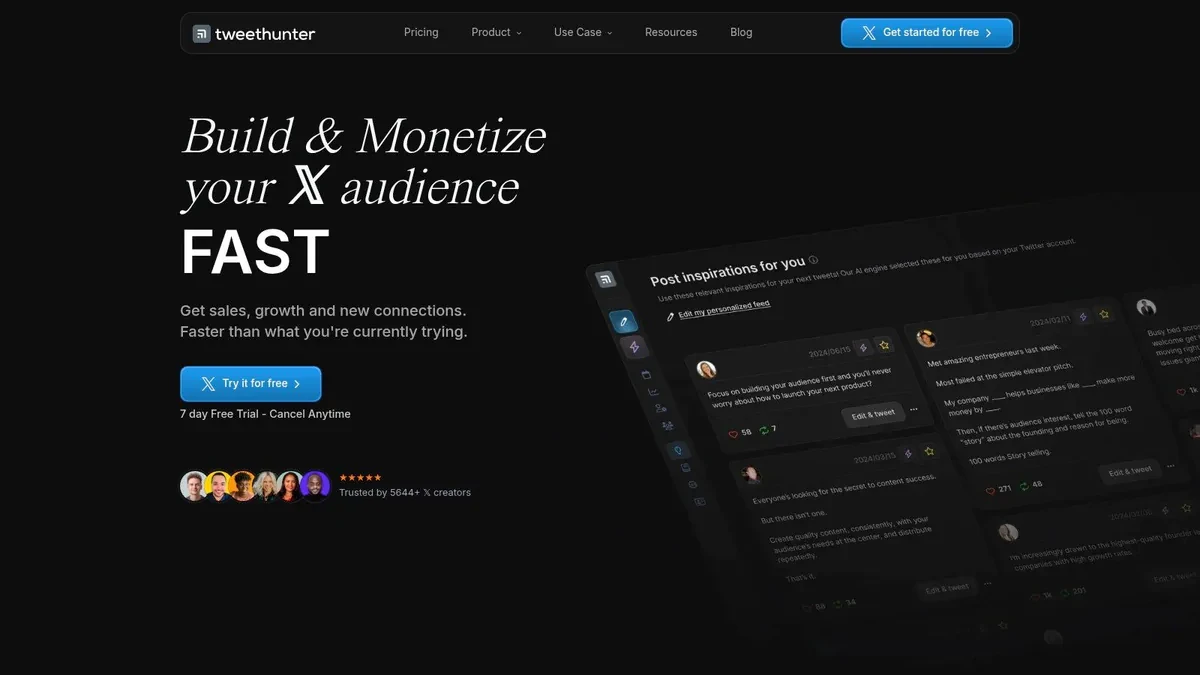
TweetHunter is built for people who want speed. Its core appeal is simple: find inspiration fast, write faster, then keep the account active with automation and scheduling.
If you’re posting a lot of educational threads, promotional posts, and lead capture tweets, TweetHunter fits that style well. It has a strong reputation among creators who want an X-native growth stack rather than a general social media dashboard.
Where TweetHunter is strongest
The big win here is how tightly it connects inspiration, AI drafting, and scheduling. You can move from an idea library into a draft, rewrite the post, queue it, and monitor performance without much setup. It also includes CRM-style profile tracking, which helps if your growth strategy depends on building relationships with specific accounts.
Where I’d be careful is the automation layer. Features like Auto-DM, auto-plug, and evergreen reposting can save time, but they can also make an account feel mechanical if used lazily. On X, that tone shift is obvious.
The best use of automation on X is to remove repetitive clicks, not to outsource judgment.
TweetHunter makes the most sense for creators, consultants, and small teams who want a purpose-built X tool with aggressive publishing support. If you’re comparing creator-focused options, this breakdown of Hypefury vs TweetHunter vs Xholic helps clarify the trade-offs. Visit TweetHunter.
3. Typefully
Typefully feels like a writing tool first and a scheduler second. That’s exactly why a lot of people like it. The interface is clean, thread-friendly, and much calmer than most growth tools.
For operators who care about draft quality, previews, and a smooth publishing calendar, Typefully is easy to recommend. It also works well if you publish beyond X and want one writing flow for LinkedIn, Threads, or Bluesky too.
Why writers like it
The thread editor is a major selling point. You can draft long-form posts cleanly, see how they will look, tweak flow, and publish without fighting the interface. That’s a big improvement over composing directly inside X when you’re writing educational threads or launch narratives.
Its AI features are useful, but not overloaded. You can get help rewriting, tightening, or brainstorming without turning the whole tool into an automation machine. That restraint is a strength.
Typefully isn’t the best pick if you want built-in CRM, deep engagement workflows, or aggressive automation. It’s better for people who want to write well, schedule reliably, and keep the process simple. Check out Typefully.
4. Hypefury

Hypefury is for high-output creators who want their account to keep moving even when they’re not actively posting. Its feature set leans heavily toward automation, reposting, and content recycling.
That can be powerful when you already know your content style works. It can also go sideways fast if you’re still figuring out your voice, because automation amplifies your bad habits as efficiently as your good ones.
When Hypefury makes sense
Hypefury is strongest when you already have proven posts and want systems around them. Evergreen queues, auto-plugs, engagement builder features, and cross-posting help keep your content circulating. If you run a creator business with offers, lead magnets, or a product funnel, those tools can support consistent promotion.
Its downside is the same thing that makes it attractive. The more automated your setup gets, the more discipline you need. Overused plugs, lazy reposts, and generic outreach stand out on X.
A good Hypefury workflow is usually: write manually, automate distribution carefully, and review recurring sequences often. If that’s your style, it can be very efficient. Explore Hypefury.
5. BlackMagic
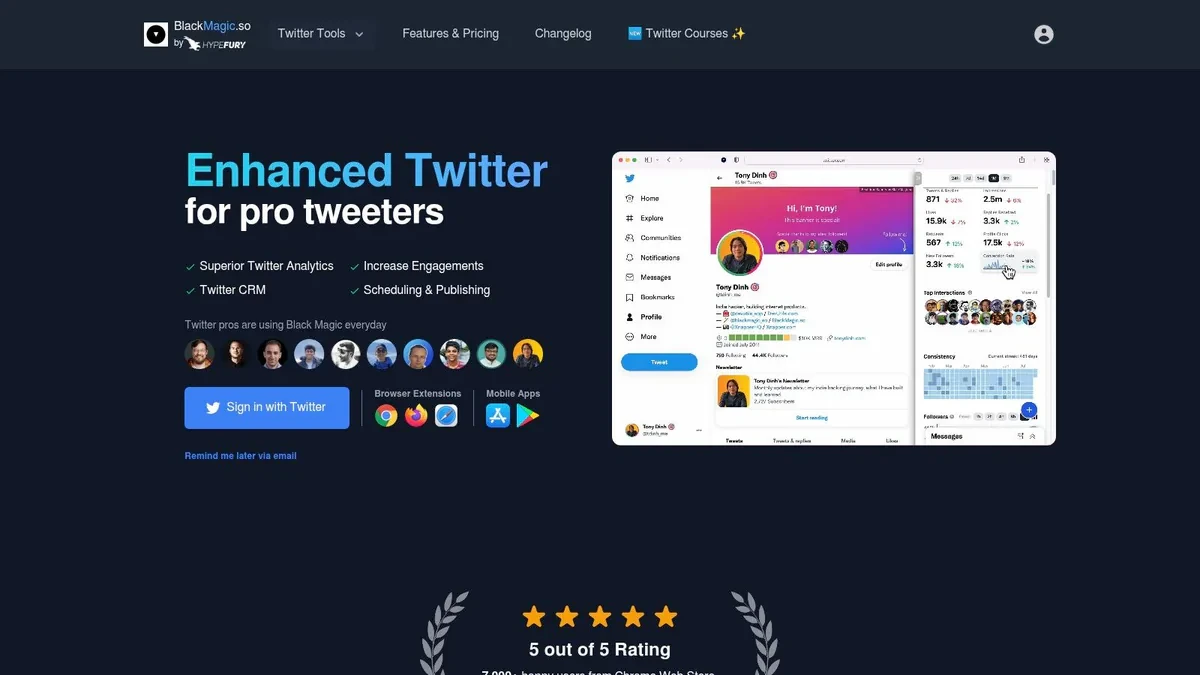
BlackMagic is a smart choice for people who grow through relationships, not just content volume. It sits closer to a power-user companion for X than a traditional scheduler.
That matters if your strategy depends on remembering who matters, following up with people, and staying in the feed rather than jumping between dashboards. Many tools help you publish. Fewer help you build an actual interaction habit.
What stands out
The in-feed CRM layer is BlackMagic’s best feature. Notes, reminders, interaction history, and fast reply workflows make it useful for anyone doing community-led growth, networking, recruiting, investor relations, or sales-adjacent engagement on X.
It also handles analytics and scheduling, but that isn’t the main reason to choose it. You choose BlackMagic if your edge comes from knowing the right people, replying at the right moment, and keeping context attached to those interactions.
For solo operators and power users, that’s a strong angle. For larger teams that need approvals or broad cross-channel workflows, it’s less complete. Visit BlackMagic.
6. Buffer
Buffer remains one of the easiest scheduling tools to use. If you want a reliable queue, a simple calendar, and support for several social channels without much setup, Buffer still does that job well.
Not everyone needs a heavyweight platform. Sometimes the best tool is the one your team opens every day.
Best use case for Buffer
Buffer is ideal for solo marketers, startups, side projects, and small teams that need straightforward publishing. You can queue posts, manage threads, and keep your content calendar moving without a lot of overhead.
What Buffer doesn’t do particularly well is X-specific growth work. It isn’t built around semantic discovery, AI reply workflows, in-feed execution, or relationship tracking. So it’s solid for publishing, but not the best answer to “what should I post next?” or “which conversations should I join?”
If you already have a content source and just need dependable scheduling, Buffer is still one of the cleanest options. If your scheduling process needs more structure, this guide on how to schedule tweets on Twitter gives a useful framework for drafting, queueing, and approvals. Visit Buffer.
7. Hootsuite

Hootsuite sits in a different category from most of the creator-first tools here. It’s built for teams, governance, approvals, reporting, and operating across multiple profiles and channels.
That makes it a better fit for marketing departments than solo creators. It can feel heavy if you only care about one X account, but the extra structure becomes useful once several people touch the workflow.
Why teams still choose it
A useful historical point: social media teams have relied on dashboard-style X workflows for years. Social Media Examiner highlighted Twitter Analytics as part of the built-in stack and TweetDeck as a free team dashboard for columns and collaboration. Hootsuite fits that broader management tradition. It isn’t trying to be a clever AI writing companion. It’s trying to be operational infrastructure.
That shows up in approvals, permissions, reporting, inbox management, and integrations. If you’re managing multiple brands, regions, or stakeholders, those controls matter more than having the smartest post ideation tool.
The downside is obvious. Hootsuite can feel bulky, and many of its best capabilities matter only if you have a team and process complexity. Visit Hootsuite.
8. Sprout Social
Sprout Social is one of the strongest enterprise choices when X is part of a broader publishing, care, and reporting system. It works especially well for brands that need polished reporting, shared inbox workflows, and multi-user collaboration.
You pay for that depth. So the main question isn’t whether Sprout is capable. It’s whether your workflow justifies the extra weight.
Where Sprout Social earns its keep
Sprout is a good fit when marketing, support, and reporting overlap. If multiple people need to manage replies, approvals, analytics, and stakeholder updates, its structure helps. It also makes sense for agencies serving clients that expect formal reports and clear workflow controls.
There’s also a practical reason X still belongs in that stack. Business of Apps reported that X had an estimated 388 million monthly active users, about 200 million daily actives in 2024, with about $2.5 billion in ad revenue and 68% of revenue coming from advertising. That’s a reminder that X remains a meaningful channel, but one tied closely to both organic discovery and paid amplification. Tools that support both reporting and workflow still matter.
Sprout is overkill for a founder posting from one account. For brands with care teams, approvals, and reporting demands, it makes more sense. Explore Sprout Social.
9. SocialPilot

SocialPilot is a practical middle-ground option. It targets agencies, SMB teams, and freelancers who want broad platform coverage, collaborative scheduling, and reporting without jumping to enterprise complexity.
It’s less specialized for X than tools like Xholic, TweetHunter, or BlackMagic. But if your real job is managing several client accounts across several networks, specialization isn’t always the priority.
Who should pick SocialPilot
SocialPilot works best when you care about operational value. Bulk scheduling, content libraries, approvals, and client reporting all support agency-style workflows. It gives you enough structure to handle multiple brands without turning every task into a process project.
The trade-off is that it won’t help much with X-native discovery. It organizes and publishes content well, but it doesn’t really solve the “find the right conversation early” problem. If that’s central to your strategy, pair it with a discovery tool rather than expecting one app to do everything.
For agencies and small teams balancing cost, breadth, and workflow clarity, SocialPilot is easy to shortlist. Visit SocialPilot.
10. Metricool
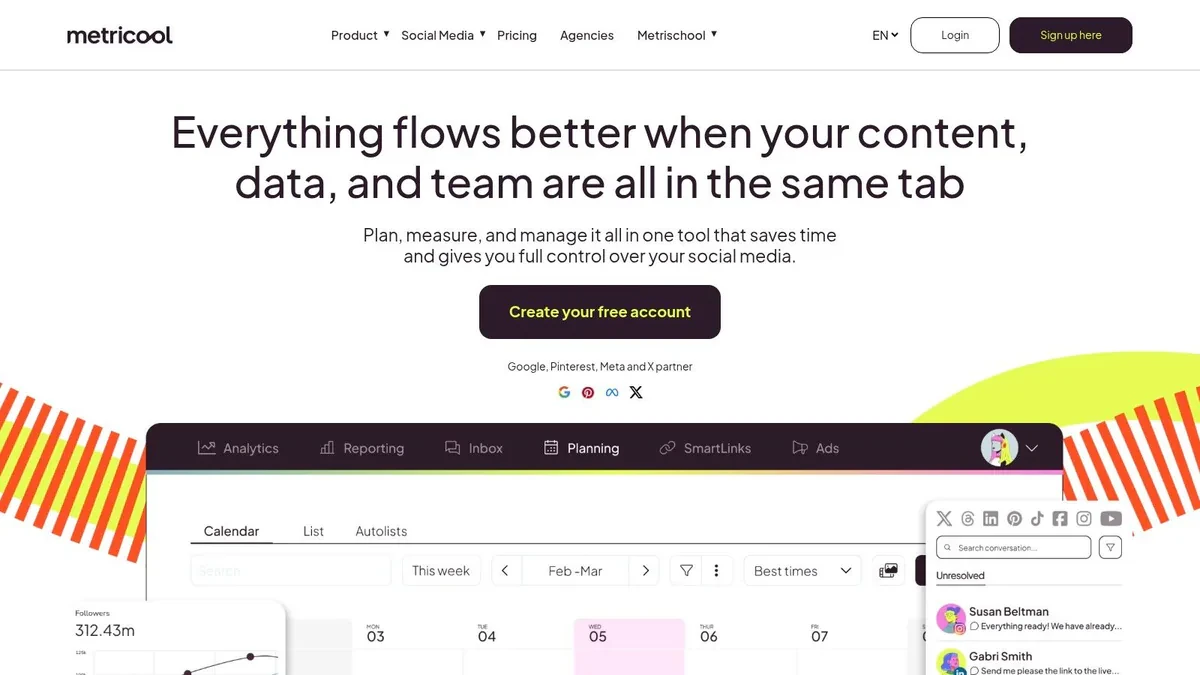
Metricool is strongest when X is only one part of a bigger analytics and campaign picture. If you manage both organic and paid work across multiple channels, Metricool can simplify reporting more than a creator-first X tool can.
It’s not the first tool I’d pick for X-native growth. It is a sensible choice for marketers who need one place to watch content calendars, reports, and ad-related visibility.
Where Metricool fits
Metricool’s value is reporting breadth. If you’re juggling Meta, Google, TikTok, and X, that unified view matters. It helps you compare channel activity without moving across separate dashboards all day.
For pure X work, it feels more utilitarian than tactical. You won’t get the same level of conversation discovery, reply workflow, or content remixing that dedicated X tools offer. But if your main question is “how is social contributing across the whole mix?” Metricool is useful. This guide to Twitter analytics is a good companion if you’re trying to turn reporting into better posting decisions rather than just collecting charts. Visit Metricool.
Top 10 Twitter Marketing Tools Comparison
| Product | Core features | UX / Quality (★) | Price / Value (💰) | Target (👥) | Standout / USP (✨/🏆) |
|---|---|---|---|---|---|
| Xholic AI 🏆 | Always-on discovery, semantic inspiration, Reply Deck, AI Reply Composer, Tweet Remixer, Daily Pack, in-feed Chrome extension | ★★★★★ | 💰 Pro $29/mo · Max $29–$39/mo · Ultra $199/mo · 7‑day trial | 👥 Founders, indie hackers, creators, marketers, analysts, power users | ✨ Early high-momentum discovery + product-aware replies + in-feed workflow |
| TweetHunter | AI writer, 12M+ inspiration library, Auto-DM/Auto-plug, CRM, analytics | ★★★★ | 💰 Mid-range subscriptions; automation-heavy value | 👥 Creators & teams seeking growth automation | ✨ Auto-DM/Auto-plug funnels + large inspiration library |
| Typefully | Thread-focused editor, AI ideas/rewrites, cross-posting, publishing calendar | ★★★★☆ | 💰 Mid; pricing confirmed in-app / trial options | 👥 Writers, thread creators, cross-post publishers | ✨ Clean, distraction-free thread UX with realistic previews |
| Hypefury | Evergreen queues, Auto-DM/auto-plug, bulk scheduling, cross-posting | ★★★★ | 💰 Affordable→Business tiers; advanced features on higher plans | 👥 High-volume creators & small teams | ✨ Automation-forward repurposing & evergreen queues |
| BlackMagic | In-feed sidebar, engagement CRM, reminders, analytics, browser extensions | ★★★★ | 💰 Budget-friendly entry; paid tiers for more features | 👥 Power users focused on relationship-led growth | ✨ On-X CRM + in-feed replies and scheduling |
| Buffer | Queue-based scheduler, visual calendar, threads & media support, collaboration | ★★★★ | 💰 Free tier available; paid plans scale by channels | 👥 Individuals & small teams wanting simple scheduling | ✨ Reliable, easy-to-learn scheduler with free plan |
| Hootsuite | Publishing, bulk scheduling, approvals, roles, reporting, integrations | ★★★ | 💰 Higher-cost enterprise plans; add-ons for listening | 👥 Teams/agencies needing governance & approvals | ✨ Robust team workflows, approvals & ecosystem integrations |
| Sprout Social | Multi-network publishing, Smart Inbox, reporting, per-seat workflows | ★★★★ | 💰 Premium per-seat pricing; 30-day trial | 👥 Brands & agencies needing deep analytics & care | ✨ Enterprise-grade reporting & customer-care workflows |
| SocialPilot | Calendar, bulk scheduling, content library, client approval, white-label | ★★★★ | 💰 Strong price-to-profiles value; agency-friendly plans | 👥 Freelancers, SMBs, agencies managing many profiles | ✨ Cost-effective multi-profile management & white-label |
| Metricool | Scheduler with AI assist, in-depth analytics, ads integration, Looker Studio | ★★★★ | 💰 Affordable tiers; X as paid add-on per account | 👥 Managers needing organic+paid campaign visibility | ✨ Ads + analytics breadth and Looker Studio connector |
How to combine tools by job to be done
Many users don’t need one perfect tool. They need a stack that matches the actual job.
A useful way to think about Twitter marketing tools:
- All-in-one X growth: Xholic AI, TweetHunter, BlackMagic
- Writing and scheduling: Typefully, Buffer, Hypefury
- Team and enterprise workflow: Hootsuite, Sprout Social, SocialPilot, Metricool
A practical creator workflow
A founder building in public might use Xholic AI for discovery, daily ideas, saved collections, and AI-assisted replies. Then they might use Smart Scheduler inside Xholic or a lightweight queue tool if they want a dedicated calendar habit.
A social media manager at a startup might use Typefully for clean thread drafting, then move approved posts into Buffer or SocialPilot for team visibility and broader scheduling. An enterprise team might keep Sprout Social or Hootsuite as the reporting and approvals layer, while still using an X-specific idea workflow separately.
Here’s a simple X-specific example of how that content loop works:
Example post: “Most startup content fails for one reason: it explains the product before it earns attention. Lead with the painful moment, then show the fix.”
That post can come from a saved structure, be remixed into a founder voice, queued for tomorrow, and followed by three contextual replies on related conversations. That’s how tools help. Not by replacing strategy, but by making a good strategy easier to repeat.
Best practices for using Twitter marketing tools
The best workflows on X are tighter than is often believed. Fewer moving parts usually means better execution.
- Start with discovery, not scheduling: A full queue of weak ideas won’t help. Find live conversations, proven structures, and relevant hooks first.
- Treat AI as a draft partner: AI can save time on replies and post drafts, but strong output still needs human review for tone, specificity, and context.
- Separate drafting from publishing: Write when ideas hit. Review and queue later. That removes time pressure from both steps.
- Track action metrics: Replies, post consistency, profile visits, and topic resonance are often more useful than staring at impressions alone.
- Use mockups for planning: Before publishing a campaign concept, use a block screen generator or account suspension screen mockup when you need assets for decks, education, or internal review. Label mockups clearly when appropriate.
Common mistakes
A lot of tool disappointment comes from using the right product for the wrong job.
- Buying a scheduler when the actual problem is ideation: If you never know what to post, a queue won’t fix that.
- Over-automating replies: Fast replies that sound generic hurt more than they help.
- Ignoring in-feed workflow: If a tool makes you leave X every time you want to save or act on something, you’ll use it less.
- Treating analytics like a scoreboard: The point of analytics is to change your next draft, next reply, or next schedule, not just report the past.
- Using recycled posts without adaptation: What worked once may still be useful, but it should be refreshed for context and timing.
FAQ
What are the best Twitter marketing tools for creators
For creators focused on X itself, Xholic AI, TweetHunter, Typefully, and Hypefury are the strongest options in this list. The best one depends on whether your bottleneck is discovery, writing, automation, or consistency.
Do I need an X-specific tool or a general social media scheduler
Use an X-specific tool if growth on X is a core channel and you need better discovery, replies, or post ideation. Use a general scheduler if X is one part of a broader multi-platform calendar.
What metrics matter most on X
Look at metrics that change decisions: which topics earn replies, which posts drive profile visits, whether consistency is improving, and which formats create real engagement. Built-in analytics have long been part of the platform workflow, but third-party tools become more useful when they help you act on those signals.
Are mockup tools useful for Twitter marketing
Yes, especially for internal approvals, decks, education, and campaign planning. Fake tweet, quote tweet, and reply-chain mockups are useful as long as they’re used responsibly and not to fabricate evidence or impersonate people.
Build Your X Growth Engine Today
The right Twitter marketing tools don’t just save time. They remove the specific bottlenecks that keep many users inconsistent on X. For some teams, that’s scheduling. For others, it’s approvals and reporting. For many creators and founders, it’s the harder problem: finding worthwhile conversations early, turning those conversations into original posts, and keeping the habit going without burning out.
That’s why it helps to choose tools by job-to-be-done instead of by feature list. If you’re X-first and growth-driven, a discovery-led toolkit makes more sense than a generic calendar. If you’re a writer, a clean editor matters more than automation. If you’re running a team, governance and reporting matter more than clever drafting features.
The platform is still large enough to justify real attention. As noted earlier, X continues to offer major audience scale and meaningful ad reach, which is exactly why analytics, scheduling, listening, and engagement workflows still matter. But scale alone doesn’t create results. A repeatable system does.
In practice, the strongest setup usually follows a simple loop:
- discover high-momentum posts and conversations
- save strong structures and hooks
- draft original posts and contextual replies
- queue approved content
- review what earned attention
- repeat without rebuilding the process from scratch
That loop is where most tools fall short. Some are strong at publishing but weak at ideation. Some help with writing but not timing. Some handle analytics well but don’t support the daily action of replying, saving, remixing, and drafting. The reason Xholic AI stands out is that it connects those steps into one X-native workflow. You can find momentum, write in context, organize what you learn, and stay consistent without bouncing between disconnected apps.
If you’re a solo creator, start lean. Pick one tool that solves your biggest bottleneck now. If you’re a team, map your workflow before paying for complexity you won’t use. And if your growth on X keeps stalling because you never know what to post, or you spend too much time hunting through the timeline, that’s the clearest signal that you need a better discovery-to-post system, not just another scheduler.
If you want an X-first toolkit that helps you discover high-momentum conversations, draft contextual replies, remix proven posts, organize research, and keep a consistent posting habit, try Xholic AI.
Growth Tools vs Management Tools
The merged tool lists covered two jobs that are easy to confuse. Growth tools help discover ideas, analyze performance, and improve content. Management tools help schedule, approve, monitor, and report across accounts. Some products do both, but the buying decision should start with the bottleneck.
- Choose an analytics or audience tool when you cannot tell what is working.
- Choose a writing or ideation tool when good topics are clear but production is slow.
- Choose a scheduling or management platform when approvals and publishing are inconsistent.
- Choose a conversation workflow when relevant replies and opportunities are being missed.
Tools such as Fedica and SocialDog lean toward audience and analytics workflows; Agorapulse and X Pro are more useful for monitoring and account management. Adding software without assigning it one explicit job usually creates a larger dashboard stack without improving the marketing system.