If you’re searching for free twitter analytics tools, you’re probably in one of two situations right now. You either want a fast answer on which tweets are working, or you’ve hit the wall where X (Twitter) gives you some stats but not enough context to improve. The practical answer is this: no single free tool does everything well, but a smart stack can cover most of what creators, founders, and marketers need at the start. Use native X for first-party post checks, add one dashboard tool for trend views, add one research tool for comparisons or audits, and only pay when the workflow breaks.
Free analytics has become standard infrastructure for creators and marketers. X’s native analytics has long set the baseline with a 28-day account summary including total tweets, new followers, profile views, and mentions, while free alternatives like Agorapulse’s report card, Union Metrics reports, and tools such as Postel and Tweet Hunter widened access to engagement and impressions tracking without a subscription in many cases, as noted in Agorapulse’s review of Twitter analytics tools. The catch is that free tools mostly explain what already happened. They rarely help you spot which conversations are gaining momentum right now.
1. X native post analytics in-app
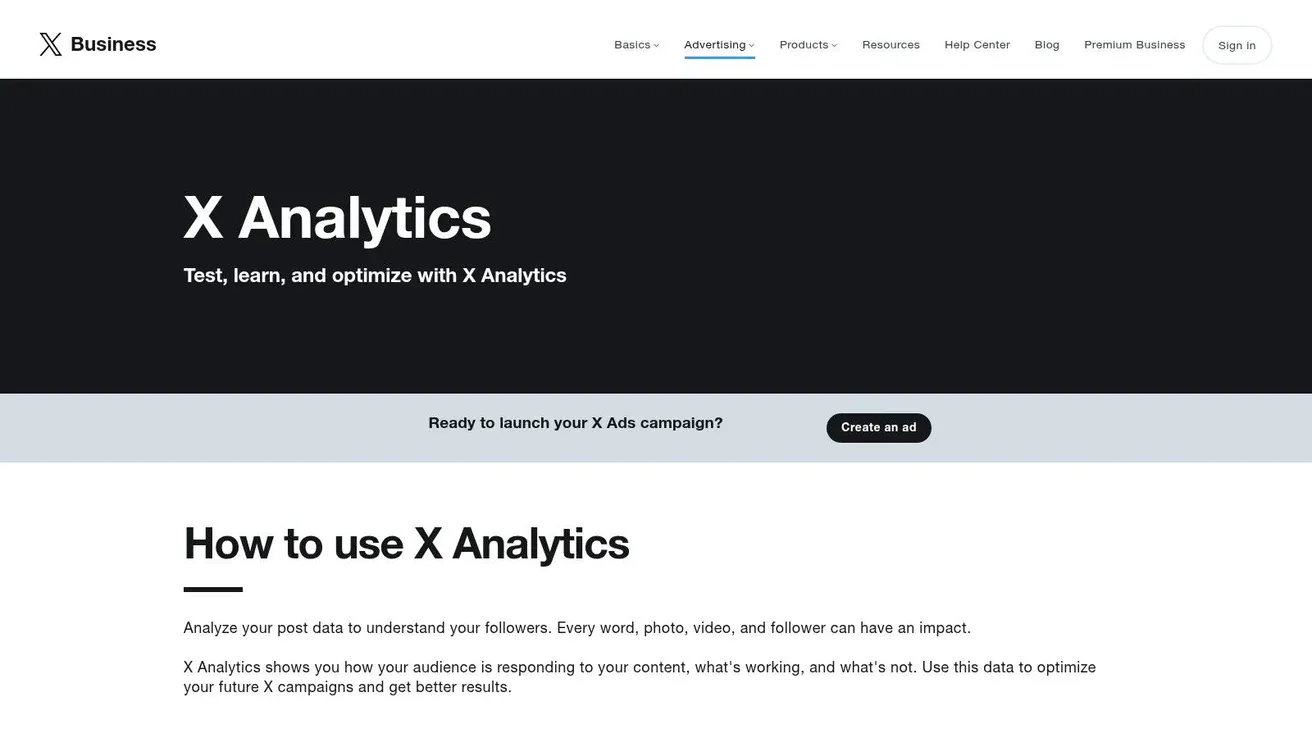
You publish a post, it gets decent reach, and now you need a fast answer. Was the hook strong, or did the topic carry it? Did people actually engage, or did it just collect impressions? X’s own analytics is still the fastest place to check that because the numbers sit next to the post itself.
Start here for daily decisions. Native analytics is best at post-level triage. It shows the immediate signals that help you judge performance while the post is still fresh, including impressions, likes, reposts, replies, and other engagement actions available in the in-app view.
What it does best
The primary advantage is speed. You can review a handful of recent posts in minutes and spot patterns without exporting anything or learning a new dashboard.
Three checks matter most:
- Hook strength: Compare impressions across posts on similar topics.
- Interaction quality: Replies and reposts usually matter more than likes if the goal is reach or conversation.
- Intent to learn more: Profile visits and other click-based actions matter more when you’re trying to turn attention into follower growth.
Practical rule: Use native analytics to decide what to post again, what to rewrite, and what to drop.
The trade-off is clear. X gives you a solid read on your own posts, but not much help building a wider workflow. Free native data rarely gives enough context for competitor benchmarking, audience quality checks, scheduling decisions, or hashtag research. It answers “how did this post do?” better than “what should I do next week?”
That limitation is exactly why this tool belongs at the start of a free stack, not at the center of it. Use X for quick checks after posting. Save the posts that outperform your baseline. Then pair those observations with other free tools in this list for timing, audience analysis, and trend spotting. That combination gives you a practical no-cost workflow instead of a pile of disconnected metrics.
2. BlackMagic.so
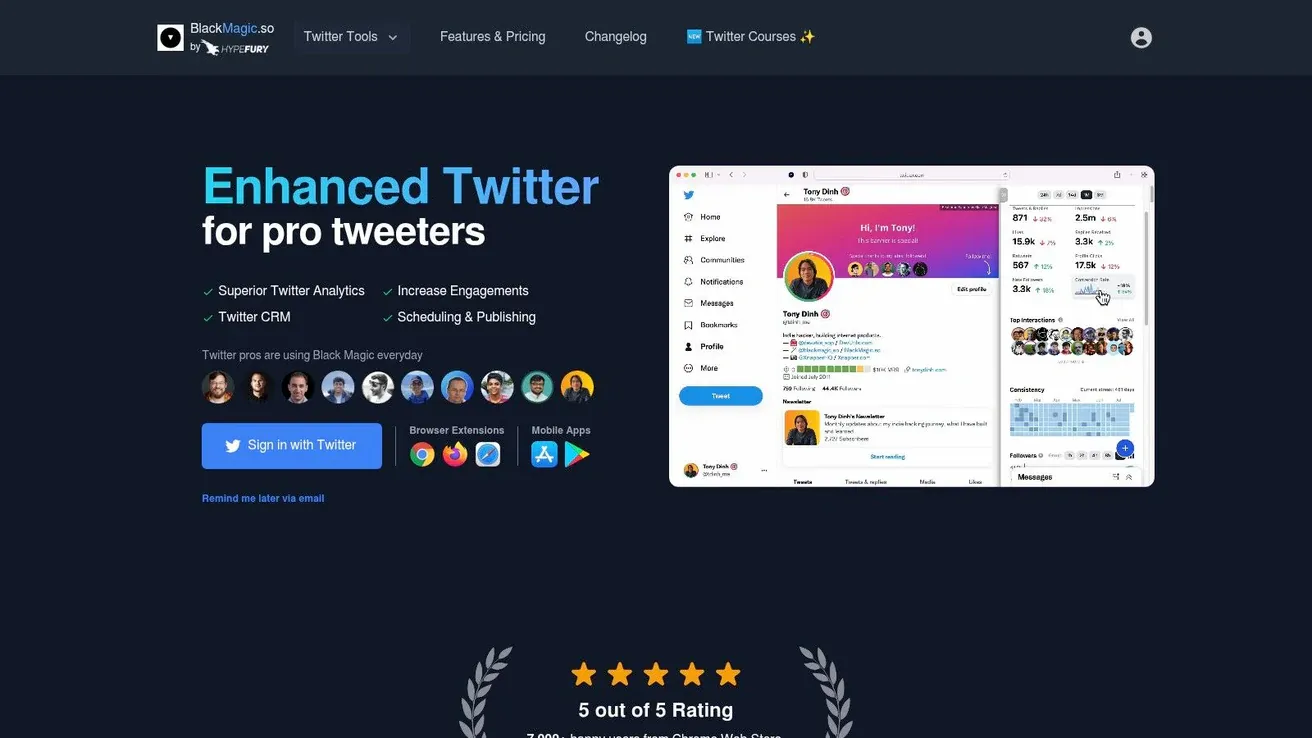
BlackMagic.so is for people who live inside the X feed and want analytics to feel native to that workflow. Instead of bouncing between a reporting tab and the timeline, you get a more creator-friendly view of tweet activity, patterns, and interactions through its extension-led setup.
That desktop-first approach matters. Some tools make analytics feel like bookkeeping. BlackMagic feels closer to operating the account in real time.
Where it earns a place
BlackMagic is useful when you care about daily behavior, not just monthly reports. The visual trend charts, engaging hours view, and consistency tracking make it easier to answer questions like “am I posting when my audience is active?” and “did this week’s cadence help or hurt?”
It also adds lightweight relationship tracking. That’s valuable if your growth depends on replies, repeat interactions, and remembering who matters in your niche.
- Best for creator workflows: You can review performance without leaving your content loop.
- Best for reply-led growth: Notes and reminders are surprisingly useful when building public relationships.
- Best on desktop: The browser extension is part of the appeal, but also part of the constraint.
Good analytics should shorten your decision loop. If a tool makes you open five tabs just to judge one post, you won’t use it consistently.
The free experience is enough to tell whether its interface fits your style, but exports and deeper history are where these products usually tighten the gate. If you’re mostly mobile, this won’t feel as smooth as a simpler web dashboard.
3. Fedica formerly Tweepsmap
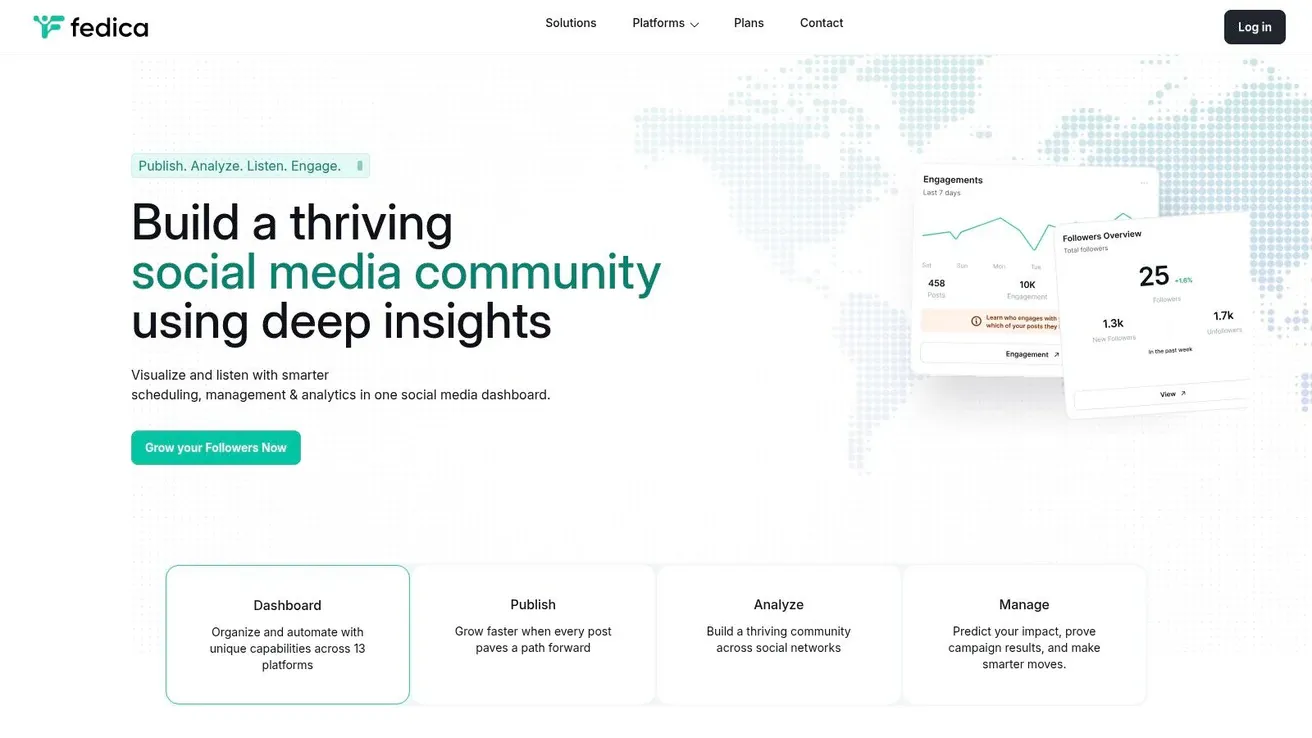
Fedica is one of the better picks when post performance alone isn’t enough and you want audience context too. If you care where followers are, how they cluster, and how publishing ties back to analytics, Fedica is more useful than a bare-bones report card.
It also suits people managing more than one platform. That’s either a strength or unnecessary complexity, depending on how X-focused you are.
Best fit and trade-offs
Fedica earns its spot when your strategy depends on audience segmentation. A founder building in public may want to know whether product posts are attracting peers, customers, or random engagement. A marketer may need follower context before deciding which angles to push.
Modern free analytics tools increasingly include richer metrics like engagement rate as a percentage of impressions, median engagement per post, and follower-relative ratios, with some tools also separating quote tweets, bookmarks, and profile clicks, as described in Tweet Hunter’s metrics calculator overview. Fedica fits into that broader shift toward more contextual free analytics, even if its strongest features typically live further up the pricing ladder.
- Good for audience insight: Better than tools that only show top-post snapshots.
- Good for planning and publishing: Analytics and scheduling in one place helps maintain feedback loops.
- Less ideal for minimalists: If you only need yesterday’s impressions and replies, this is more tool than you need.
A practical use case is timezone planning. If your audience is spread across regions, Fedica’s follower intelligence can guide posting windows and content variants. Then you can queue posts, compare reactions, and tighten your schedule over time.
4. SocialDog
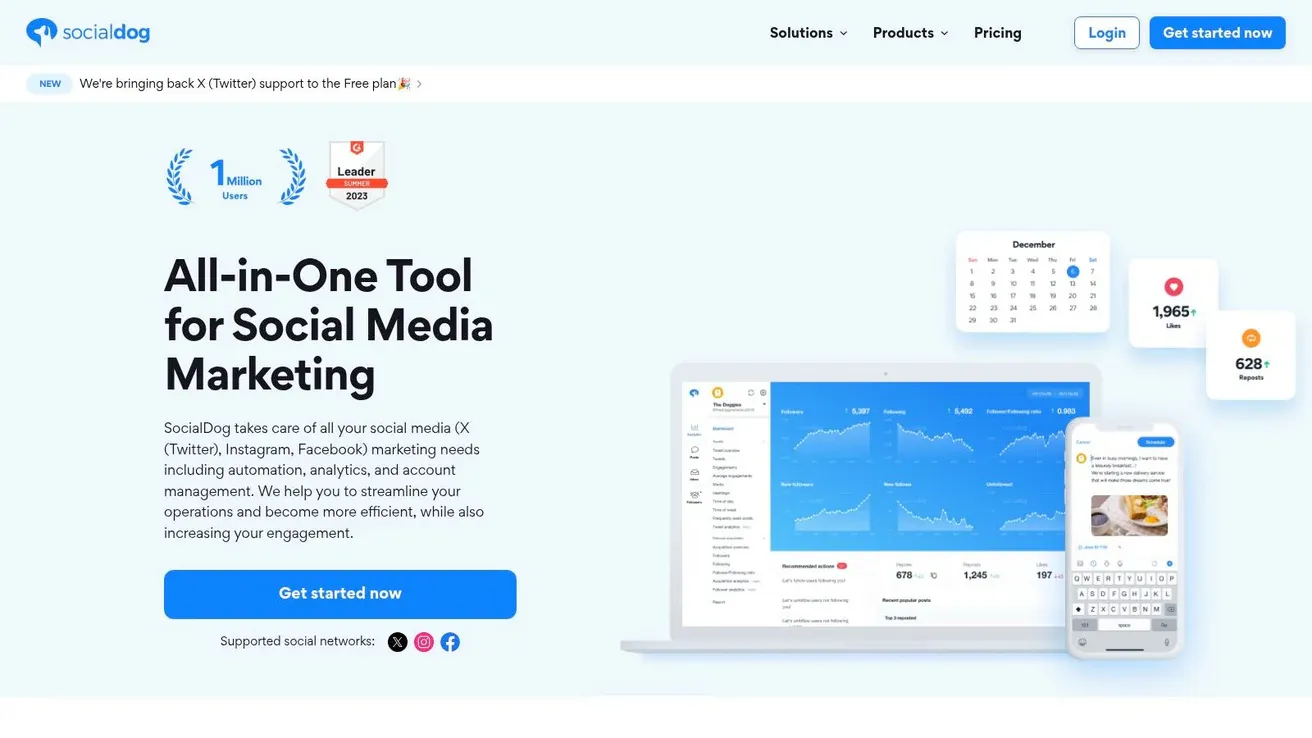
SocialDog fits a very specific job in a free X analytics stack. It is the tool I’d choose when the immediate problem is not advanced reporting, but posting consistently enough to produce data worth reviewing in the first place.
That distinction matters.
A lot of free analytics tools are better at reviewing what already happened than helping you keep a publishing routine. SocialDog gives you both in a lightweight package: scheduling, basic account monitoring, and enough performance feedback to spot whether your cadence is helping or hurting. For solo operators, creators, and small teams testing a repeatable workflow, that combination is often more useful than a heavier reporting tool with no publishing support.
Where SocialDog earns a spot
SocialDog works best as the weekly operations layer in your workflow. Use X’s native analytics for post-by-post checks, use a specialized tool for audience or account investigation, and use SocialDog to keep the queue moving while you monitor short-term performance in one place.
The free plan is serviceable, but the limitations show up quickly if your needs expand. You can track basics and keep content scheduled. Once you need longer history, easier reporting, or broader analysis across campaigns, the free tier starts to feel narrow. Paid plans provide access to more history and export options, which matters if you report to clients or need a cleaner record of performance over time.
A practical setup with SocialDog looks like this:
- Schedule a steady posting cadence: Queue posts for the next several days so you can judge consistency instead of one-off spikes.
- Check short-range performance trends: Look for patterns in replies, reposts, and engagement after a more regular publishing week.
- Reuse what already worked: Turn strong posts into follow-ups, quote posts, or fresh variations instead of guessing at new angles every day.
This makes SocialDog a good bridge between publishing and analysis.
It is less useful for marketers who need deeper diagnostics right away. If your main goal is campaign reporting, long-range content audits, or detailed comparisons across large post sets, SocialDog will probably be one piece of the stack, not the whole answer. But if you are building a free workflow from scratch, it fills an important gap: it helps you create enough posting consistency to make the rest of your analytics tools more valuable.
5. Buffer Free
Buffer earns its spot in a free X analytics stack for one simple reason. It lets you publish and review results in the same workflow.
That matters when you’re still building volume. If you post inconsistently, advanced analytics will not fix the underlying problem. Buffer helps you keep a queue running, then gives you enough post-level feedback to judge whether your ideas are working.
Where Buffer fits in a free workflow
Buffer is best for creators, founders, and lean marketing teams that want lightweight performance checks tied directly to scheduled posts. It is not a full account research tool. It is a publishing-first tool with useful analytics attached.
That limitation is also its strength. The interface stays simple because Buffer focuses on the content you queued and published through the platform. For early-stage testing, that is often enough.
Use Buffer Free for jobs like these:
- Testing message angles: Publish a few versions of the same core point and compare which framing gets more engagement.
- Keeping a posting habit: Schedule a week’s worth of content so you can evaluate patterns from consistent output instead of isolated posts.
- Managing X with other channels: If you also post on LinkedIn or other platforms, Buffer keeps the publishing side organized in one place.
A practical setup is straightforward. Queue three to five posts for the week, keep the topic mix narrow, then review which hooks, formats, or tones earned the best response. That gives you a usable read on content-market fit without adding another tool to your workflow.
The trade-off is visibility. Buffer Free helps you assess the posts that ran through Buffer. It is less useful for broader account diagnostics, historical research, follower quality checks, or competitor analysis. If you need those, Buffer works best as one layer of the stack, not the whole system.
For a no-cost workflow, that is still valuable. Use Buffer to maintain publishing consistency and run basic post tests. Then pair it with the more research-heavy tools in this list when you need deeper analysis.
6. Twitonomy
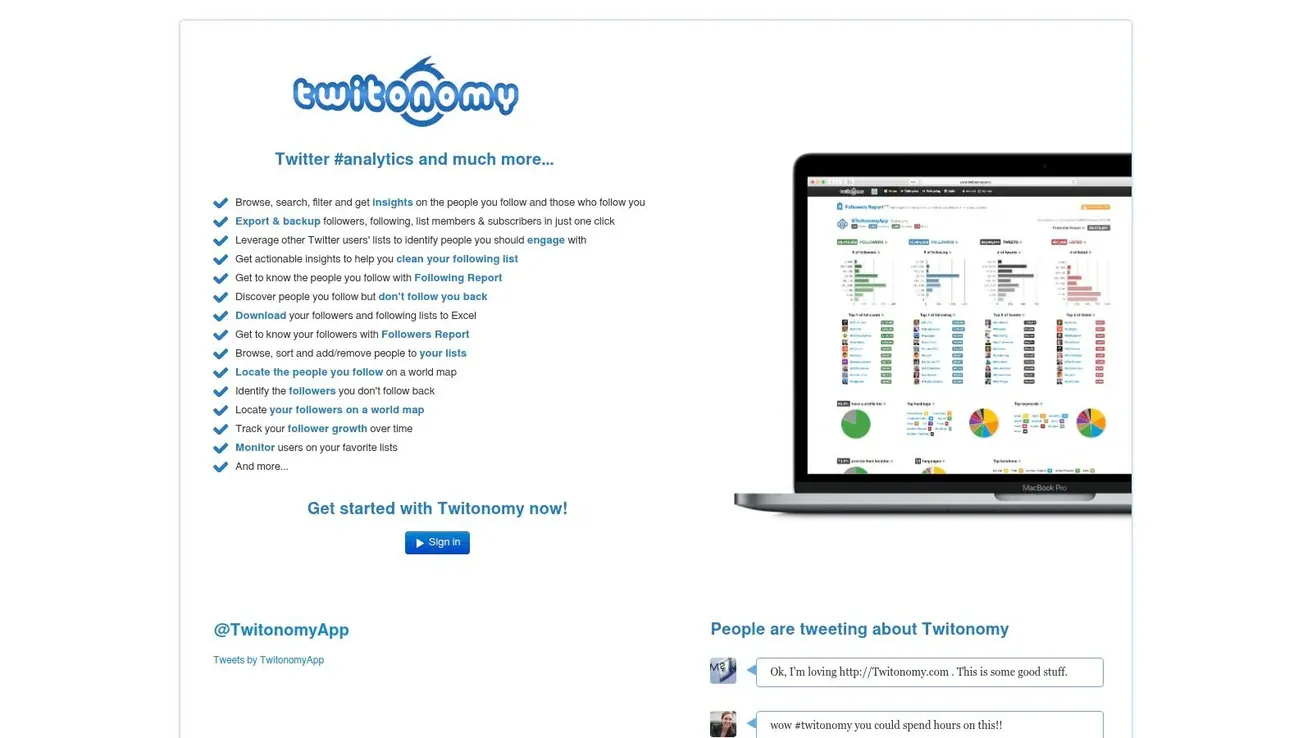
Twitonomy earns its place in a free X analytics stack for one reason. It helps you answer research questions quickly.
Say you’re about to reach out to a creator, founder, or potential partner and need a fast read on how they use X. Twitonomy is still handy for that kind of prep work. The interface looks dated, but it surfaces posting habits, mentions, hashtags, follower lists, and profile-level patterns faster than many newer tools that try to do too much at once.
I use it early in the workflow, before I commit time to heavier analysis. It is useful for rough account reviews, historical scans, and side-by-side checks when I want direction, not a polished report.
Where Twitonomy fits best
Twitonomy works well for exploratory analysis. You can review how often an account posts, what conversations they join, which hashtags show up repeatedly, and how their activity compares with a few similar profiles. The free profile comparison option is especially useful when you’re benchmarking your account against nearby competitors or checking whether a prospect’s engagement pattern looks consistent.
That makes it a good second-layer tool.
Start with X’s native analytics for your own post performance. Use Twitonomy when you need broader account behavior and quick comparative context. That combination covers a lot of ground without paying for a full social suite.
The limitation is clear. Twitonomy gives you visibility, but not much polish. Exports and some of the deeper reporting features sit behind the paid plan, so teams that rely on spreadsheets or client-ready reporting will hit the free plan’s ceiling fast.
Still, for free research, it pulls its weight. Use it to screen accounts, spot posting patterns, and compare a short list of profiles before you move to narrower tools for follower quality or bot risk.
7. FollowerAudit
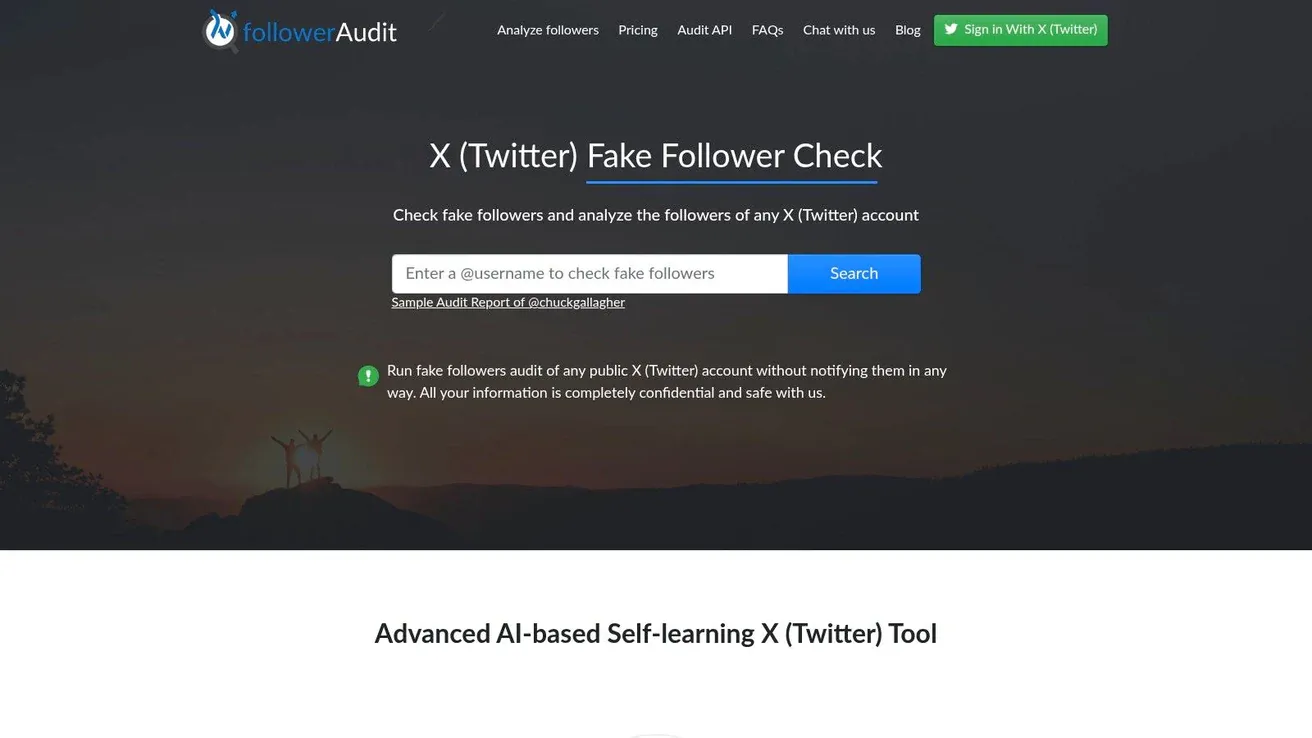
FollowerAudit is narrower than most tools on this list, and that’s exactly why it’s useful. It doesn’t try to be a full analytics dashboard. It answers one awkward but important question: how trustworthy does this audience look?
That matters more than people admit. If you’re evaluating potential partners, creator hires, acquisition targets, or even your own account cleanup, follower quality changes how you read engagement.
When to use it and when not to
Use FollowerAudit before you trust surface-level metrics. An account with loud engagement and weak audience quality can distort your decisions fast. If you’re planning partnerships, this kind of directional screening is often more useful than another pretty impressions chart.
Still, audit tools are heuristic. They estimate. They don’t issue final judgments. That means you should treat the output as a prompt for further review, not a verdict.
- Use it for collaborator vetting: Helpful before joint spaces, shoutouts, or sponsorship discussions.
- Use it for competitor research: It can stop you from copying tactics from inflated accounts.
- Don’t use it as your only decision tool: Check replies, posting patterns, and audience fit too.
A practical approach is to pair FollowerAudit with manual review. Look at who replies to the account, what those replies say, and whether the audience seems aligned with the niche. If the account passes that smell test, the audit becomes more meaningful.
8. Bot Sentinel
Bot Sentinel isn’t a traditional performance analytics tool, but I still consider it part of a real X workflow. If you manage replies, mentions, or high-visibility founder accounts, brand safety and conversation quality matter just as much as impressions.
The reason it belongs here is simple. Bad interaction environments create bad analytics. You can get pulled into noisy threads, low-quality mentions, and hostile reply chains that inflate activity but don’t help growth.
Why it belongs in an analytics workflow
Bot Sentinel helps you screen accounts for likely inauthentic, troll-like, or problematic behavior. That matters in community management, influencer vetting, and moderation-heavy campaigns.
For teams, this becomes even more important because free analytics tools are mostly built for solo creators. They rarely offer the collaboration and workflow transparency that growing teams need, while paid platforms reserve those features for higher tiers, a gap highlighted in PR Daily’s discussion of free Twitter analytics tools. Risk screening fills part of that blind spot by helping teams decide which conversations deserve attention.
Use cases where Bot Sentinel helps:
- Reply filtering: Reduce time spent engaging with low-quality accounts.
- Partnership screening: Add a quick trust layer before outreach.
- Community defense: Flag patterns in hostile or manipulative interactions.
This isn’t a substitute for judgment. Scores can be contested, and context always matters. But if you manage public-facing accounts, some kind of risk screen is better than flying blind.
9. HypeAuditor free X utilities
HypeAuditor is best used as a spot-check tool, especially if your X strategy overlaps with creator partnerships or influencer research. Its free X utilities won’t replace a daily analytics dashboard, but they can save time when you need a quick confidence check on an account.
That distinction matters. This is not the tool for your weekly content review. It’s for selective checks when reputation, audience quality, or creator fit matters.
Best use case
Use HypeAuditor when you’re deciding whether an account deserves a deeper look. The follower count checker and own-account analysis option are convenient when you want a fast read without setting up a broader platform.
This fits especially well for marketers and founders who collaborate with creators occasionally rather than constantly. You don’t need a full influencer suite for every decision. Sometimes you just need a cleaner first pass.
A good workflow is to use HypeAuditor before outreach, then validate manually:
- Check the account quickly: Look for basic credibility signals.
- Review timeline quality: See whether the account’s posts attract relevant discussion.
- Compare with your goals: A large account isn’t useful if the audience doesn’t match your niche.
If you’re preparing visual examples for campaigns or approvals, Xholic’s quote tweet generator can help mock up response concepts or creator collaboration ideas. Keep those mockups clearly labeled and use them for planning, education, and presentations, not deception.
10. Tweet Binder
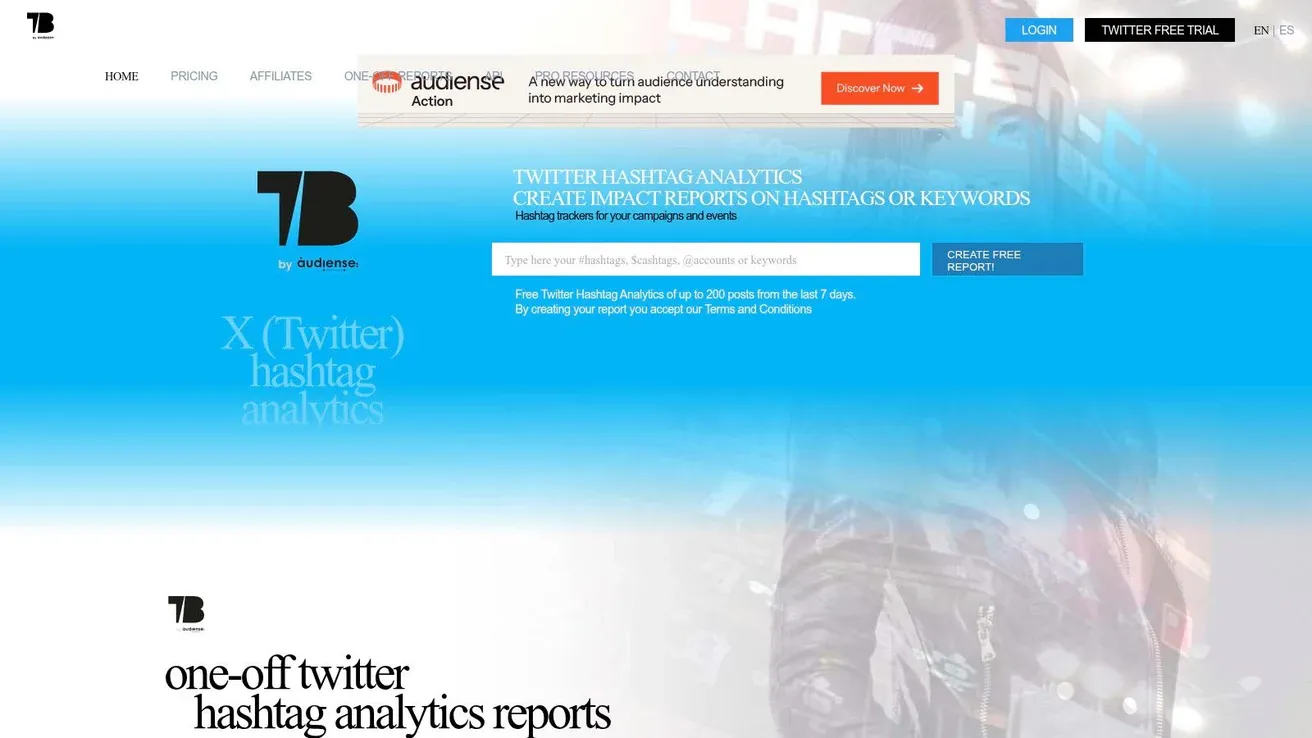
Tweet Binder earns a place in a free workflow for one specific job. It helps answer campaign questions tied to a hashtag, keyword, mention, or event burst.
That matters more than many teams expect. A weekly account dashboard can show reach trends and engagement rates, but it usually does a poor job of explaining what happened during a product launch, conference hashtag push, webinar live-posting window, or short creator campaign. Tweet Binder is the tool I reach for when I need that topic-level view fast.
Strong for campaign snapshots
Tweet Binder works best after a defined moment on X, not during everyday account reporting. Use it to review who posted, which accounts carried the conversation, and which posts got traction around a shared tag or topic.
The practical free-plan use case is simple:
- After a launch: Review the posts and accounts that generated the most visible activity.
- After an event or hashtag campaign: Spot top contributors and the content formats that traveled.
- Before committing to a paid platform: Check whether the conversation is large or relevant enough to justify more tracking.
This makes Tweet Binder a useful specialist inside a broader free stack. Native X analytics covers your own posts. Tools like Twitonomy or Fedica help with account-level patterns. Tweet Binder fills the campaign recap gap.
Its limits are clear. Free access is better for short checks than ongoing monitoring, and it will not replace your main dashboard for account growth, posting cadence, or long-term content analysis. If you need continuous tracking across weeks or months, exports, or a wider historical view, you will outgrow the free option quickly.
Use it as a campaign snapshot tool and it does its job well. Use it as your only analytics setup and the gaps show fast.
Top 10 Free Twitter Analytics Tools Comparison
| Tool | Core features | UX / Quality | Value / Price | Target audience | Unique selling point |
|---|---|---|---|---|---|
| X native post analytics (in-app) | Per-post stats, account summaries, video views | 3/5 | Free core; some metrics moved to paid X tiers | Casual creators, beginners, account owners | First-party data, zero setup |
| BlackMagic.so | Real-time tweet performance, most-engaging hours, lightweight CRM | 4/5 | Freemium, free tier + paid history/exports | Creators, power users, desktop users | In-feed extension + CRM notes |
| Fedica (formerly Tweepsmap) | Audience geography, growth dashboards, scheduling | 3/5 | Freemium, starter free; advanced reports paid | Social managers, multi-platform teams | Follower intelligence + publishing |
| SocialDog | Engagement/follower trends, queue scheduling, follow management | 3/5 | Forever-free basic plan; paid unlocks history/exports | Indie creators, consistency builders | True forever-free tier for basics |
| Buffer (Free) | Per-post metrics for Buffer posts, cross-platform scheduling | 3/5 | Free plan for basic scheduling & analytics | Buffer users, small teams | Unified scheduling + simple analytics |
| Twitonomy | Tweet activity visualizations, mentions/hashtags, follower lists | 3/5 | Free summaries; premium for exports/features | Power users, researchers | Historic views & list analysis |
| FollowerAudit | Fake/inactive follower estimates, comparative audits | 3/5 | Free starter audit; paid for deep reports | Partnership managers, influencer vetters | Quick audience credibility checks |
| Bot Sentinel | Account classification, risk scoring, browser extensions | 3/5 | Free | Brand safety teams, community managers | 100% free behavioral risk flags |
| HypeAuditor (free utilities) | Follower tracker, account analysis, influencer tools | 4/5 | Free utilities; paid for audience quality & exports | Influencer marketers, vetting teams | Industry-trusted influencer analytics |
| Tweet Binder | Hashtag/keyword reports, contributor ranking, reach estimates | 3/5 | Free 7-day snapshots; subscriptions for history | Event organizers, campaign analysts | Quick, presentation-ready campaign reports |
Final Thoughts
The best free twitter analytics tools aren’t the ones promising the biggest dashboard. They’re the ones that answer your next decision clearly. For most creators and small teams, that means combining tools instead of chasing one perfect platform.
A strong no-cost stack looks like this. Use native X analytics for post-level truth. Use Buffer or SocialDog if scheduling and basic feedback need to live together. Use Twitonomy or Fedica when you need broader context. Add FollowerAudit, HypeAuditor, or Bot Sentinel when credibility and audience quality matter. Use Tweet Binder when a hashtag, event, or launch needs its own report.
That combination works because free analytics has improved a lot. Modern free tools now include richer metrics, benchmarking, and engagement breakdowns that used to be much harder to access without paying. At the same time, the biggest limitation hasn’t changed. Free tools still focus on retrospective analysis. They tell you what worked, not what you should jump into today.
That’s where most growth stalls. A founder reviews last week’s top tweet. A marketer exports engagement data. A creator compares profile trends. All useful. None of that tells you which high-signal conversation is getting hotter this afternoon, which reply thread is worth joining early, or which topic is gathering energy before it becomes obvious.
The practical fix is to separate analytics into three layers:
- Quick checks: Native X, Buffer, SocialDog
- Deeper context: Fedica, Twitonomy, Tweet Binder
- Trust and risk review: FollowerAudit, Bot Sentinel, HypeAuditor
Then add a discovery layer when you’re ready. That’s the missing piece in most free workflows.
For example, say you post three times a week about startups, AI, and product building. Native analytics shows one tweet outperformed. Buffer confirms a story-led framing got stronger engagement than a feature list. Twitonomy shows which adjacent accounts are getting traction in the same niche. Tweet Binder helps if a launch hashtag is involved. That’s a solid retrospective loop.
But if you want to grow faster, you also need a forward-looking loop. You need to see which conversations are gaining momentum now, save the best examples, draft replies while the thread is still hot, and turn observed patterns into original posts. That isn’t what most free analytics tools are built for.
If you’re at the stage where basic metrics are no longer enough, move from isolated dashboards to a workflow. Review what worked. Compare against relevant accounts. Vet audience quality. Track campaign spikes. Then plug those insights into better discovery, drafting, and scheduling.
If you want that next layer, try Xholic AI. It works well alongside free twitter analytics tools by helping you find high-momentum tweets earlier, generate context-aware replies, remix proven posts into original drafts, organize saved research, and stay consistent from one dashboard. If you need visual planning assets too, Xholic also offers browser-based mockup tools like the reply chain generator for presentations, approvals, and product examples.