You’re probably in one of two spots right now. Either you want a twitter bot maker that can post, reply, and monitor conversations without babysitting every step, or you’ve already tried one and hit the core problems fast: API access, brittle automations, suspicious posting patterns, and account risk.
That gap between “cool bot idea” and “reliable production workflow” is where most guides fall apart. They show how to make something tweet. They don’t show how to keep it useful, compliant, and worth the effort. That matters because platform enforcement has become stricter over time, and X’s BotMaker system processes billions of events daily and has reduced key spam metrics by 40% since launch, according to X Engineering on BotMaker.
A good twitter bot maker isn’t just about automation. It’s about matching the tool to your goal, your technical skill, and your risk tolerance. If you need durable posting and reply workflows, the official API route is usually the safest. If you need quick experiments, no-code tools can get you moving. If you’re mainly chasing growth, a human-in-the-loop system is often better than a fully autonomous bot.
This guide keeps the list practical. It covers official APIs, no-code automation, developer SDKs, and browser automation tools, plus the trade-offs that usually decide whether a bot survives or gets shut down.
1. X Developer Platform

If the bot matters to your business, start with the X Developer Platform. It’s the official path for posting, replying, DMs, search, streaming, and analytics. That doesn’t make it cheap or simple, but it does make it the least questionable foundation.
The biggest advantage is control with legitimacy. You’re not pretending to be a browser, scraping unstable pages, or hoping a third-party connector still works next month. You get OAuth flows, documented endpoints, and a setup that aligns with the platform instead of trying to sneak around it.
Why it’s the default serious choice
This is the option I’d pick for any bot that needs to last. If you’re building a support assistant, an alert bot, a content syndication workflow, or a reply engine with approval steps, first-party access is still the cleanest route.
A few trade-offs matter immediately:
- Best for long-term reliability: Official endpoints age better than UI hacks.
- Best for policy alignment: You still need to comply, but you’re using the intended channel.
- Worst for cheap experimentation: Access costs and app review can feel heavy for side projects.
The pricing side is where many builders pause. OpenTweet notes legacy Basic at $200 per month and references usage pricing of $0.005 for reads and $0.01 for writes in 2026 projections in its twitter bot build guide. That’s manageable for some products and a deal-breaker for hobby bots.
Practical rule: If your bot needs to post autonomously, log every action and add human approval for edge cases.
If you’re starting with the official API route, watch a setup walkthrough before you wire credentials into any automation:
For growth-focused teams, the better play often isn’t more automation. It’s better decision support. Tools that help you identify promising conversations before posting manually usually create cleaner outcomes, especially if you care about voice and brand fit. That’s where a workflow paired with Twitter analysis tools for better engagement makes more sense than a full autopilot bot.
2. n8n

n8n is the best middle ground for people who want a twitter bot maker without living inside code all day. You get a visual editor, schedulers, webhooks, retries, branching logic, and a native X integration. You also get the freedom to self-host, which matters if you want more control over credentials and workflow behavior.
What makes n8n useful is flexibility. You can wire X into RSS feeds, Airtable, Notion, OpenAI steps, Slack approval queues, and custom HTTP calls without building your own orchestration layer from scratch.
Where n8n works best
n8n shines when your bot isn’t just “post every hour.” It’s better for workflows like these:
- Approval-based posting: Draft tweet from a source, send to Slack, post only after approval.
- Triggered replies: Watch for mentions, classify intent, route only selected ones to an LLM or support queue.
- Content repackaging: Pull new blog posts, summarize them, then create post variants for manual review.
That last point matters more than most bot builders realize. Fully automated posting often creates repetitive output. Once a bot starts sounding templated, it becomes easier for users and systems to treat it like noise.
n8n is great when the bot is really a workflow, not a personality.
The downside is operational ownership. You still need your own X credentials, and if you self-host, you’re now responsible for uptime, logs, and failures. For some teams that’s a feature. For solo founders who just want a small bot live tonight, it can be friction.
If you want low-code flexibility and don’t mind wiring your own safety rails, n8n is one of the strongest choices on this list.
3. Zapier

Zapier is the fastest way to get a simple twitter bot maker running without touching servers. If your idea is straightforward, like posting from a spreadsheet, publishing approved content from a CMS, or notifying another system when brand mentions appear, Zapier is hard to beat for speed.
Its strength is not elegance. It’s convenience. The app ecosystem is massive, monitoring is handled for you, and non-technical operators can usually maintain the automation after setup.
Best use cases for Zapier bots
Zapier works best when your logic is linear and your volume is modest. A few examples:
- Content queue bots: Rows in Google Sheets become queued posts.
- Mention alerts: New mentions go to email, Slack, or a CRM.
- Cross-system workflows: X activity triggers tasks elsewhere in your stack.
Where it starts to break down is complexity. Multi-step branching, nuanced retry logic, and custom moderation rules are all possible, but they get messy quickly. At that point, n8n or Pipedream tends to feel cleaner.
There’s also a strategy issue. A lot of creators think a bot should generate more content. In practice, better tools often help you shape and remix content you already have. If that’s your angle, AI tools for creators in 2026 are often more useful than another auto-posting chain.
If your bot idea can be described in one sentence, Zapier is usually enough. If it needs exceptions, approvals, and memory, move on.
Zapier is reliable for simple automation. It’s not where I’d build a nuanced reply bot or anything that needs careful anti-spam behavior.
4. Pipedream
Pipedream sits in the sweet spot between no-code and real engineering. You get native app connectors, scheduled jobs, event sources, queues, and observability, but you can drop directly into Node.js code when the visual layer isn’t enough.
That matters for twitter bots because the annoying parts are rarely the first step. The first tweet is easy. The hard part is token handling, filtering, cooldown logic, deduplication, and not repeating yourself in public.
Why engineers like it
Pipedream is a strong fit if you want to move fast without giving up precision. It handles a lot of the infrastructure pain while still letting you write custom logic around the X API.
The setup tends to work well for:
- Webhook-driven bots: React to outside events and post context-aware updates.
- Reply assistants: Collect mentions, score them, and route only selected ones forward.
- Custom moderation flows: Filter by keywords, account lists, or internal business rules before any action happens.
A useful reality check comes from bot detection research. The BotPercent framework estimated that bot-driven activity made up between 8% and 14% of interactions in Elon Musk’s poll about reinstating Donald Trump, based on the benchmark discussed in the BotPercent paper at ACL Anthology. If you’re building a bot that reacts to “momentum,” raw engagement is not enough. You need filtering and judgment.
That’s where Pipedream has an edge over basic automation tools. You can add custom scoring, block suspicious triggers, and insert human review before posting. For engineers, that extra control is usually worth the steeper learning curve.
5. IFTTT
IFTTT is the simplest tool in this list, and that’s exactly why it still has a place. Not every twitter bot maker needs branching logic, AI steps, or a logging pipeline. Sometimes you just want a small applet that takes one input and produces one action.
For basic RSS-to-post workflows or lightweight alerts, IFTTT can be enough. It’s accessible, quick to configure, and easier to hand off to a non-technical teammate than almost anything else here.
When simple is actually better
A lot of bot projects fail because the builder over-designs them. They combine feeds, AI prompts, formatting rules, and repost logic before proving the core idea. IFTTT is good when you want to test one behavior cleanly.
Use it when:
- You need a narrow automation: One trigger, one action.
- You want low maintenance: Fewer moving parts usually means fewer breakages.
- You’re validating demand: Good for testing whether a niche feed is worth publishing at all.
The limitation is obvious. Once you need conditions, delays, state, or approval steps, IFTTT starts feeling cramped. It also leaves you with less room to design anti-spam behavior thoughtfully.
Small, boring bots survive longer than clever noisy ones.
That’s the main lesson with IFTTT. If your idea only needs a lightweight bridge, keep it lightweight. Don’t force a tiny automation into becoming a pseudo-agent.
6. Tweepy
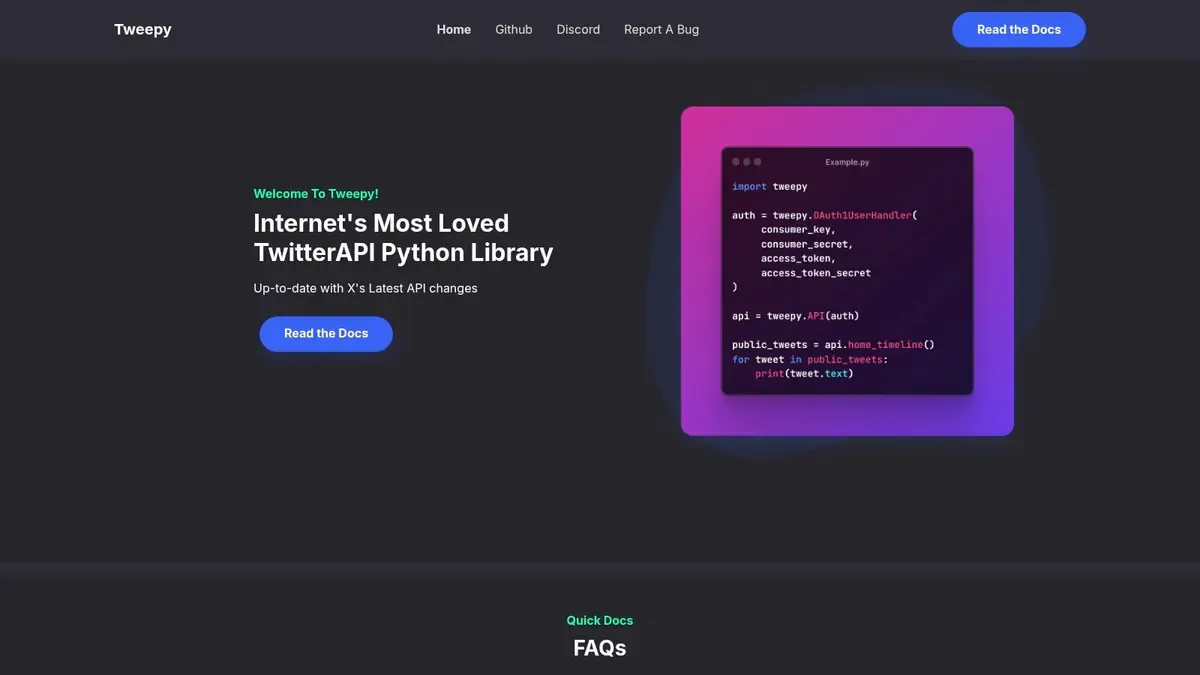
If you write Python, Tweepy is still one of the most practical ways to build a custom twitter bot maker stack. It wraps authentication, v2 endpoints, streaming, search, and media handling in a way that feels natural for Python developers.
It’s a library, not a platform. That means you’re getting freedom, not guardrails. You run the bot, host it, monitor it, and fix it when platform behavior changes.
What Tweepy is good at
Tweepy is a strong choice for bots that need custom logic or model integration. It plays well with Python’s ecosystem, which makes it useful for classification, summarization, tagging, and internal analytics workflows.
A few strong fits:
- Mention triage bots: Pull mentions, classify them, and route only selected ones to a response queue.
- Research bots: Search and store posts for analysis before deciding whether to act.
- AI-assisted publishing: Generate drafts, but keep approval steps outside the model.
There’s also a historical reason Python bots remain popular. Tim Sherratt’s account of the Trove bot ecosystem shows how one bot, @TroveNewsBot in his history of bot making, helped kick off a wider “bot explosion” around cultural heritage sharing. Across June 2013 to December 2020, 43 bots posted 318,767 tweets containing 270,474 unique Trove URLs. That’s a reminder that well-designed bots can do real distribution work when the source material is strong.
The warning is the same as always. A custom Python bot gives you power, but it also makes it easy to automate bad habits at scale. If you don’t design for relevance, pacing, and review, the code quality won’t save the account.
7. twitter-api-v2
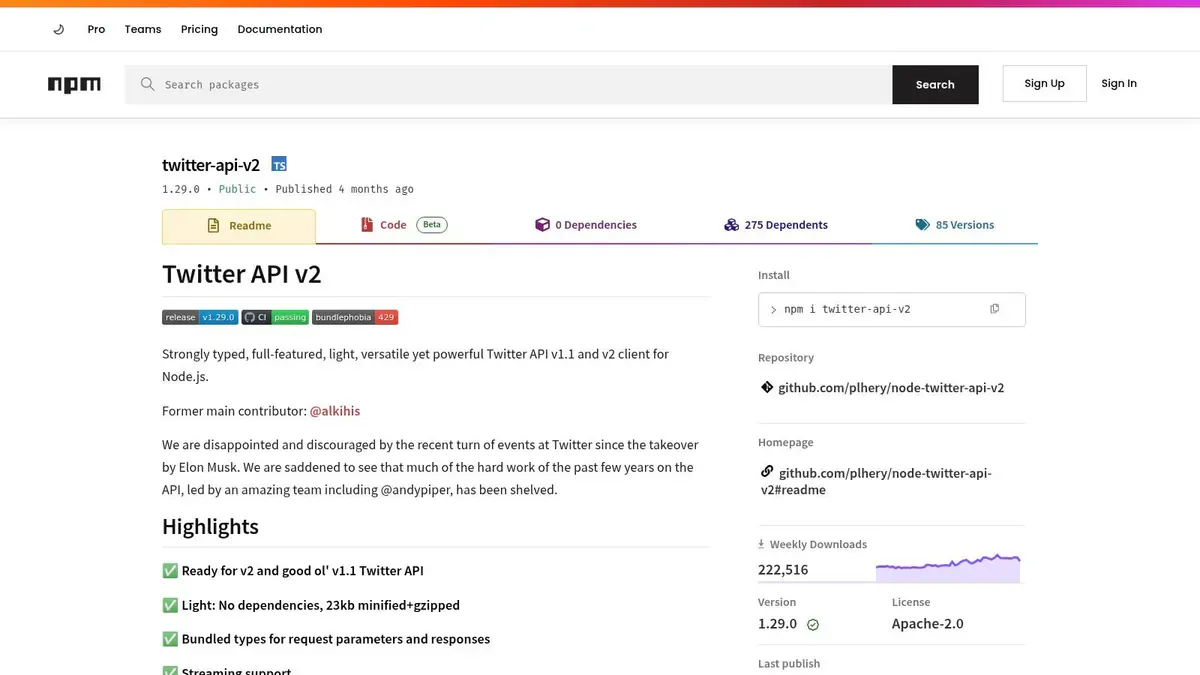
For JavaScript and TypeScript teams, twitter-api-v2 on npm is usually the cleanest SDK choice. The typed client is solid, auth helpers are practical, and it works nicely in serverless setups, cron jobs, and containerized apps.
This is the route I’d use when the bot needs to live inside a larger product. If you already have a Node stack, forcing Python in just for social automation usually creates more friction than value.
Best fit for JavaScript teams
The strongest use cases are product-adjacent bots, not gimmicks. Think release notifications, event-driven posting, DM workflows, or internal tools that help an operator respond faster.
It works well for:
- Serverless posting jobs: Scheduled content and alerts from a Node backend.
- Type-safe integrations: Cleaner development if your team already uses TypeScript heavily.
- Custom reply systems: Pull mentions, enrich with internal data, then draft responses.
One thing worth keeping in mind is how much influence bots can have on distribution. Pew Research Center analyzed 1.2 million English-language tweets linking to 2,315 popular websites and found that 66% of all tweeted links to popular sites were shared by suspected bots in that sample, according to Pew Research Center’s bots in the Twittersphere analysis. That’s a reminder to be careful about what your bot is amplifying and why.
Node makes it easy to ship fast. It also makes it easy to build a bot that posts on every signal you see. Resist that urge. The best JS bots usually do less than the builder first imagined.
8. Axiom.ai
Axiom.ai is what people reach for when the API is unavailable, too restrictive, or overkill for a specific task. It automates the browser itself, which means it can interact with the X web interface instead of official endpoints.
That’s powerful, but it’s also fragile. Browser automation breaks when selectors change, flows update, or anti-automation systems get more aggressive.
Use it carefully
Axiom is useful for UI-only tasks, especially internal workflows where a human is nearby. It can help with repetitive admin work, lightweight scraping, analytics collection, or semi-automated publishing flows that still need review.
Where it goes wrong is aggressive automation. If you use browser tools to mass-post, bulk-like, bulk-follow, or create repetitive engagement patterns, you’re moving into obvious risk territory fast.
A safer use pattern looks like this:
- Assist, don’t impersonate: Use it to prep work, not flood the timeline.
- Keep a human in the loop: Review outputs before actions fire.
- Expect breakage: UI automations need maintenance.
If your real need is help writing better responses instead of fully automating them, a practical AI tweet generator for replies and drafts is usually the lower-risk path.
Browser automation is fine for support work. It’s a bad foundation for a growth strategy.
That’s the trade-off with Axiom. It can unblock a job quickly, but it’s not the first tool I’d trust for durable, customer-facing bot behavior.
9. Phantombuster

Phantombuster is built for repeatable cloud automations across social platforms. Its “Phantoms” make it easy to stand up workflows for posting, data collection, and growth operations without engineering everything yourself.
That convenience is why growth teams like it. You can move fast, schedule jobs, and chain tasks together across multiple networks. For ops-heavy teams, that’s attractive.
Where it fits and where it doesn’t
Phantombuster is best when the task is operational and repeatable. Pull data, enrich a list, monitor a search, or run a simple posting workflow. It’s less compelling when the task needs nuanced logic or careful community interaction.
The big caution is behavioral risk. Tools like this can push teams toward scale before they’ve built judgment. If you automate outreach or engagement aggressively, you can drift into spammy territory even when each individual step looks harmless.
A better use case is support work around content, not replacing content judgment itself:
- Monitoring: Watch lists, keywords, or account activity.
- Collection: Export data into another system for analysis.
- Operational support: Feed a human-led workflow instead of acting autonomously.
That distinction matters. The strongest bot systems usually separate discovery from posting. Phantombuster can help with the first half. I’d be much more cautious about using it for the second at scale.
10. Apify
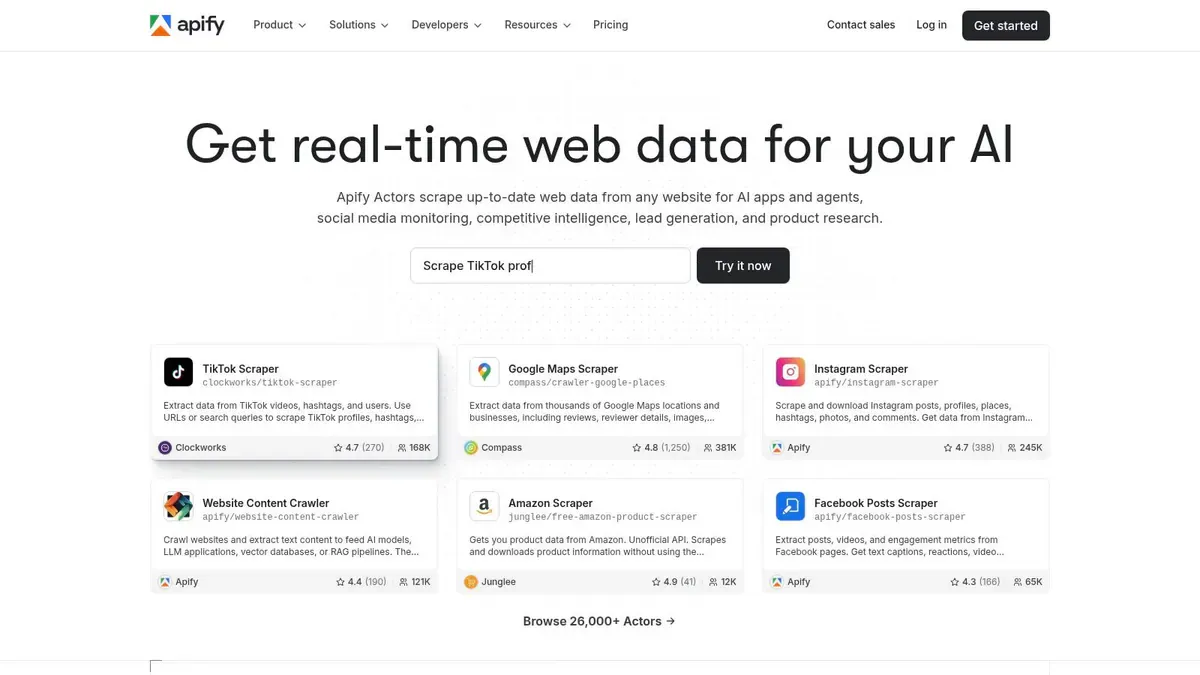
Apify is less of a pure twitter bot maker and more of a data collection and automation platform that can feed bot systems. Its marketplace of Actors makes it useful for scraping posts, profiles, lists, and searches, then exporting that data into downstream workflows.
That makes Apify valuable for research-heavy setups. If you want to monitor topics, build watchlists, or collect source material before a human or another system decides what to do, it’s strong.
Strong for monitoring and research
Apify works best in the following scenarios:
- Topic monitoring: Track niches, keywords, or account clusters.
- Reply research: Gather context before writing manual or assisted replies.
- Data pipelines: Export X-related data into analytics or content systems.
It’s a better fit for intelligence gathering than autonomous posting. Browser-based scrapers and poster actors can work, but they carry the usual problems: breakage, session complexity, and compliance risk.
That’s why I’d use Apify upstream, not as the final actor. Let it collect the signals. Let a human, or at least a more controlled internal system, decide whether anything should be published.
If your goal is sustainable growth, this pattern tends to age better than a fully automated posting bot. Research first. Judgment second. Action last.
Top 10 Twitter Bot Maker Tools: Features & Integrations
| Tool | Core features | UX & Reliability ★ | Price & Value 💰 | Best for 👥 | Unique strengths ✨🏆 |
|---|---|---|---|---|---|
| X Developer Platform (official API) | Full v2 endpoints: posting, replies, DMs, search, streaming, analytics | ★★★★★, stable & policy‑compliant | 💰 Usage‑based; can be costly at scale | 👥 Enterprises, platform‑compliant dev teams | ✨ Official breadth & docs · 🏆 long‑term reliability |
| n8n | Drag‑drop flows, native X node, schedulers, webhooks | ★★★★, flexible; self‑host ops | 💰 Free self‑host / affordable cloud plans | 👥 No/low‑code teams, ops, growth builders | ✨ Large integration library & templates · 🏆 self‑host flexibility |
| Zapier | Triggers/actions to chain X with 5K+ apps | ★★★★, managed reliability, fast deploy | 💰 Task‑based pricing; can rise with volume | 👥 Non‑technical creators, SMBs, prototypers | ✨ Massive app catalog · 🏆 fastest prototyping |
| Pipedream | Code + workflow: Node.js steps, cron, observability | ★★★★, dev‑friendly, good observability | 💰 Credit/compute model; plan estimation needed | 👥 Engineers, serverless teams, custom bots | ✨ Code+workflow hybrid · 🏆 strong OAuth & observability |
| IFTTT | Simple applets, mobile/web creation, basic filters | ★★★, very easy; limited complexity | 💰 Low cost for simple, low‑volume automations | 👥 Casual users, basic cross‑posting needs | ✨ Extremely simple setup · 🏆 lowest barrier to entry |
| Tweepy | Python SDK: OAuth wrappers, streaming, media helpers | ★★★★, full control; self‑host required | 💰 Free OSS; pay X API costs separately | 👥 Python developers, ML/AI integrators | ✨ Tight Python ecosystem integration · 🏆 full code control |
| twitter‑api‑v2 (Node.js SDK) | Typed JS/TS client, auth & media helpers, examples | ★★★★, excellent DX for JS/TS teams | 💰 Free OSS; API charges still apply | 👥 JS/TS devs, serverless & modern stacks | ✨ TypeScript types & modern tooling · 🏆 strong community support |
| Axiom.ai | Chrome RPA: browser recipes for posting & scraping | ★★★, very fast to prototype; brittle | 💰 Paid tiers for cloud/advanced recipes | 👥 Non‑coders needing UI‑only automations | ✨ Automates UI‑only tasks not in API · 🏆 rapid prototyping (fragile) |
| Phantombuster | Cloud ‘Phantoms’ for scheduling actions & data pulls | ★★★, quick results; ToS sensitivity | 💰 Run/credit model; costs scale with runs & proxies | 👥 Growth teams, lead gen, cross‑network workflows | ✨ Prebuilt growth automations · 🏆 multi‑network coverage |
| Apify | Actors marketplace, X scrapers, API/SDK, exports | ★★★★, scalable but UI‑sensitive | 💰 Pay‑per‑compute / per‑result; scales with jobs | 👥 Data engineers, researchers, ops teams | ✨ Rich actor ecosystem & exports · 🏆 scalable scraping platform |
Build Bots Responsibly, Grow Authentically
Choosing a twitter bot maker is really a choice about control and risk. The official X Developer Platform gives you the cleanest long-term path, but you pay for that with cost and setup overhead. Tools like n8n, Zapier, and Pipedream lower the build burden, but they still rely on your API access and your judgment. SDKs like Tweepy and twitter-api-v2 give developers maximum control, while browser automation tools like Axiom.ai, Phantombuster, and Apify can unblock certain workflows fast but carry more fragility and more compliance risk.
The mistake I see most often is building for automation before building for usefulness. A bot that posts constantly isn’t automatically valuable. A bot that republishes obvious summaries, fires off generic replies, or latches onto every trend signal usually creates more risk than upside. In many cases, the better setup is a workflow that helps a person move faster, not a system that replaces the person entirely.
That human-in-the-loop approach is also the safer answer for growth. Automated posting can still work in narrow use cases like alerts, syndication, and monitoring. But for creators, founders, analysts, and solo builders, the strongest outcome usually comes from tools that improve timing, context, and writing quality while keeping final control in human hands.
That’s especially important on a platform where bots have historically had outsized influence. Earlier studies and bot histories showed how a small number of bot operators could shape distribution at scale, and later platform changes made automated behavior more heavily scrutinized. The lesson isn’t “never build bots.” It’s “build the smallest bot that solves the job well.”
A good process is simple. Start with one narrow workflow. Log every action. Review outputs manually at first. Watch for repetition, brittle triggers, and false positives. If the automation helps you post better, respond faster, or surface useful conversations without making the account feel synthetic, you’re on the right track. If it starts to feel like volume for its own sake, pull it back.
The optimal twitter bot maker isn’t the one with the most features. It’s the one that matches your skill level, your tolerance for maintenance, and the kind of account you intend to run. Reliability beats cleverness. Relevance beats frequency. And in most real-world growth systems, assisted engagement beats blind automation.
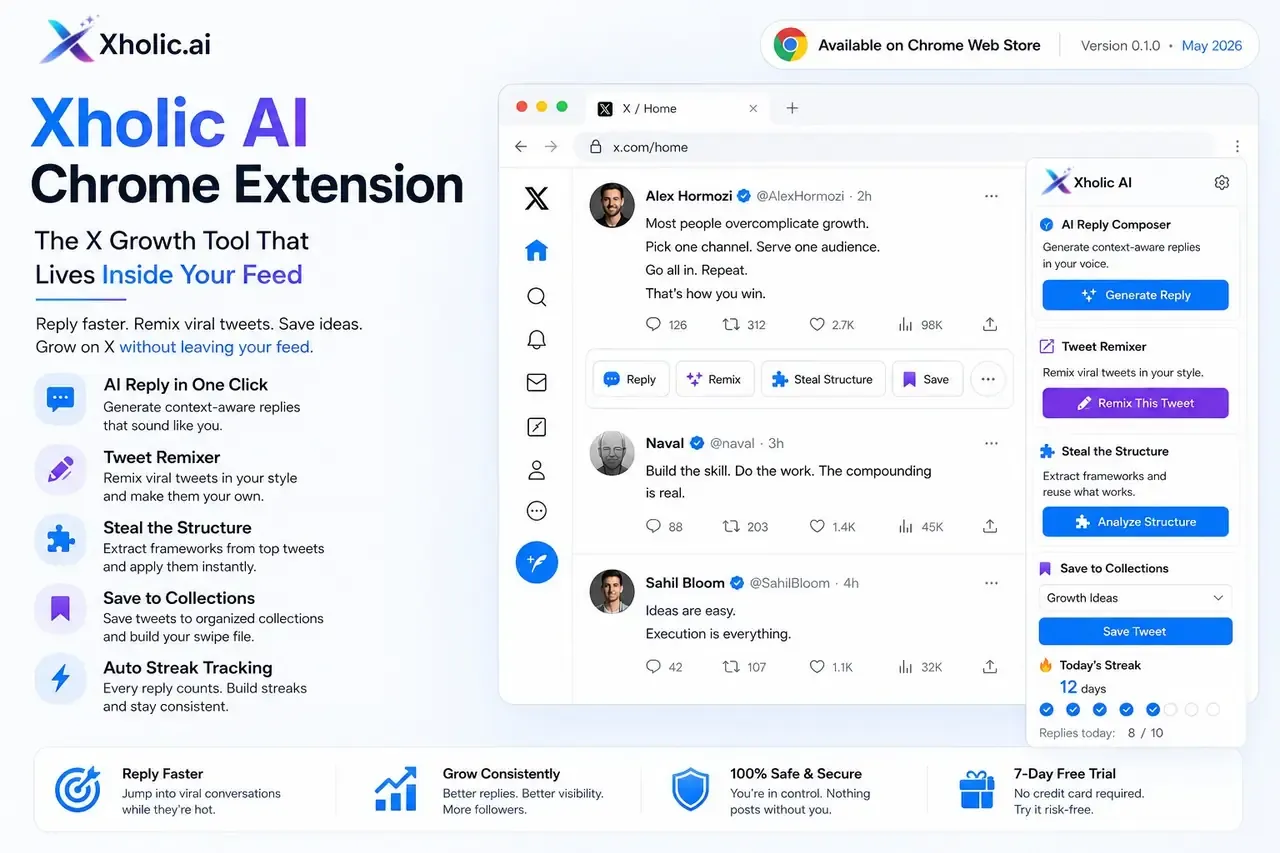
If you want the upside of automation without the account risk that comes with auto-posting bots, Xholic AI is the smarter route. It helps you find high-momentum conversations, draft stronger replies, and publish on-brand content faster, while keeping you in control of every action through secure OAuth and manual review.