Monday morning usually starts the same way for creators who have added tools faster than they have fixed process. A script draft sits in one tab, a thumbnail prompt in another, a video editor is still exporting, and the social scheduler is waiting for copy that matches none of the assets. The problem is rarely effort. The problem is a stack built tool by tool instead of workflow by workflow.
A bad stack creates handoff friction at every step. You generate ideas in one app, write in another, design in a third, clip in a fourth, then rewrite posts to fit each channel because nothing shares context. A good stack closes those gaps. One or two specialist tools can still earn a place, but each tool should own a clear job in the chain: idea capture, asset creation, editing, repurposing, publishing, or audience feedback.
That distinction matters more than the size of the feature list. I have seen creators pay for five subscriptions and still miss deadlines because every output needed cleanup before it could move to the next tool. I have also seen lean setups ship more consistently because the stack was built around a repeatable content loop.
That is the lens for this guide.
The goal is not to collect the biggest list of ai tools for creators. The goal is to build an AI creator stack that holds together under weekly production pressure. Some tools deserve a permanent role as specialists. Others overlap so much that one focused platform can replace several subscriptions and cut both cost and context switching. Xholic matters in that conversation because it can cover multiple parts of the creator workflow tied to ideation, posting cadence, and X growth, instead of forcing another disconnected tab into the process. If your bottleneck is audience interaction as much as content output, tools built for fast AI tweet replies and reply workflow management can remove more friction than another generic writing app.
The sections that follow examine each tool with that stack-first standard: where it fits, where it overlaps, and where consolidating around the right toolkit saves more time than adding another specialist.
1. Xholic AI
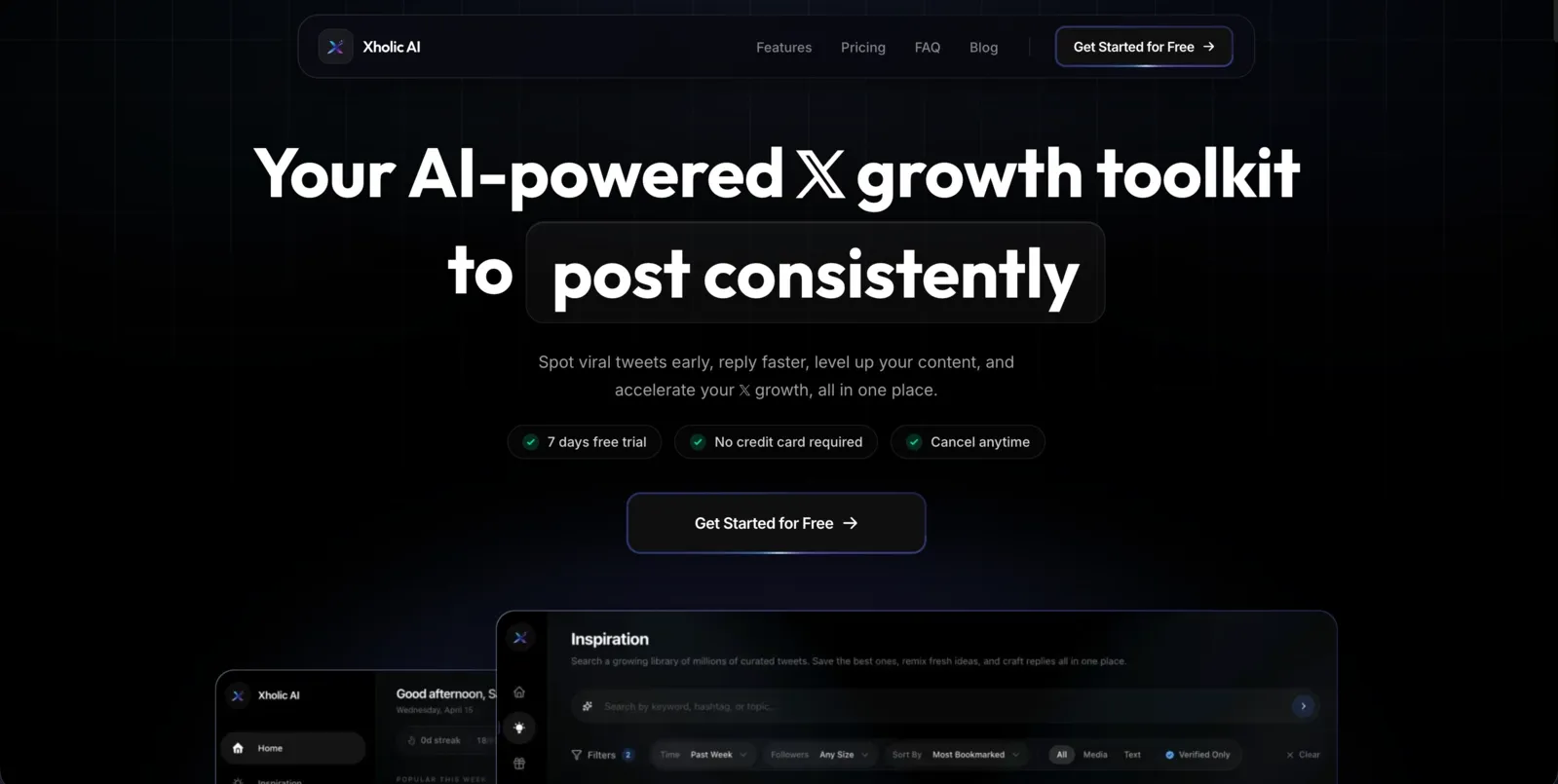
You open X to post, see three strong takes in your niche, and lose 20 minutes trying to figure out why they worked. Then you still have to draft, reply, and stay on tone. That is the loop Xholic is built for.
Instead of treating ideation, writing, and engagement as separate jobs, Xholic keeps them in one X-native workflow. You start with momentum. Then you study the structure behind posts that are already spreading. Then you turn that pattern into something that sounds like you, publish it, and keep the conversation going with faster replies. That stack matters because a lot of creators do not need ten disconnected AI subscriptions. They need one system for one channel that drives audience growth.
Why Xholic stands out
The product is strongest when you use it as a loop, not a menu of features.
Its discovery engine gives you a live feed of what is gaining traction, which solves a common posting problem. Timing is easy to miss if you rely on generic social schedulers or keyword alerts. By the time a trend is obvious, the opportunity is usually weaker. Starting from momentum data gives you better raw material before you write a single line.
Then the analysis tools do the harder job. Inspiration search helps you find posts by idea and intent, not just exact wording. Steal the Structure is useful because it separates the pattern from the phrasing. For creators, that is the primary bottleneck. The challenge is rarely “write me a tweet.” The challenge is understanding why a post created curiosity, clarity, tension, or authority so you can reproduce the mechanism without copying the words.
Tweet Remixer and Daily Pack push that process into production. Instead of generating random variations, they help you turn proven formats into drafts that fit your tone and posting cadence. Reply Deck and AI Reply Composer extend that same logic into engagement, where speed matters but sounding human matters more.
That is why Xholic deserves attention in a guide about building an AI creator stack. For creators who treat X as a primary distribution channel, it can replace pieces of a research tool, swipe file, writing assistant, and reply helper in one place. That is a better trade if your current setup is spread across too many tabs.
Practical rule: Use specialized tools where context changes the output. On X, discovery and replies are context-heavy, so generic writing tools usually produce flatter posts and weaker engagement.
There is also a sensible control model. Nothing auto-posts. You review the output before it goes live, which is how AI should work on a platform where one off-brand reply can do real damage. Fast drafting helps. Human judgment still has to make the final call.
Who should use it
Xholic fits founders, indie hackers, operators, researchers, and creators who are serious about growing on X and want a tighter workflow around that goal. It is less useful for someone who needs broad multi-platform scheduling, heavy design work, or long-form video editing. Those jobs belong elsewhere in the stack.
The pricing also makes its positioning clear. It is inexpensive enough to test as a focused tool, and that matters because focused tools should save either time or subscriptions. Xholic can do both if X is where you consistently publish, study competitors, and build relationships in replies.
I would use it in a simple workflow. Find a trend with momentum, analyze two or three posts that earned attention, remix the angle into my voice, queue a few variations, then use the reply tools to stay active once the post starts getting traction. That is a real operating system for X, not another idea generator.
For creators who care about sounding human in replies, Xholic’s guide to generating faster replies with an AI tweet reply tool is worth reading because it matches the product’s core philosophy. Use AI to speed up drafting and pattern recognition. Keep your judgment, taste, and timing in the loop.
2. Adobe Firefly
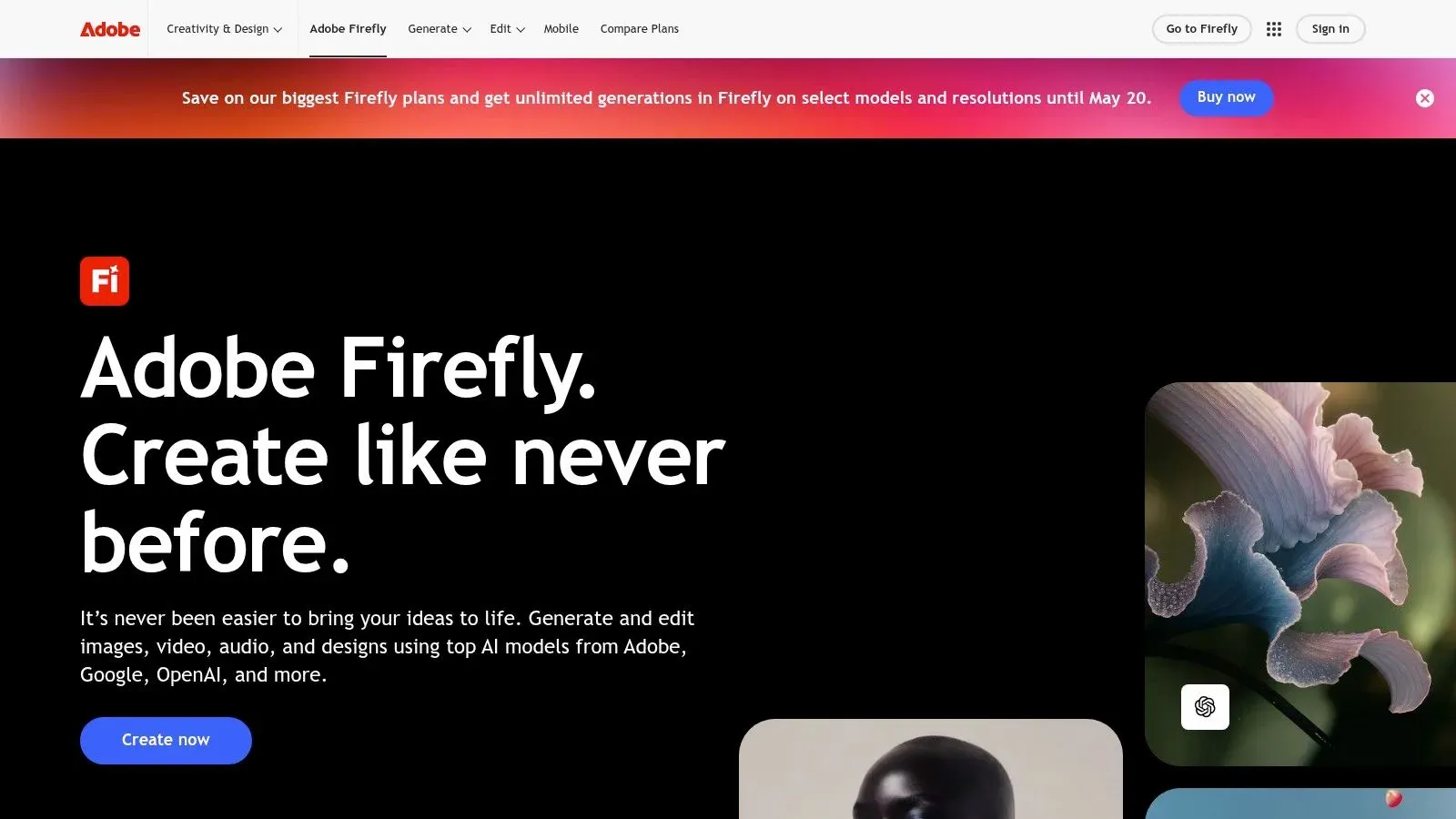
Adobe Firefly earns its place in a creator stack when AI output needs to hold up after the idea phase. A lot of generators are good at producing something interesting. Firefly is better at turning that result into an asset you can finish, revise, and hand off inside Photoshop, Illustrator, Premiere, or Express.
That matters because it cuts out a workflow creators know too well. Generate an image elsewhere, export a PNG, import it into Photoshop, mask the subject, extend the canvas with Generative Fill, then rebuild parts of the composition because the original output was never made for production. Firefly avoids a lot of that friction when Adobe is already where the work gets finished.
Best fit
Firefly is a strong choice for designers, brand teams, and creators who already spend serious time in Adobe apps. Its best use case is not pure ideation. It is controlled editing. Generative Fill, background replacement, style variations, and expansion tools are useful because they solve common production problems on the working file, not in a separate sandbox.
That also makes Firefly easier to fit into a broader AI creator stack. If Xholic handles ideation and publishing on X, Firefly can cover the visual cleanup and asset refinement step without adding another disconnected tool to manage. The trade-off is clear. You get better integration and better handoff into pro software, but you give up some of the novelty and breadth you might get from standalone image generators.
The pricing model needs a close look. Credits are manageable for light image work, but video and audio features can burn through them quickly. Firefly makes more financial sense when it replaces part of a messy multi-tool workflow or comes bundled with the Adobe subscription you already use.
Firefly is an editing-first AI tool. If your bottleneck is polishing assets, not generating endless first drafts, that distinction matters.
I would pick Firefly when the final deliverable needs approval-ready visuals, layered edits, or brand-safe revisions. If your stack already runs through Adobe, Firefly often saves more time than a flashier standalone generator.
3. Canva Magic Studio
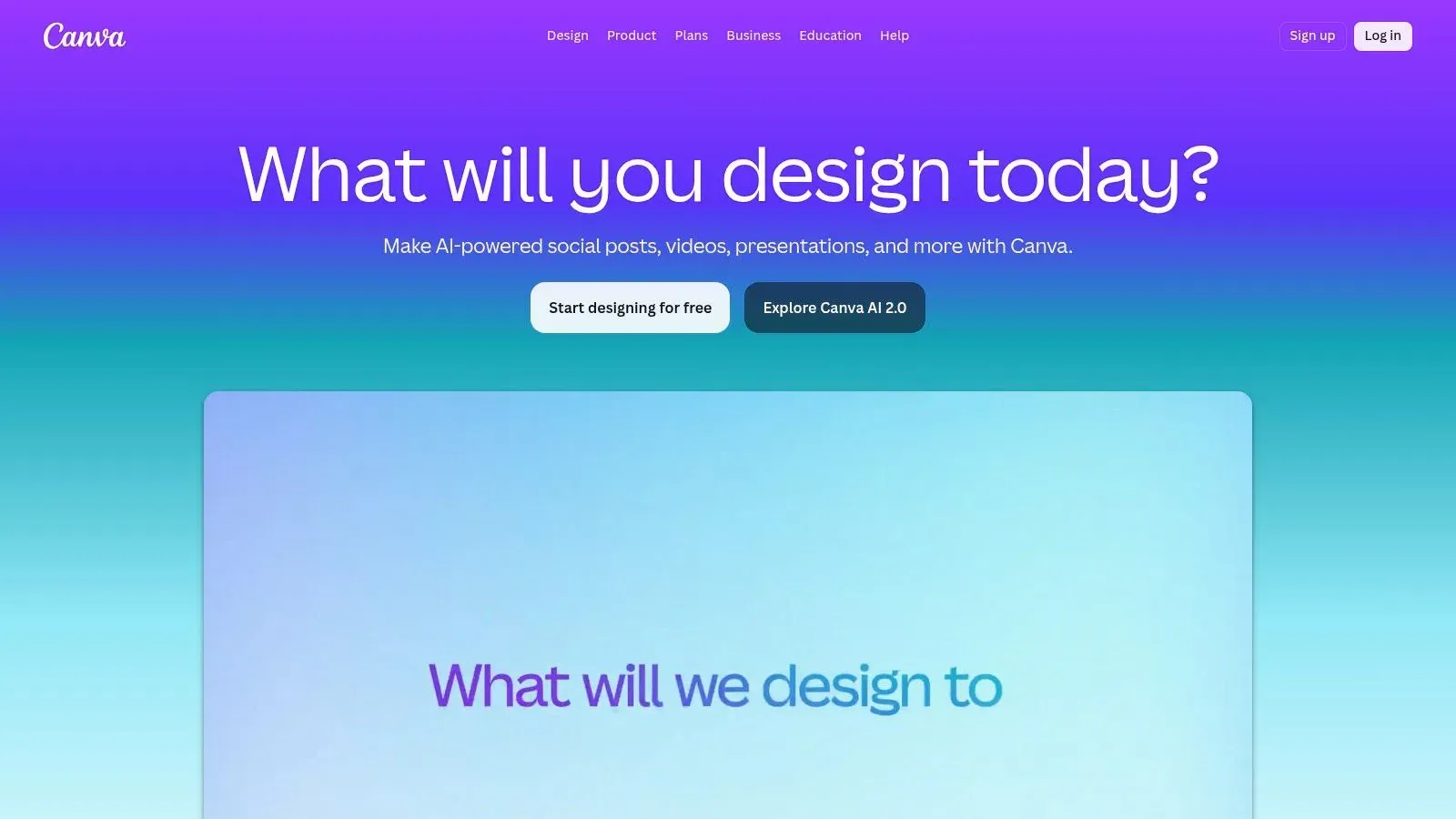
Canva is the tool I reach for when the goal is shipping, not perfecting. A creator with a rough idea in the morning can turn it into a clean carousel, lead magnet, thumbnail, promo graphic, and resized social assets by lunch. That speed matters more than pixel-level control for a lot of publishing workflows.
Magic Studio works best for creators who are not trained designers but still need output that looks consistent and on-brand. Magic Write helps with rough copy. Magic Media covers quick visuals. Magic Switch handles repurposing. Templates, stock, and brand kits keep the whole system moving without a long setup process.
Its value is not any single feature. It is how many small production tasks Canva removes from the week.
That makes Canva a strong middle layer in an AI creator stack. Xholic can handle idea sourcing, trend monitoring, and content angles for X. Canva can turn those ideas into carousels, one-pagers, or lead magnet PDFs. Descript can take over when the same campaign needs a webinar edit, social clips, or cleaned-up audio. Used that way, Canva replaces a pile of one-off design subscriptions without forcing every asset through pro-level software.
A concrete example helps. For a consultant building an audience on X, one practical stack is Xholic for post ideas and repurposing angles, Canva for a lead magnet PDF and promo graphics, and Descript for editing the recorded webinar that sells the offer. Canva is doing the packaging work in that stack. It is not the brain of the operation, and it is not the final video editor.
That distinction matters because Canva does have limits. Advanced motion design, detailed timeline editing, and serious audio work still belong in tools built for those jobs. If your content depends on cinematic video, layered effects, or frame-by-frame control, Canva starts to feel shallow fast. Paid tiers also matter here because some AI features and higher usage caps are not very useful at free-plan limits.
For solo operators and small teams, though, Canva often earns its place because it reduces friction across the entire workflow. The trade-off is simple. You give up some control, and you get faster production, easier collaboration, and fewer bottlenecks between idea and publish.
4. Runway
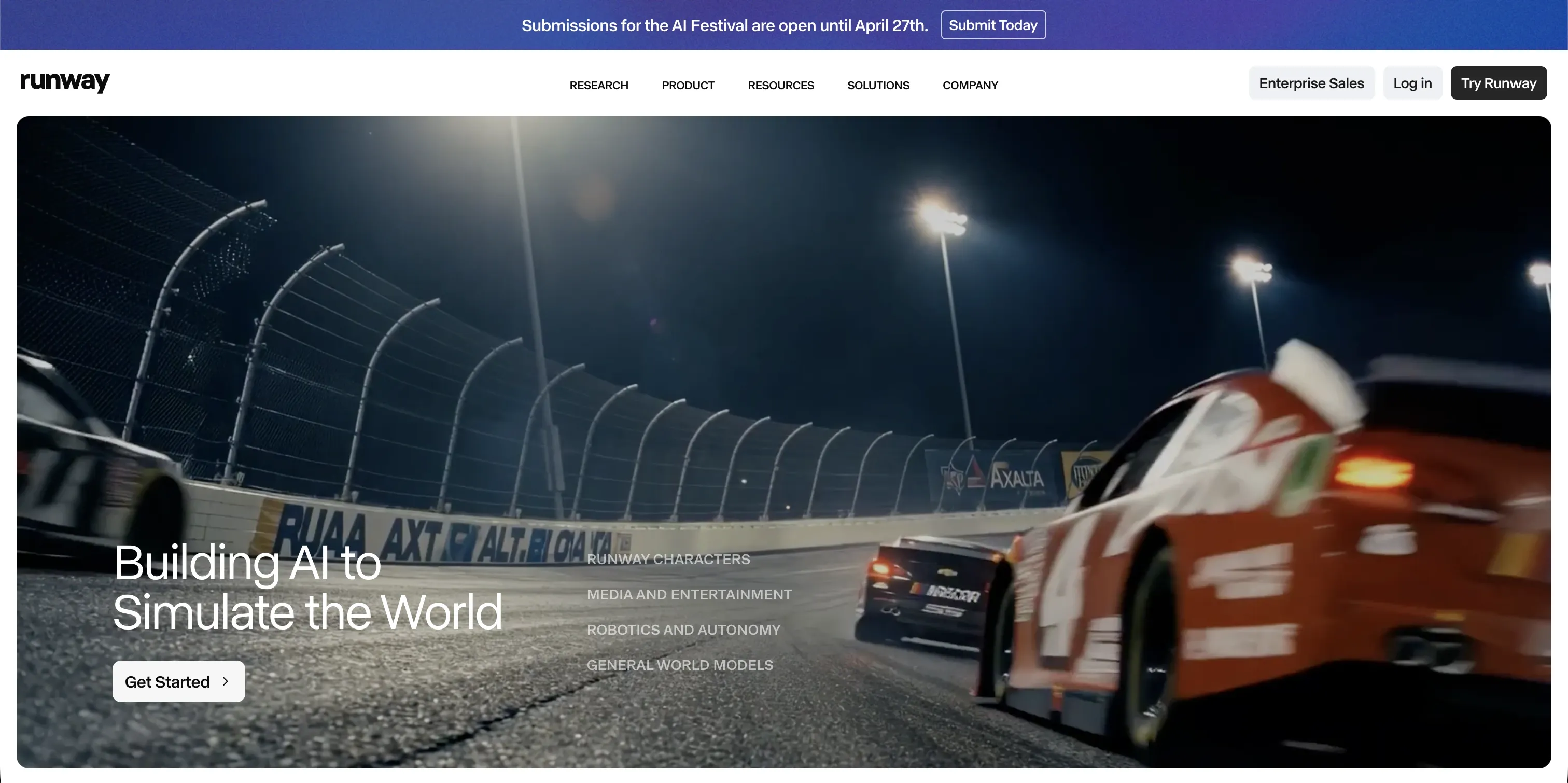
A short-form creator has about an hour to test ten hooks before the trend shifts and the strongest concept wins distribution. Runway earns its place in that workflow because it lets you generate, remix, and compare visual directions fast, without booking a shoot or opening a full post-production stack.
That speed is its main value. Runway is less about polishing a final cut and more about finding the version worth polishing.
What Runway is good at
Runway works well for creators testing Reels, TikTok promos, launch teasers, mood pieces, and B-roll-driven ads. Text-to-video, image-to-video, upscaling, and different model options give you room to try multiple directions in one session. In practice, that means you can start with a rough concept, test three visual moods, then keep the one that earns attention.
I’ve found it strongest at the front of the video workflow. It helps answer questions like: Is this concept visually interesting enough? Does this hook need surreal motion, cleaner product shots, or a more stylized background? That makes it useful inside an AI creator stack, especially if Xholic is handling idea discovery and angle generation upstream. Runway can turn those raw concepts into visual tests before you spend real editing time downstream in a timeline tool.
There are trade-offs. Output quality still varies by prompt, model, and scene complexity. Hands, text rendering, object consistency, and longer motion sequences can break in ways that look fine in a preview and weak in a published ad. Credit usage also adds up fast if your process is messy.
So the practical rule is simple. Use Runway to produce options, not to wander. Go in with a shot list, a hook hypothesis, and a clear use case. If one subscription can cover ideation, trend analysis, and content direction before Runway handles visual concepting, your stack stays tighter and your testing loop gets cheaper.
Runway is a strong specialist tool. It makes more sense as part of a coordinated creator stack than as another isolated subscription.
5. Descript
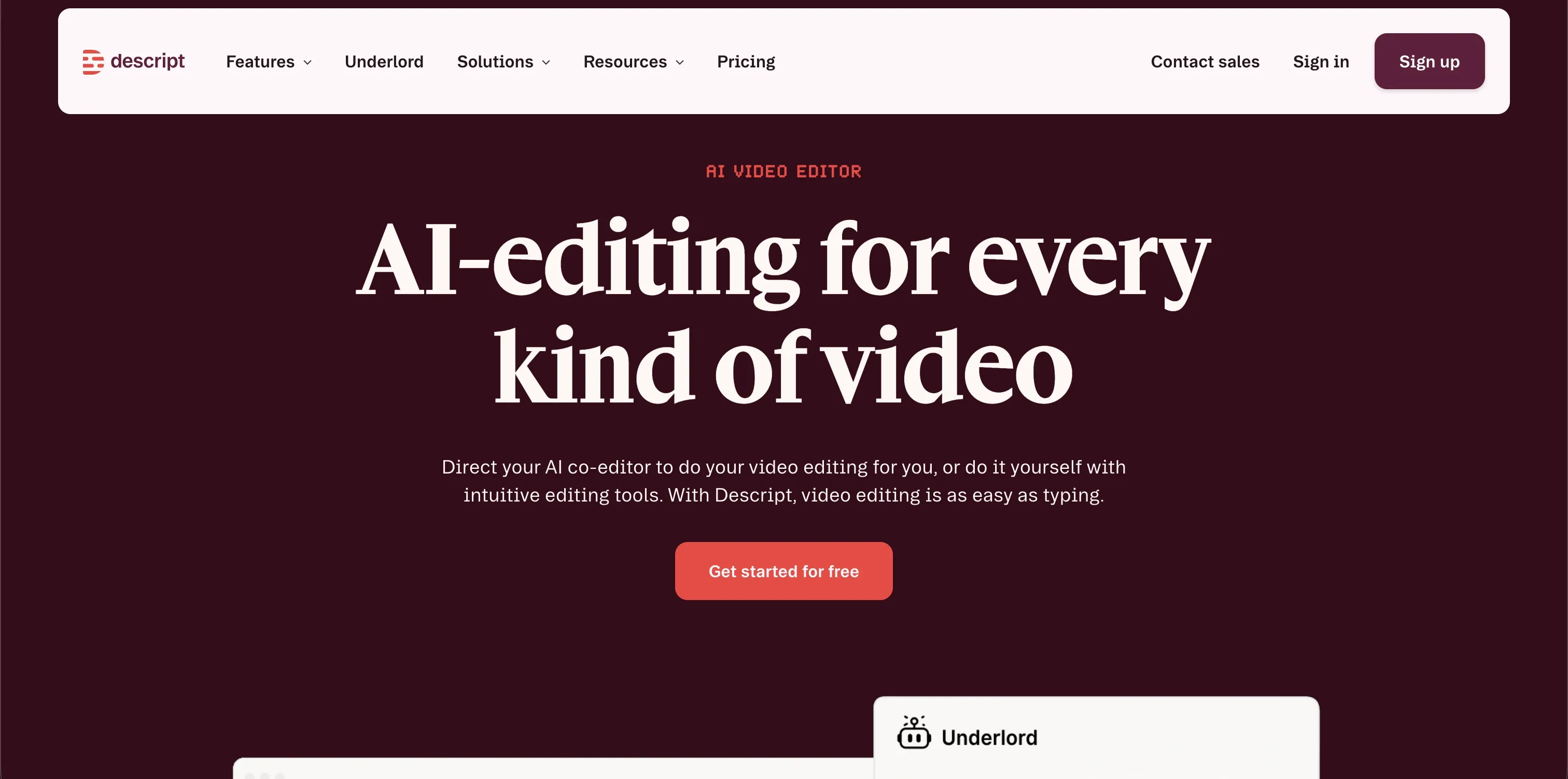
Descript earns its place in a creator stack because it handles a specific bottleneck well. Spoken-word editing is slow in a traditional timeline, especially when the job is cutting rambling answers, filler words, retakes, and awkward pauses. Descript turns that cleanup into a transcript pass, which is often the difference between publishing this week and letting raw footage sit in a folder.
The core workflow is simple and useful. Record a podcast, interview, lesson, or talking-head video, generate the transcript, then edit the words instead of hunting waveforms. For a typical 30-minute podcast, I’d expect a rough edit that might take 60 to 90 minutes in a standard editor to drop closer to 20 to 30 minutes here, especially when the main task is removing filler and tightening phrasing.
That speed matters if you are building an AI creator stack instead of collecting isolated apps. Xholic can help shape the angle and content direction upstream. Descript then takes the raw recording and gets it into clean publishable form without forcing a full timeline edit for every episode. In the right setup, it can replace several smaller utilities for transcription, basic cleanup, captions, and light repurposing.
Why creators keep paying for it
The value is not one headline feature. It is the way Overdub, Studio Sound, captions, eye-contact correction, clip extraction, and publishing tools sit in one place. That reduces context switching, which is the hidden tax in creator workflows. One app for transcript edits, one for captions, one for audio cleanup, and one for social clips sounds manageable until every export creates another round of file handling and revisions.
There are limits, and they show up fast once the edit gets more visual. Complex multicam work, precise motion graphics, detailed color correction, and heavier effects still belong in Premiere Pro, Final Cut, or another full NLE. Pricing tiers and usage caps also matter if you publish frequently, so the math changes for teams producing high volume every week.
Descript works best as the spoken-content editor in your stack. If your business runs on podcasts, commentary, interviews, course lessons, or founder videos, it can save real hours. If your workflow is more cinematic, Descript is still useful, but as a support tool, not the center of the system.
6. OpusClip Opus.pro
You finish a 45-minute interview, publish the full episode, and then the main work starts. You still need vertical clips for Shorts, Reels, and TikTok. That is the job OpusClip handles well.
OpusClip belongs in a creator stack built around repurposing volume. Upload a webinar, podcast, livestream, or talking-head video, and it finds likely highlight moments, reframes for vertical formats, adds captions, and packages clips fast enough to clear a backlog that would otherwise sit untouched for weeks.
Best for Repurposing at Scale
The main advantage is speed with acceptable quality. If your bottleneck is turning one long recording into ten to twenty usable social assets, OpusClip can save real editing time. I would not use it as the center of a video workflow, but I would use it to keep distribution moving after the main edit is done.
That distinction matters.
OpusClip is a post-production multiplier, not a replacement for a full editor. It helps after the episode, interview, or training video already exists. Descript can clean the spoken content first. OpusClip can then cut that source into platform-ready clips. Xholic can take the strongest moments and turn them into captions, hooks, and supporting posts, especially if you already use an AI content workflow for creators instead of managing separate writing tools for every channel.
The trade-off is control. Auto-selected clips are often good, not final. Some picks will miss context, overrate a dramatic sentence, or choose a moment that works poorly without the setup before it. The caption styling and reframing are useful, but brand-heavy creators usually still need a pass before publishing.
Pricing also changes the equation. Credit-based usage rewards batch processing and a clear publishing plan. It is less forgiving if you upload every long video on impulse and sort it out later.
If distribution is the bottleneck in your stack, OpusClip earns its spot quickly. If you still need to create the core idea, shape the narrative, and polish the master edit, it works best as one layer in the system, not the whole system.
7. Jasper
Jasper earns its spot when a brand has several people publishing at once and all of them need to sound consistent. That is a different job from helping one creator get past a blank page. Jasper is built for control, approvals, and repeatable output across a team.
The practical test is simple. If you have three marketers and a sales team all writing on-brand emails, landing pages, and campaign copy, Jasper’s governance starts to matter fast. If you are a solo founder writing your own posts and offers, Xholic’s voice matching is often quicker and lighter.
That team-first focus shows up in the product. Brand Voice, reusable knowledge assets, guided agents, canvas editing, and permissions all reduce drift between contributors. You pay for that structure. You also spend time setting it up well, because Jasper gets better after the brand rules, examples, and source material are loaded in.
That trade-off is the core story.
Jasper is rarely the lowest-cost writing tool in a creator stack, and solo creators will feel that immediately. The value comes from reducing brand inconsistency, revision loops, and access problems across a group. For agencies, in-house content teams, and creator businesses with multiple operators, that can justify the price. For one-person shops still testing positioning, it can feel like buying the policy manual before the company voice is settled.
I would use Jasper when the message is already clear and the problem is operational consistency. I would not use it as the first tool to discover the message itself. In a stack, Jasper fits near the publishing and brand-governance layer, while a tool like Xholic can cover ideation, voice adaptation, and channel execution with fewer moving parts. If you want examples of that kind of connected system, Xholic’s content workflow archive for creators is worth reviewing.
Jasper makes more sense as the team grows. For solo creators, the better question is whether one specialized platform can replace two or three separate subscriptions before you add another writing tool.
8. Copy.ai
Copy.ai earns its place in a creator stack when publishing starts to feel like operations. The practical use case is not “write me a caption.” It is building a repeatable system that turns one source asset into several channel-ready outputs with less manual handoff.
A concrete example helps. Say you publish a new blog post every Tuesday. Copy.ai can ingest that post, draft five tweets, a LinkedIn summary, and a short newsletter email, then stage each asset for review. That saves time, but the bigger win is consistency. The workflow runs the same way every week, even when the person managing distribution changes.
That is why Copy.ai fits better for workflow-heavy creator businesses than for solo experimentation. Its value sits in automations, integrations, and API access that connect research, drafting, repurposing, and distribution tasks. If your operation includes recurring briefs, outbound emails, social cutdowns, sales collateral, or launch support, it can remove a lot of the copy-paste work that usually clogs content ops.
The trade-off is setup.
Copy.ai gets better after you define the process clearly, connect the right systems, and decide where human review happens. Without that work, it can feel like expensive automation sitting on top of a messy workflow. I would use it when the publishing machine already exists and the bottleneck is coordination, not raw idea generation.
In a broader AI creator stack, Copy.ai works as the orchestration layer. It helps move content between steps. But that also raises the subscription question. If you are already paying for separate tools for ideation, drafting, repurposing, and execution, a more specialized platform like Xholic may cover more of that path in one place and reduce tool sprawl. For solo creators, that usually matters more than advanced workflow logic. For teams with repeatable campaigns, Copy.ai can justify itself once the process is stable enough to automate.
9. ElevenLabs
ElevenLabs earns its place in a creator stack when the bottleneck is voice production. A scripted video is ready, the edit is waiting, and recording from scratch would add another round of setup, retakes, and cleanup. For narration, dubbing, and multilingual versions, ElevenLabs can cut that delay down to minutes.
Quality matters more in audio than many creators expect. Viewers will forgive simple visuals before they forgive stiff pacing, strange emphasis, or a synthetic voice that sounds off. ElevenLabs is one of the few voice tools that can produce narration I would ship for explainers, tutorials, and faceless video formats, as long as the script is written for spoken delivery and someone listens through before publishing.
Where it fits in a creator stack
It works well for YouTube essay channels, course businesses, podcast teams, agencies producing client explainers, and creators localizing content across markets. Voice cloning, speech-to-speech, dubbing, studio controls, and API access give it range. Its primary advantage is workflow fit. It slides into an existing process instead of forcing the whole production pipeline to change.
The trade-off is cost control and editorial judgment.
Credits disappear fast if you are generating long-form narration, testing multiple takes, or producing several language versions. And even with strong output, the tool does not solve bad scripts. You still need to handle pause placement, emphasis, pronunciation, and the tone mismatch that happens when written copy gets read aloud.
The best use case is a chained workflow. Draft the script in Jasper or Copy.ai. Generate the voice in ElevenLabs. Build visuals in Canva or Runway. Clean timing, breaths, and pacing in Descript. That stack can produce a fully narrated YouTube video essay with custom graphics and polished audio, without putting the creator on camera or hiring a voice actor.
That also clarifies where subscription sprawl starts. If you are paying separately for scripting, visuals, voice, editing, and distribution, your stack gets expensive fast. A more consolidated platform like Xholic can cover more of the creator workflow in one place, then pair with a specialist like ElevenLabs only when voice quality is the clear priority. If social distribution is part of that system, this guide to AI Twitter generators and post tools for audience growth is a useful next layer.
10. Tweet Hunter
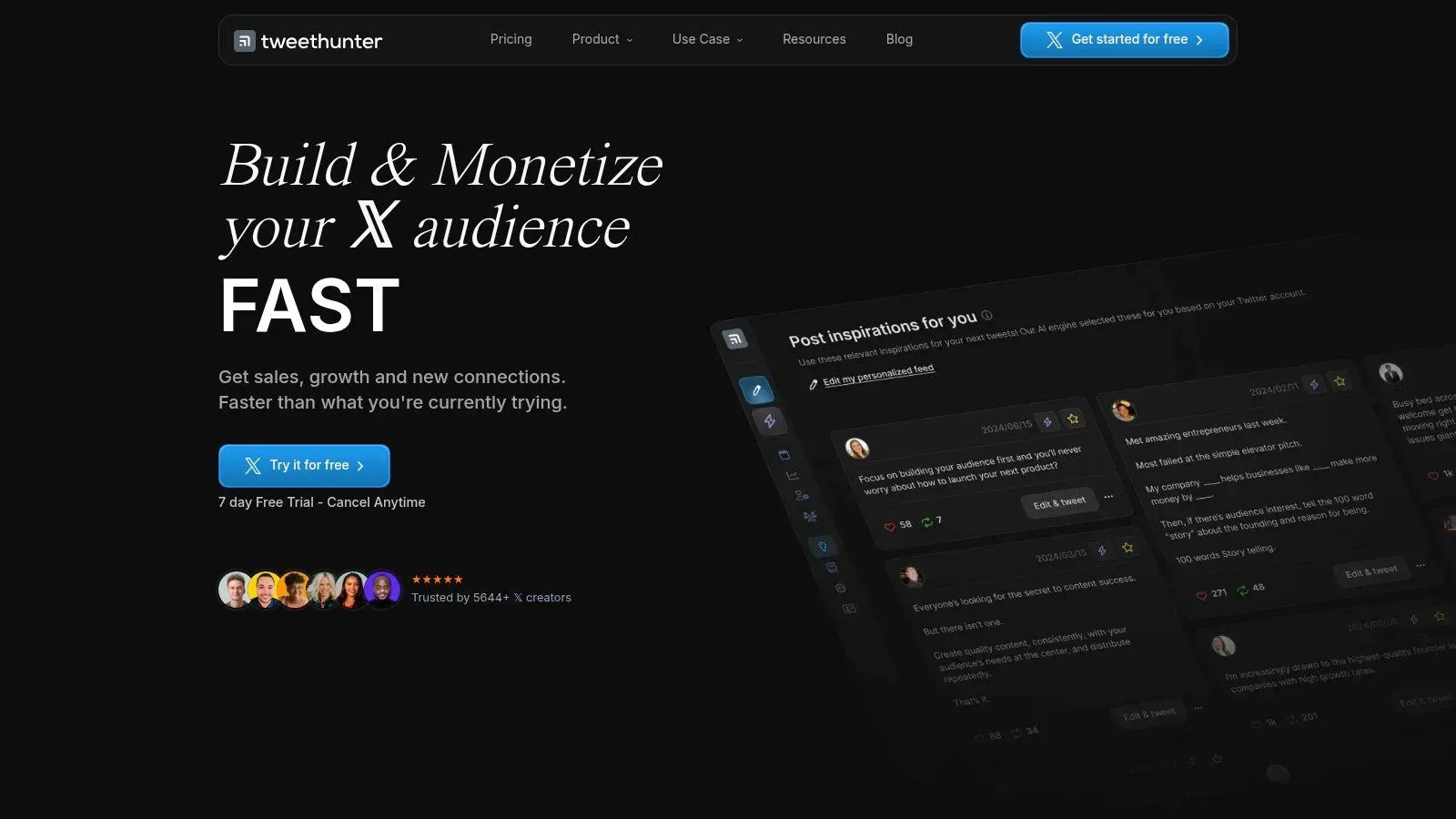
Tweet Hunter is one of the better-known X-focused tools for ideation, writing, scheduling, analytics, and growth automation. If your priority is publishing consistently on X and testing growth features quickly, it’s a legitimate option.
The viral tweet library and AI writing features are useful for creators who want help drafting posts and threads. Scheduling, evergreen posting, CRM-style lists, and onboarding resources make it approachable, especially for people who want a structured system.
When it makes sense
Tweet Hunter is best for creators who are comfortable with automation and want one dashboard for X planning and distribution. It’s purpose-built for the platform, and that alone gives it an edge over general social suites that treat X like one checkbox among many.
But this is also where the trade-off matters most. Some automation features can drift into spammy behavior if used lazily. That’s true for any X growth tool. The line between utilization and obvious automation is thin, and creators should stay on the careful side of it.
That distinction is part of why some users prefer review-first workflows. In a market where trust, control, and authenticity matter, tools that automate aggressively aren’t always the best fit for personal brands. For a more hands-on, voice-preserving approach to X growth, Xholic’s guide to AI Twitter generators and post tools for boosting engagement offers a useful contrast.
Tweet Hunter is still a solid choice if scheduling and automation are your main priorities. If reply quality, timing, and human-feeling engagement matter more, a tool built around reviewed drafts rather than auto actions may fit better.
Top 10 AI Tools for Creators, Feature Comparison
A creator stack should cut steps, not add tabs. That is the lens that makes this table useful.
Used one by one, these tools look like a standard roundup. Used together, the differences matter more. Some apps are best-in-class point solutions. Others cover enough ground to replace two or three subscriptions if your workflow is narrow and repeatable. That is why Xholic stands out for X-focused creators in particular. It combines idea discovery, remixing, replies, and daily execution in one place, which can simplify a stack that would otherwise sprawl across separate writing, research, and scheduling tools.
The practical question is not which tool has the longest feature list. It is which combination removes the most weekly friction for the kind of content you publish.
| Tool | Core features / Capabilities | UX & Quality (★) | Value & Pricing (💰) | Target audience (👥) | Unique selling points (✨) |
|---|---|---|---|---|---|
| 🏆 Xholic AI | Momentum discovery (2.5M+ viral tweets); Inspiration search; Tweet Remixer; AI Reply Composer; Daily Pack | ★★★★★, voice‑aware AI; fast output | 💰 $18 first month → $24/mo; 7‑day free trial; replaces multiple tools | 👥 Founders, indie hackers, creators, analysts | ✨ Momentum scoring; voice‑matched replies; Daily Pack; privacy‑first |
| Adobe Firefly | Generative Fill; text→image/vector; integrated into Creative Cloud apps | ★★★★★, professional quality & IP controls | 💰 Credit model; best value with Creative Cloud subscription | 👥 Designers, brands, agencies | ✨ Deep Creative Cloud integration; enterprise IP governance |
| Canva (Magic Studio) | Magic Write; Magic Media (image/video); templates; brand kits | ★★★★★, very approachable; fast from idea→publish | 💰 Freemium → paid tiers for advanced AI/features | 👥 Non‑designers, small teams, social marketers | ✨ Massive template + stock library; Magic Switch for repurposing |
| Runway | Text→video, image→video, lip‑sync; multiple model families; upscaling | ★★★★, fast iteration for shorts; model choice | 💰 Credit‑based; premium models consume credits | 👥 Video creators experimenting with AI shorts | ✨ Multiple state‑of‑the‑art models in one interface |
| Descript | Edit by transcript; Overdub voice cloning; captions, publish pages | ★★★★, fastest for talking‑head & podcasts; collaborative | 💰 Tiered plans; transcription/feature quotas on lower tiers | 👥 Podcasters, YouTubers, educators | ✨ Edit‑by‑text + Overdub + one‑click publishing |
| OpusClip (Opus.pro) | AI clipping; Virality Score; auto‑reframe; scheduler & exports | ★★★★, scales long→short efficiently | 💰 Credit model; plan for high clip volumes | 👥 Creators turning long‑form into Shorts/Reels/TikTok | ✨ Virality scoring + automated captions & reframing |
| Jasper | Brand Voice, Agents, Canvas editor, image gen, API | ★★★★, strong brand consistency & team workflows | 💰 Higher cost; Business tier for governance & API | 👥 Marketing teams, agencies | ✨ Brand governance, reusable Agents & templates |
| Copy.ai | Chat ideation; multi‑step Workflows; integrations & API | ★★★★, effective for repeatable pipelines | 💰 Seat + workflow‑credit model; enterprise pricing | 👥 GTM teams, content ops, marketing | ✨ Workflow automation at scale; many integrations |
| ElevenLabs | TTS, high‑quality voice cloning, speech→speech, dubbing studio | ★★★★, very natural voices; fast output | 💰 Credits/characters/min guidance; scalable API plans | 👥 Creators needing narration, dubbing, courses | ✨ Industry‑leading voice cloning & multilingual dubbing |
| Tweet Hunter | Viral tweet library; AI writer for tweets/threads; scheduling; automations | ★★★★, purpose‑built for X growth | 💰 Subscription with 7‑day trial; growth features | 👥 X creators focused on platform growth | ✨ Platform‑tuned automations, CRM lists, evergreen posting |
If you want the cleanest stack, use this shortcut:
- X-first creator: Xholic plus Canva
- Video-first creator: Runway plus Descript plus OpusClip
- Brand-heavy marketing team: Jasper plus Firefly plus Canva
- Audio and narration workflow: Descript plus ElevenLabs
- Generalist solo creator who wants fewer subscriptions: start with Xholic, then add one design or video tool only if a real bottleneck shows up
That last point matters. A specialized toolkit is often more useful than a broad pile of AI apps you only use halfway. If your work lives on X, Xholic can cover enough of the workflow to replace separate tools for inspiration, drafting, reply assistance, and consistency. If your work is visual or video-led, Firefly, Canva, Runway, and Descript will earn their place faster.
Choose the stack that matches your publishing habits. Then trim everything else.
Your Next Move Integrate, Don’t Just Accumulate
The best ai tools for creators don’t win because they have the longest feature list. They win because they remove friction from a workflow you already repeat every week. That’s the filter worth using.
Adobe’s creator survey found that 76% of creators report accelerated business or follower growth from creative generative AI use. That doesn’t mean every new tool is worth adding. It means creators who integrate AI into actual workflows are seeing results. There’s a big difference between using AI and collecting AI subscriptions.
A simple stack beats a bloated one. If your bottleneck is ideation and distribution on X, a tool like Xholic can replace several moving parts because it handles discovery, remixing, replies, and consistency inside one system. If your bottleneck is design, Canva or Firefly may do more for you than any writing app. If your bottleneck is spoken content, Descript and ElevenLabs are usually the first places to look.
There’s also a trust layer you shouldn’t ignore. Archive’s creator data shows that 69% of creators are concerned about unauthorized use of their content for AI training. That’s one reason I put more weight on tools that give clear review steps, brand controls, and user oversight. Convenience matters, but control matters too.
Another useful lens is specialization. The market is growing fast, but creators don’t benefit from using ten average tools when three focused ones can cover the same job. For many people, the cleanest stack looks something like this:
- X growth and daily writing: Xholic
- Graphics and fast design work: Canva or Firefly
- Talking-head or podcast editing: Descript
- Video generation or visual experimentation: Runway
- Repurposing long-form into shorts: OpusClip
- Voiceovers and dubbing: ElevenLabs
That isn’t a rule. It’s a practical starting point.
The most common mistake is trying to optimize everything at once. Don’t. Pick one part of your workflow that wastes the most time right now. Maybe it’s finding post ideas. Maybe it’s clipping video. Maybe it’s cleaning up podcast edits. Install one tool, run it for a week in live work, and judge it by output, not hype.
AI won’t replace your taste, judgment, timing, or point of view. It can replace a lot of repetitive labor around them. That’s where the value is.
If X is where your audience, customers, or collaborators already live, Xholic AI is one of the few tools that can act as a real creator operating system instead of another single-use app. It helps you find rising conversations early, write better replies in your own voice, and stay consistent without handing posting control to a bot. If you want more reach without adding more hours, it’s a smart place to start.