You open a draft, the post box is empty, and the question is not “where do I start?” It is “what kind of blank template do I need?”
A blank twitter post template usually means one of two things. It can be a copyable text framework that helps you generate angles, hooks, replies, or thread structures. It can also be a visual X post layout used for graphics, mockups, client decks, and screenshots. Articles that treat those as the same tool usually leave you with half a workflow.
The distinction is practical. Text templates are for ideation. Visual templates are for presentation. If you use a design mockup when the actual problem is weak copy, you slow yourself down. If you stay in text when the post needs a graphic to explain a point, you miss clarity and shareability.
The best workflow is simple: start with a text framework, pressure-test the idea, then turn only the strongest posts into visuals when design adds context or polish. AI makes that process faster if you use it in the right order. A good example is this guide to AI Twitter generators and post tools for boosting engagement, which fits naturally into the drafting stage before you move into mockups and design templates.
That is the lens for this list. Some tools help you write from zero. Others help you package a post in the familiar X format. The useful setup is not choosing one camp. It is building a repeatable system that uses both.
1. Xholic AI

If your idea of a blank twitter post template is a copyable writing framework, Xholic AI is the most complete option on this list. It doesn’t stop at giving you an empty shell. It helps you find what’s working, extract the structure, remix it into your voice, and turn that into replies and posts without leaving the workflow half-finished.
The strongest part is the discovery layer. Xholic says its engine indexes 2.5M+ viral tweets and uses momentum scoring to surface posts that are taking off, which makes template use feel timely instead of generic. That matters because stale frameworks are where templated posting starts to sound dead.
Why it stands out
A lot of tools do one piece well. Xholic bundles the loop. Inspiration search helps with angle discovery, Steal the Structure gives you the template logic, Tweet Remixer reshapes it, Reply Composer learns your phrasing, and the Daily Pack gives you up to 20 ready-made posts in your style, including product-aware posts when you add product links. For consistency, Goals and Streaks are more useful than they sound. They turn posting into a process instead of a mood.
Practical rule: The best text template tool isn’t the one with the most prompts. It’s the one that helps you move from research to draft to publishable post without copying someone else’s voice.
Xholic also avoids one of the biggest trust issues in this category. It doesn’t auto-post. You review drafts yourself, connect through OAuth, and can cancel anytime. For people who care about sounding human on X, that review step is a feature, not a limitation.
Best fit
This is the one I’d use if I were running X as an operator, founder, analyst, or solo creator who needs a posting system, not just a design canvas. The launch offer is listed as $24.65 for the first month and $29/month after that, with one plan including all features. There’s also a 7-day free trial with no credit card.
A few trade-offs matter:
- Best advantage: It covers discovery, ideation, reply writing, and consistency in one stack.
- Main limitation: The Chrome extension is for logged-in Xholic workflows, so purely no-signup visual mockups still fit the free browser tools better.
- Who should skip it: If you only need static visuals and never want AI assistance, a design-first tool will feel lighter.
For a practical walkthrough of AI-assisted posting workflows, Xholic’s guide on boosting engagement with AI Twitter generators and post tools is a useful companion.
2. Twitter Business Blank Tweets official PDF
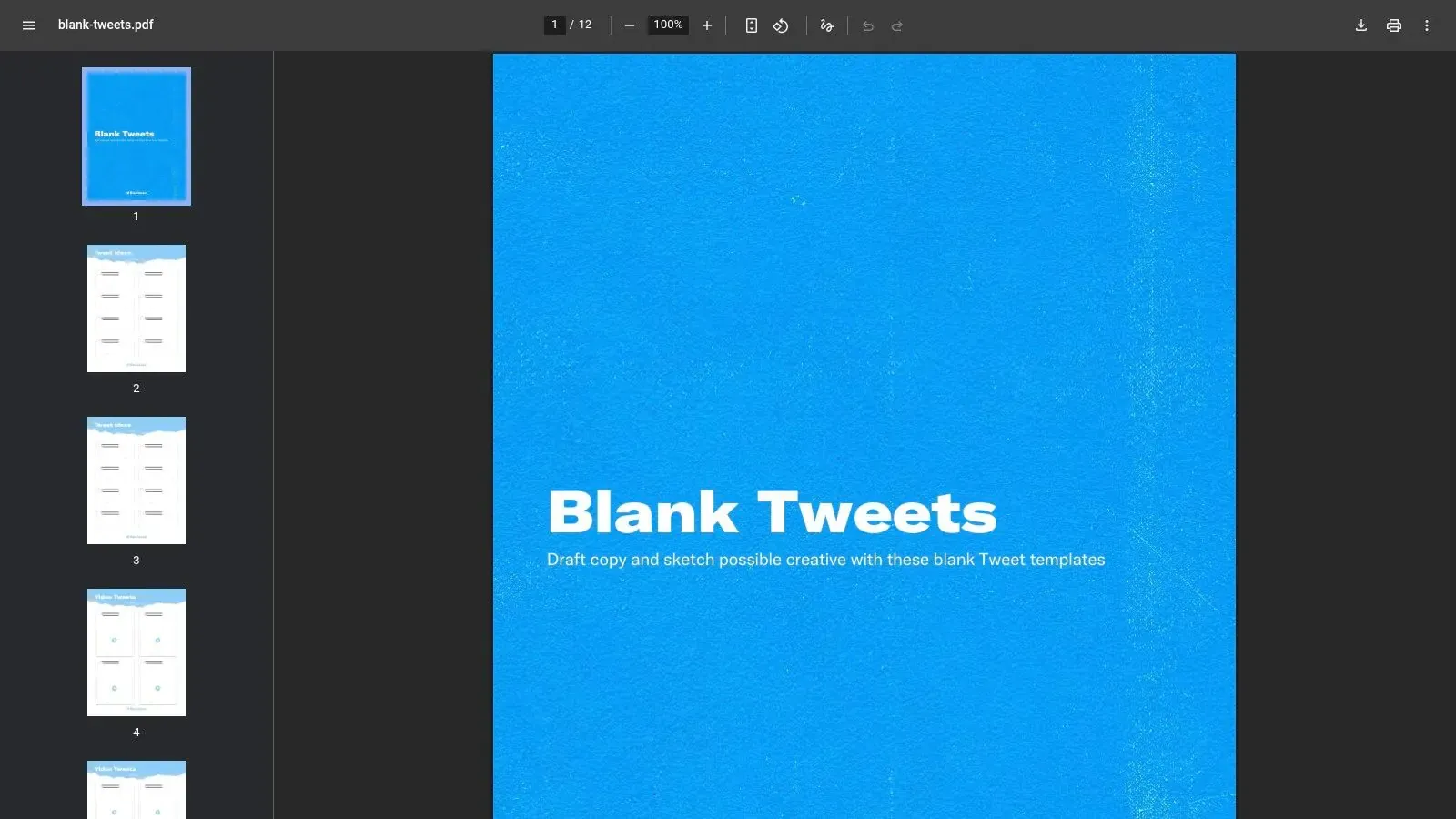
The Twitter Business Blank Tweets PDF is the simplest visual answer to this query. It’s an official blank tweet layout you can print, annotate, or drop into internal reviews when you want tweet concepts to look native without overdesigning them.
This is not a creator growth tool. It’s a workshop tool. I like it for brainstorming sessions, client approvals, campaign planning, and offline copy reviews where people need to react to the shape of a post instead of getting distracted by a full design file.
Where it works
The PDF’s main strength is credibility. Because it comes from the platform’s business side, it feels familiar and neutral in decks. That makes it easier to discuss messaging, hierarchy, and CTA placement without side conversations about fonts or styling choices.
It also works offline, which sounds minor until you’re in a room with a team marking up options by hand.
- Use it for: Workshops, stakeholder reviews, classroom exercises, and rough message planning.
- Don’t use it for: Branded image posts, social graphics, or reusable design systems.
- Expect this trade-off: It’s static. No smart layers, no automation, no scaling workflow.
If your problem is “I need a tweet-shaped page,” this is enough. If your problem is “I need more and better tweets,” it won’t solve that.
3. Canva X Twitter Post Templates
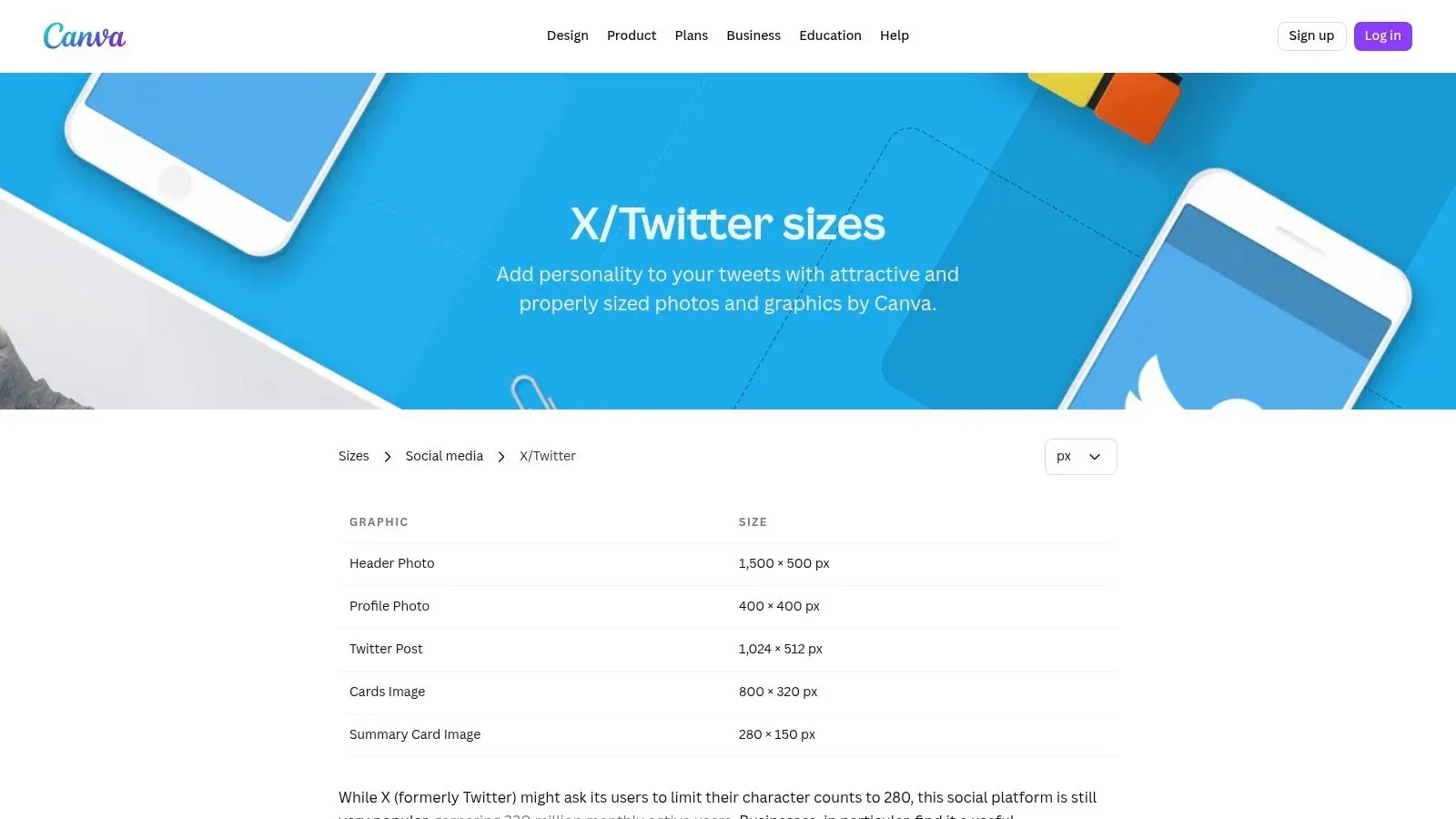
Canva’s X and Twitter post templates are the easiest visual-template pick for many users. If your version of a blank twitter post template means “give me a correctly sized, editable starting point that won’t look amateur,” Canva is usually where you land first, and for good reason.
The library is broad, the editor is familiar, and team handoff is easy. That combination matters more than fancy design features when you’re producing recurring post graphics, launch cards, quote visuals, and simple explainer images.
Best use case
Canva is strongest when your workflow already includes repeatable brand elements. Brand Kit support, shared assets, and drag-and-drop editing make it practical for teams that need speed without constant designer involvement. A founder can draft it, a marketer can refine it, and a client can still understand it.
Good visual templates remove design friction. They don’t replace message quality.
The limitation is also obvious. Canva helps your post look polished, but it doesn’t tell you what to say. That’s why I treat it as the second half of the workflow. Generate the copy angle first, then move the winning idea into a visual when the image adds context or click appeal.
- Works best for: Teams, operators, and creators who need on-brand visuals fast.
- Less ideal for: Deep text ideation, trend discovery, or voice-matched writing help.
- Watch for: Some assets and exports depend on the plan you choose.
If you’re pairing visuals with stronger hooks, Xholic’s article on how to go viral on Twitter in 2026 with an AI playbook connects well with a Canva-based design workflow.
4. Visme Twitter X Post Templates
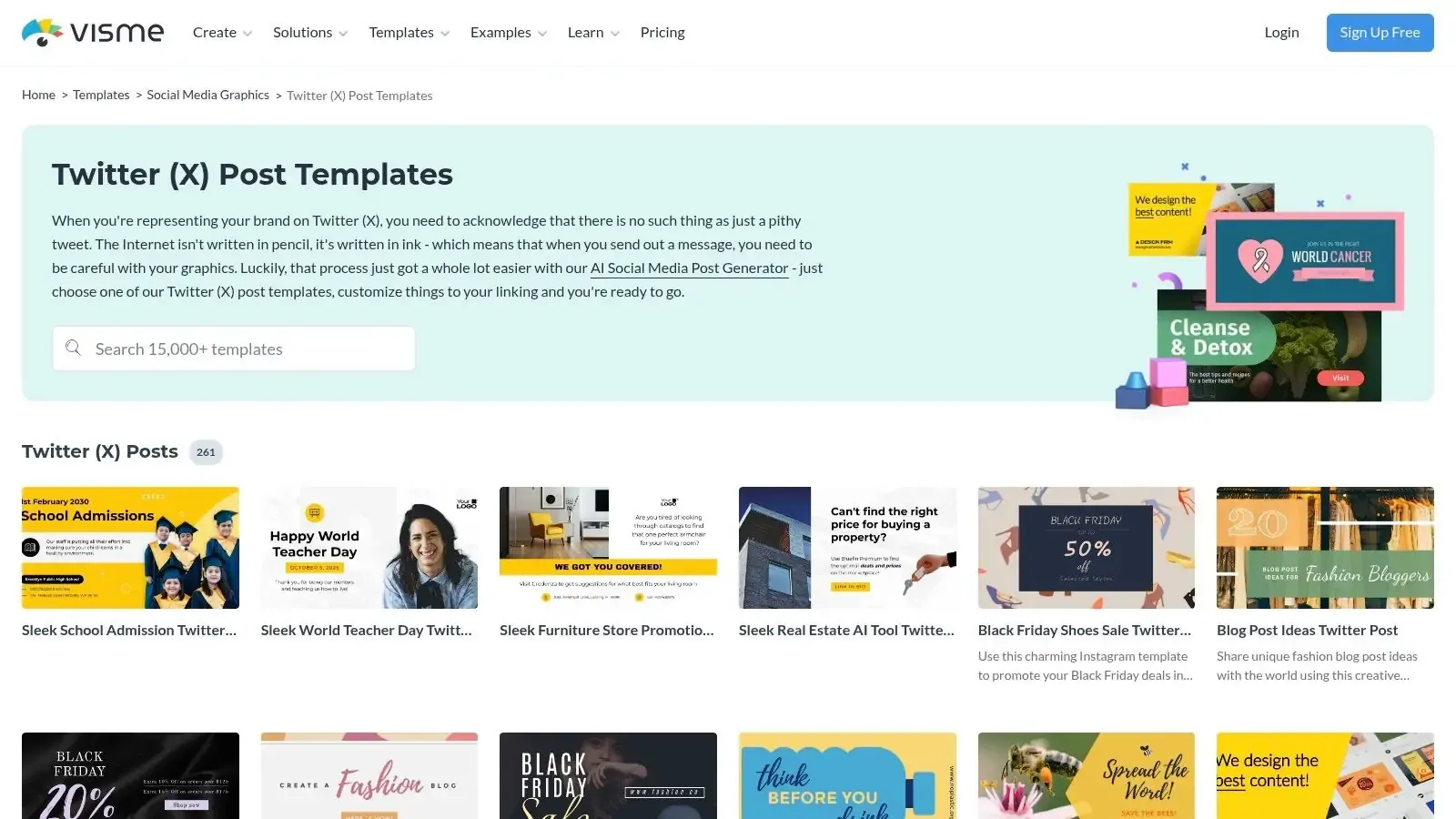
Visme sits a step above lightweight social design tools when your tweet visuals need structure. It’s a better fit for branded explainers, infographic-style cards, and visual posts that need tighter control over fonts, assets, and team collaboration.
I wouldn’t pick Visme for casual posting. I would pick it when the post asset needs to carry information cleanly, especially in B2B, education, or reporting-heavy content.
Where Visme earns its keep
Its editor supports static graphics, GIFs, and video exports, which makes it more flexible than a plain image templater. If your X content includes mini charts, comparison visuals, or branded educational slides, Visme gives you more discipline than many creator-first tools.
That added power comes with a trade-off. The learning curve is steeper. A solo creator who just wants a quote card may feel slower here than in Canva or BrandBird.
- Strong choice for: Infographic visuals, data storytelling, and teams with brand rules.
- Not the fastest option for: Casual one-off graphics.
- Worth knowing: Some advanced capabilities sit behind paid plans.
This is the “serious visual communication” option, not the “post something in five minutes” option.
5. BrandBird Twitter X Post Design Templates
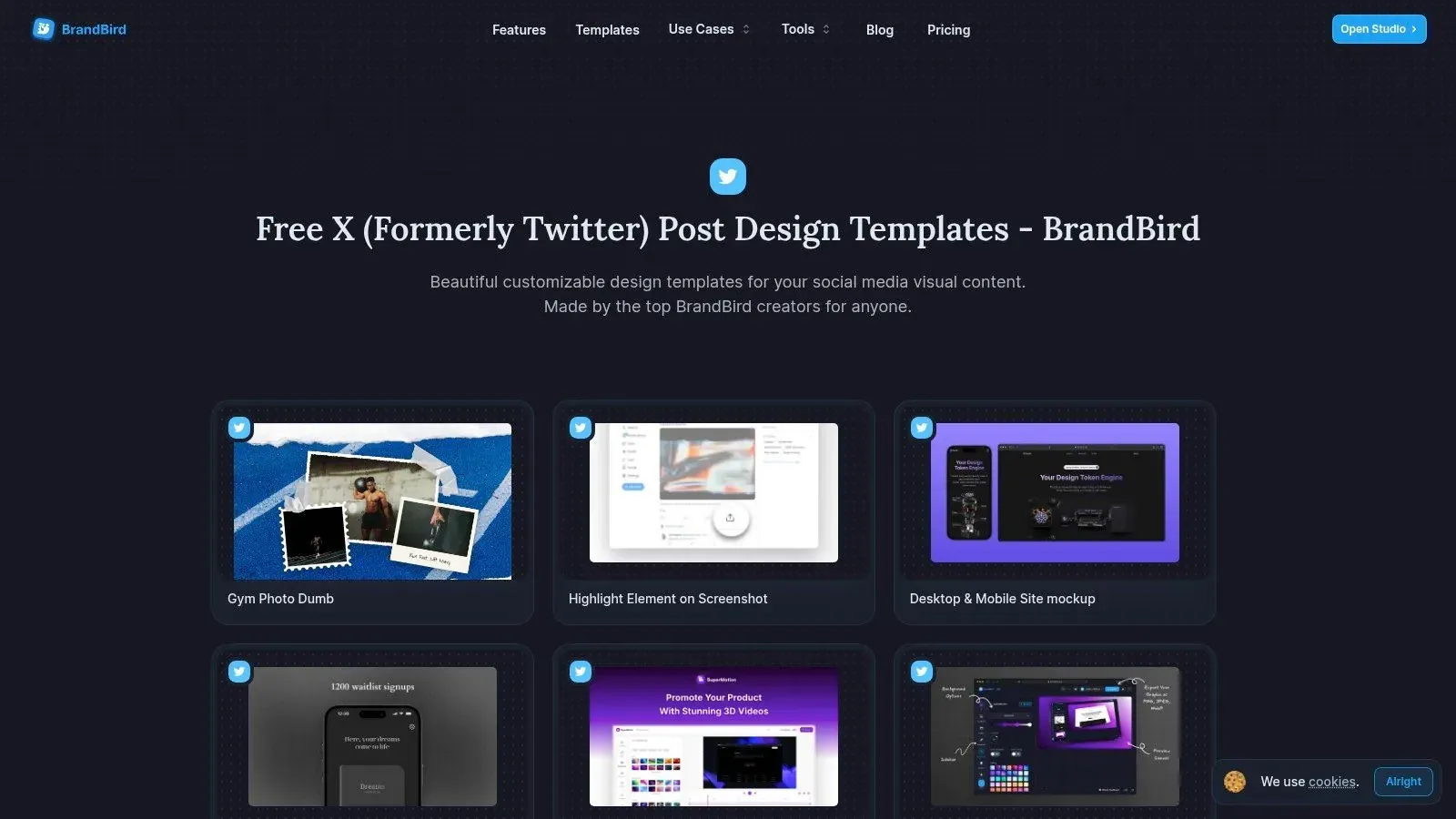
BrandBird was built for internet-native creators, and it shows. The tool is fast at making polished tweet-adjacent visuals such as feature callouts, quote graphics, recaps, screenshots, and repeatable branded series.
The key difference between BrandBird and a broad design suite is focus. It’s less about endless canvas freedom and more about turning recurring social formats into reusable assets.
Why creators like it
Saved templates and bulk variations are the practical win here. If you post a weekly thread recap, founder lesson card, testimonial image, or launch teaser in the same visual style, BrandBird makes that repeatable without much setup. That’s where a blank twitter post template becomes a system instead of a file.
Its Chrome capture workflow is also handy for quick mockups and screenshot-based content. That can save time when you’re turning live product moments or social proof into graphics.
A lot of creators don’t need more design options. They need fewer decisions and faster repetition.
The downside is scope. BrandBird isn’t where I’d build complex multi-slide educational assets or broad campaign creative. It’s best when your visual style is established and you want speed, consistency, and a creator-friendly workflow.
6. BeFunky Twitter X Templates
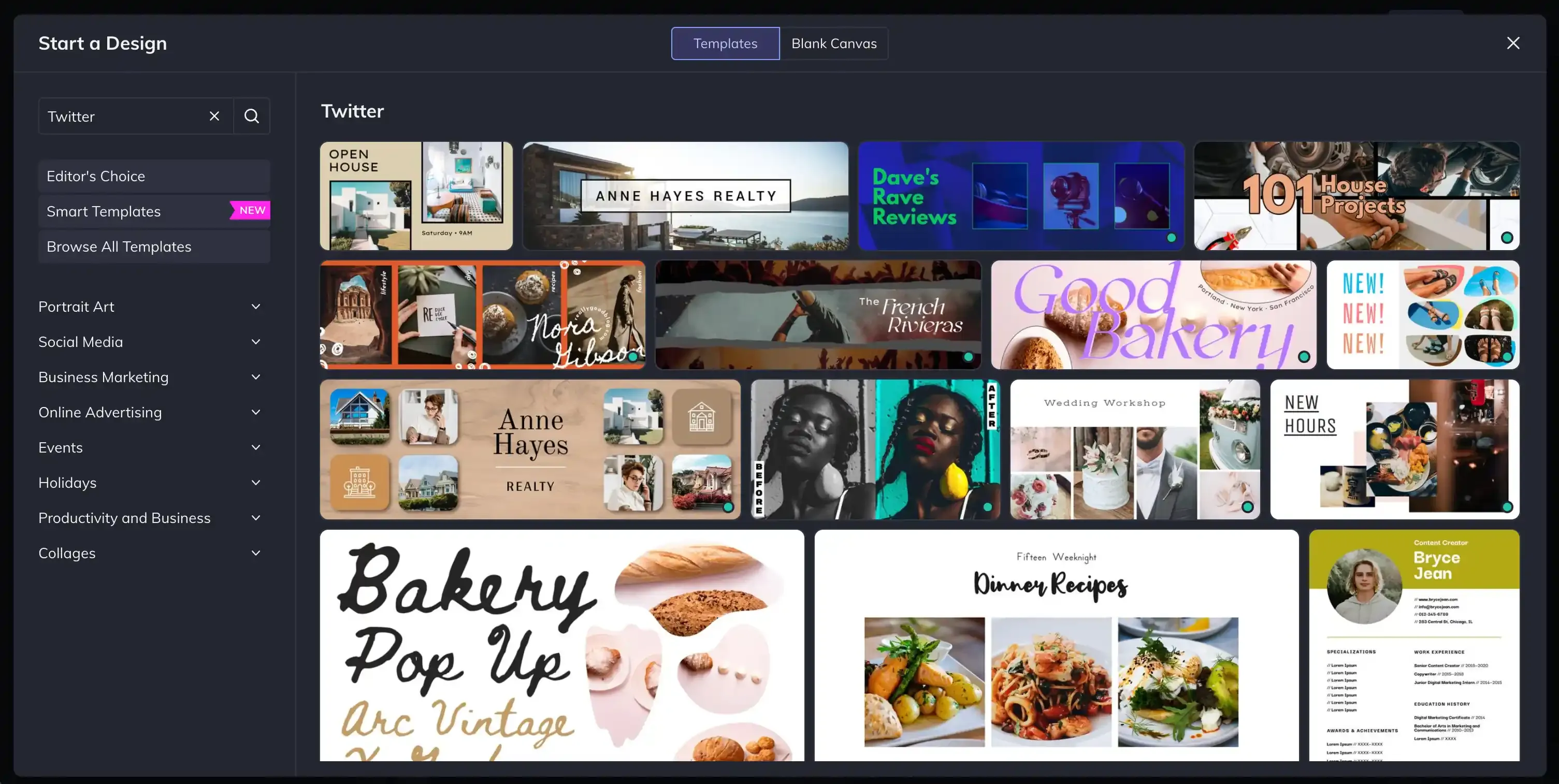
BeFunky is for people who don’t want a design suite. They want a quick result. That makes it one of the better picks if your blank twitter post template needs are basic and visual.
Its web editor is straightforward. The template library is smaller than Canva or Visme, but that can be a benefit if too many choices slow you down. You open it, swap the text and image, apply simple effects, and export.
Where it fits
This is a practical tool for non-designers handling lightweight posts, event notices, promo cards, or simple branded graphics. It doesn’t ask much from you, and that’s part of its value.
The trade-off is ceiling, not usability. If your workflow depends on shared brand governance, a huge asset library, or deeper collaboration, you’ll outgrow it faster than the larger platforms.
- Best for: Solo users who want speed and simplicity.
- Less suited for: Design teams or content systems with strict brand control.
- What works well: Fast edits, lightweight visuals, low setup friction.
If you’ve been overcomplicating tweet graphics, BeFunky is the kind of tool that gets you posting again.
7. Glorify Twitter Post Templates 1024x512
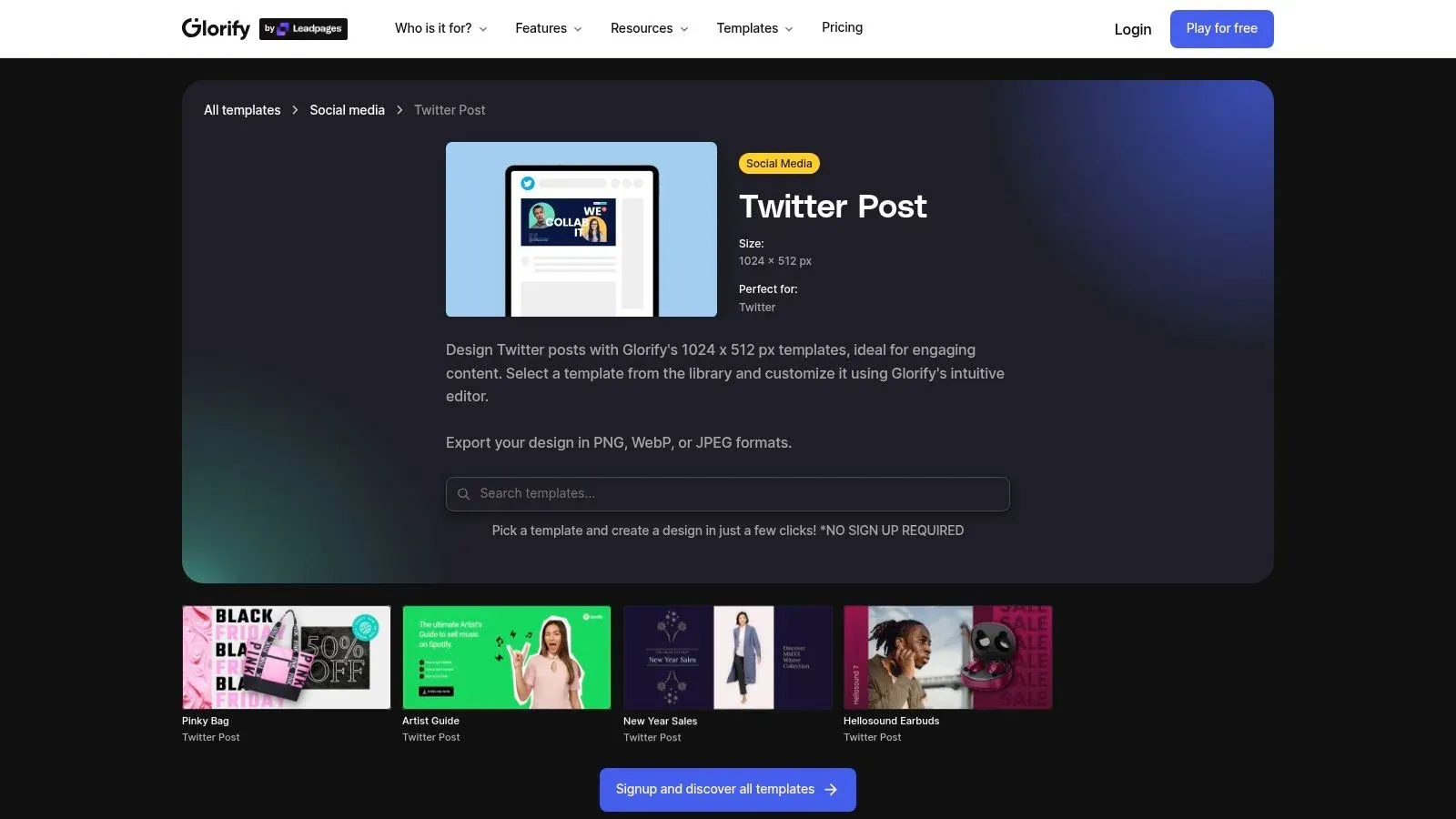
Glorify is a solid fit when your X content leans commercial. Product promos, ecommerce announcements, offer creatives, and fast visual variations are where it makes sense.
The platform emphasizes pre-sized social templates and fast exports, which keeps production moving when you need to create multiple promotional versions without a lot of manual resizing.
Good match for product posts
If your timeline includes launches, offers, feature cards, and branded promos, Glorify gives you a practical shortcut. It’s especially useful for operators who need clean output and don’t need full agency-level design complexity.
The AI helpers and export options add convenience, but the bigger value is its balance. It’s simpler than a heavyweight visual platform and more commerce-oriented than a generic social editor.
- Pick it if: You create product-led graphics often.
- Skip it if: You need the deepest template ecosystem possible.
- Keep in mind: Some features depend on the plan tier.
It’s not the most expansive tool on this list. It is one of the more pragmatic ones for promo-heavy workflows.
8. Tweetgen Realistic Tweet Screenshot Generator
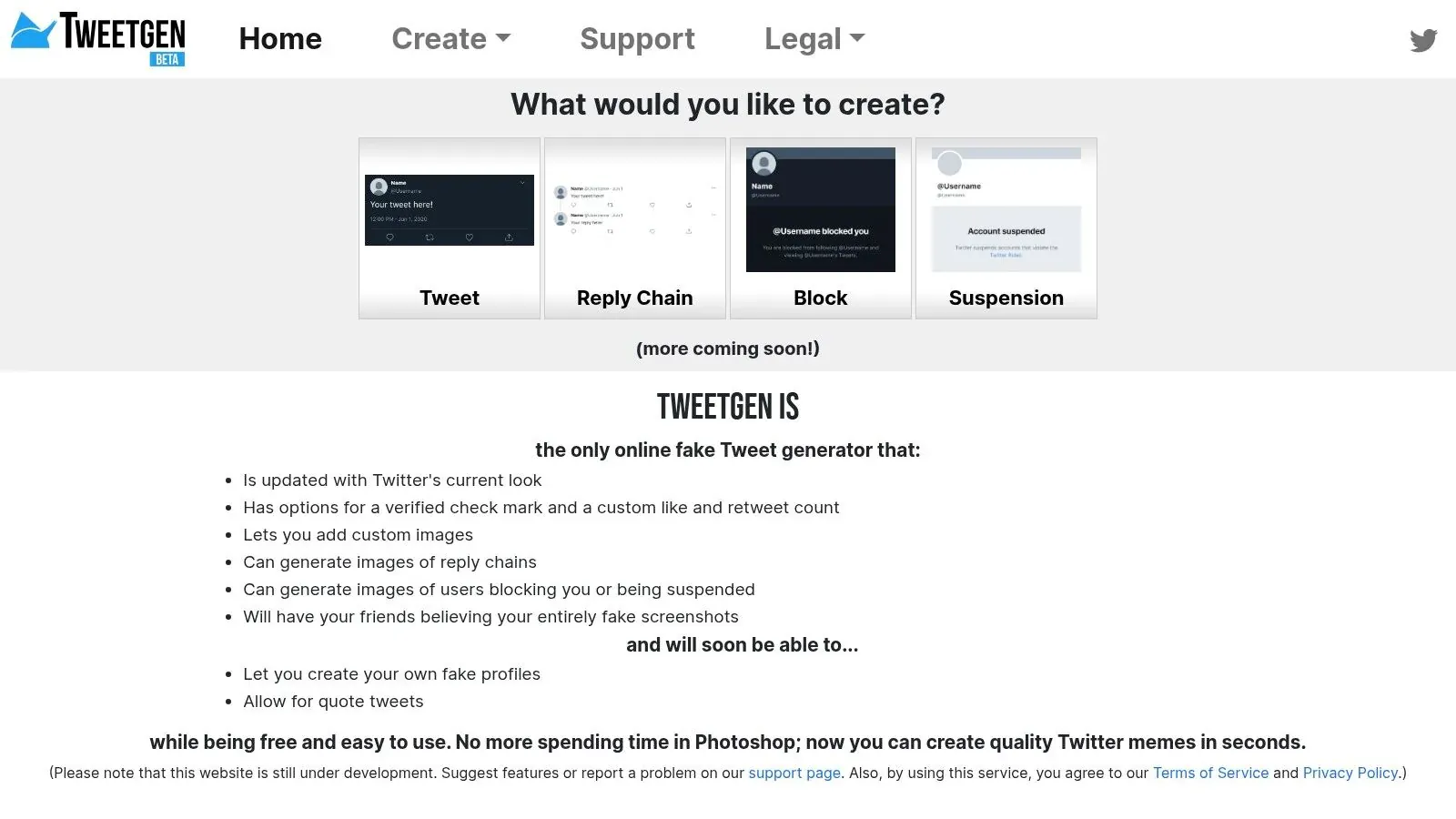
Tweetgen is not a design platform. It’s a mockup generator. That’s exactly why it deserves a place here. For many people searching blank twitter post template, what they need is a realistic tweet shell for concepts, decks, ads, memes, or content tests.
Tweetgen produces tweet-style screenshots quickly and believably. You can control post details, engagement numbers, reply chains, and images to simulate how something will look before it goes live.
What it does well
This tool is excellent for internal testing. It helps teams compare hooks, evaluate formatting, or place tweet mockups inside presentations without posting publicly first. For educators and creators, it’s also useful when you need a tweet visual but don’t want to publish a real one.
Its biggest limitation is obvious. It won’t help with brand systems, original design work, or ideation. It’s a renderer, not a strategist.
Use mockup generators for review, concepting, and education. Don’t use them to mislead people.
That last point matters. Tools like this are helpful when used transparently. They become a problem when used to fake proof or manipulate context.
9. SocialCal Free Fake Tweet X Post Generator
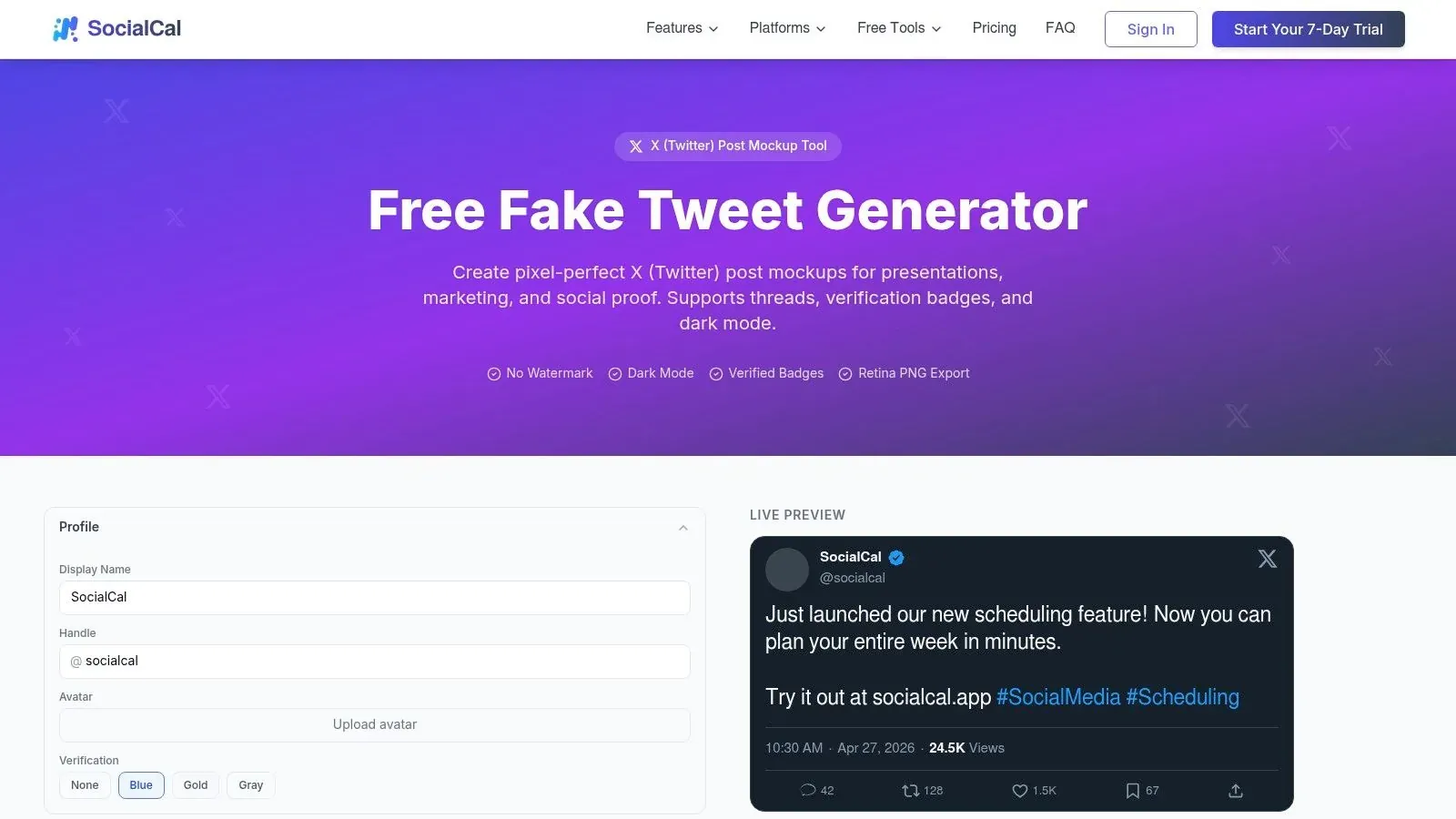
SocialCal’s fake tweet generator is a useful middle ground between a pure mockup tool and a broader social workflow. It gives you quick tweet-style visuals with a straightforward interface, and if you later want scheduling and repurposing, there’s an upgrade path inside the same ecosystem.
That makes it practical for small teams and solo operators who like to prototype first and operationalize later.
When to pick it
I’d pick SocialCal over Tweetgen when the mockup is part of a larger publishing routine. The design controls are simpler than a full visual editor, but that’s also why it moves quickly.
Its value is convenience. You can generate a realistic post view without doing layout work, then connect that habit to a broader social workflow if needed.
- Useful for: Fast mockups with a path toward scheduling.
- Not ideal for: Detailed branded design work.
- Best mindset: Treat it as a utility tool, not a complete creative stack.
If your posting workflow also involves AI-assisted drafting, Xholic’s guide to the best AI tweet generators for quick creative replies fits naturally alongside tools like this.
10. MockScreen X Twitter Post and Thread Mockups
MockScreen is the most flexible free mockup option on this list if your work spills beyond single tweets. It supports X post, thread, notification, and DM mockups, plus other social and trading-style visuals.
That broader toolkit is useful if you create educational content, investor decks, product explainers, or cross-platform social concepts and want everything in one browser-based place.
Why it is useful
MockScreen’s no-signup, browser-side setup makes it frictionless. Open it, build the mockup, export, move on. For privacy-conscious users or anyone who hates account creation just to test an idea, that simplicity matters.
It’s also better than single-purpose tweet generators when you need a full conversation context. A thread mockup often tells the story better than an isolated post.
The trade-off is polish. Paid design tools feel smoother and offer stronger brand controls. MockScreen wins on access and breadth, not on premium production depth.
Blank Twitter/X Post Templates, Top 10 Comparison
| Product | Core features ✨ | UX / Quality ★ | Price / Value 💰 | Target audience 👥 |
|---|---|---|---|---|
| 🏆 Xholic AI | ✨ Discovery (2.5M+ viral tweets), voice-matched AI replies, Daily Pack, Reply Deck, Goals & Streaks | ★★★★★, natural, fast drafts | 💰 $24.65 first month → $29/mo; 7-day free trial | 👥 Founders, creators, indie hackers, analysts |
| Twitter Business “Blank Tweets” (PDF) | ✨ Official printable blank tweet frames | ★★★☆☆, simple, offline-ready | 💰 Free | 👥 Agencies, workshops, client reviews |
| Canva - X/Twitter Post Templates | ✨ Huge editable template library, Brand Kit, exports | ★★★★★, beginner-friendly, polished | 💰 Freemium (Pro for premium assets) | 👥 Creators, teams, marketers |
| Visme - Twitter/X Post Templates | ✨ Branded visuals, infographics, light motion | ★★★☆☆, powerful, steeper curve | 💰 Freemium/paid tiers | 👥 Teams needing data visuals |
| BrandBird - Twitter/X Templates | ✨ Save templates, bulk-generate, Chrome capture | ★★★★★, fast for repeatable series | 💰 Freemium; paid for watermark removal | 👥 Creators producing series/recaps |
| BeFunky - Twitter/X Templates | ✨ Pre-sized templates, one-click effects | ★★★☆☆, very easy for non-designers | 💰 Affordable Plus plan | 👥 Non-designers, solo creators |
| Glorify - Twitter Post Templates | ✨ E-commerce friendly templates (1024×512), quick exports | ★★★☆☆, focused & speedy | 💰 Competitive paid plans | 👥 Product marketers, shops |
| Tweetgen - Realistic Tweet Generator | ✨ Pixel-accurate mockups, engagement controls | ★★★☆☆, believable outputs | 💰 Free | 👥 Presenters, A/B copy testers |
| SocialCal - Fake Tweet Generator | ✨ Realistic mockups + optional scheduler | ★★★☆☆, simple; scheduling upgrade | 💰 Free generator; paid scheduling | 👥 Social managers, planners |
| MockScreen - Post & Thread Mockups | ✨ Posts, threads, DMs; no signup, browser-side | ★★★☆☆, fast & privacy-friendly | 💰 Free | 👥 Creators needing cross-platform mockups |
Final Thoughts
You open a doc because you need to post on X, search for a blank Twitter post template, and end up looking at two completely different things. One tool gives you a fill-in-the-blank writing structure. Another gives you a visual layout that looks like a tweet. Treating those as the same category is what slows people down.
The practical split is simple. Copy templates help when the hard part is finding the angle, hook, or post structure. Visual templates help when the hard part is presentation, review, or packaging the post into something shareable. In a real workflow, both matter, but they solve different bottlenecks.
That distinction changes how you choose tools.
If the problem is ideation, start with a text framework. AI writing tools and reusable post structures are useful because they reduce decision fatigue and give you a consistent starting point. They do not replace judgment. The best results still come from adding a real point of view, specific experience, and language that sounds like you.
If the problem is format, use a design or mockup tool instead. That is the better option for launch graphics, quote cards, presentation slides, client approvals, and tweet screenshots for newsletters or case studies.
The workflow I recommend looks like this:
- Start with a copyable text framework to shape the idea.
- Rewrite the draft in your own voice, with your own examples and opinion.
- Turn only the strongest posts into graphics or mockups.
- Use tweet-style visuals for reviews, approvals, and testing before publishing.
- Save what worked so the process gets faster each week.
One rule matters here. Templates should carry structure, not personality. As noted earlier, the safest way to adapt a template is to change several core elements such as the topic, the framing, the details, and the order. That keeps the efficiency of a template without producing content that feels copied.
For straightforward tool selection, the use cases are clear. Xholic AI fits text-first workflows where speed, iteration, and AI support matter. Canva and BrandBird fit repeatable visual production. Tweetgen, SocialCal, and MockScreen fit tweet mockups. The Twitter Business PDF fits planning sessions where you want an official-looking blank frame.
A blank template should remove friction at the start of the process. It should not flatten the final post.
If you want one toolkit that handles the text side of the workflow well, from discovering viral structures to drafting posts and replies in your own voice, try Xholic AI. It’s built for creators, founders, analysts, and solo operators who want more reach on X without spending more hours staring at a blank compose box.