Let’s not pretend anymore, posting randomly on X and hoping something goes viral just doesn’t work.
Most people have been there. You spend time thinking, writing, tweaking a tweet… hit publish… and then nothing. A few impressions, maybe a like or two if you’re lucky. That’s it.
It’s not because your ideas are bad.
It’s because the platform has changed.
Growth on X today isn’t about luck. It’s about consistency, timing, understanding patterns, and honestly, a bit of help from the right tools.
That’s where things like a tweet reply generator or an AI tweet generator start making a real difference. Not because they “replace” you, but because they remove the friction that slows you down.
In this article, I’ll walk you through five tools that people are actually using to grow on X, not just post, but grow.
Why AI Tweet Tools Are Becoming Normal
There was a time when writing everything manually felt like the “right” way to do it.
Now? It’s just inefficient.
If you’re trying to grow, you need to:
- Stay active almost daily
- Respond to people quickly
- Keep your tone consistent
- And still come up with fresh ideas
That’s a lot to juggle.
AI tools help by taking care of the repetitive parts. Not the thinking, just the execution.
You still decide what you want to say. The tools just help you say it faster, and sometimes better.
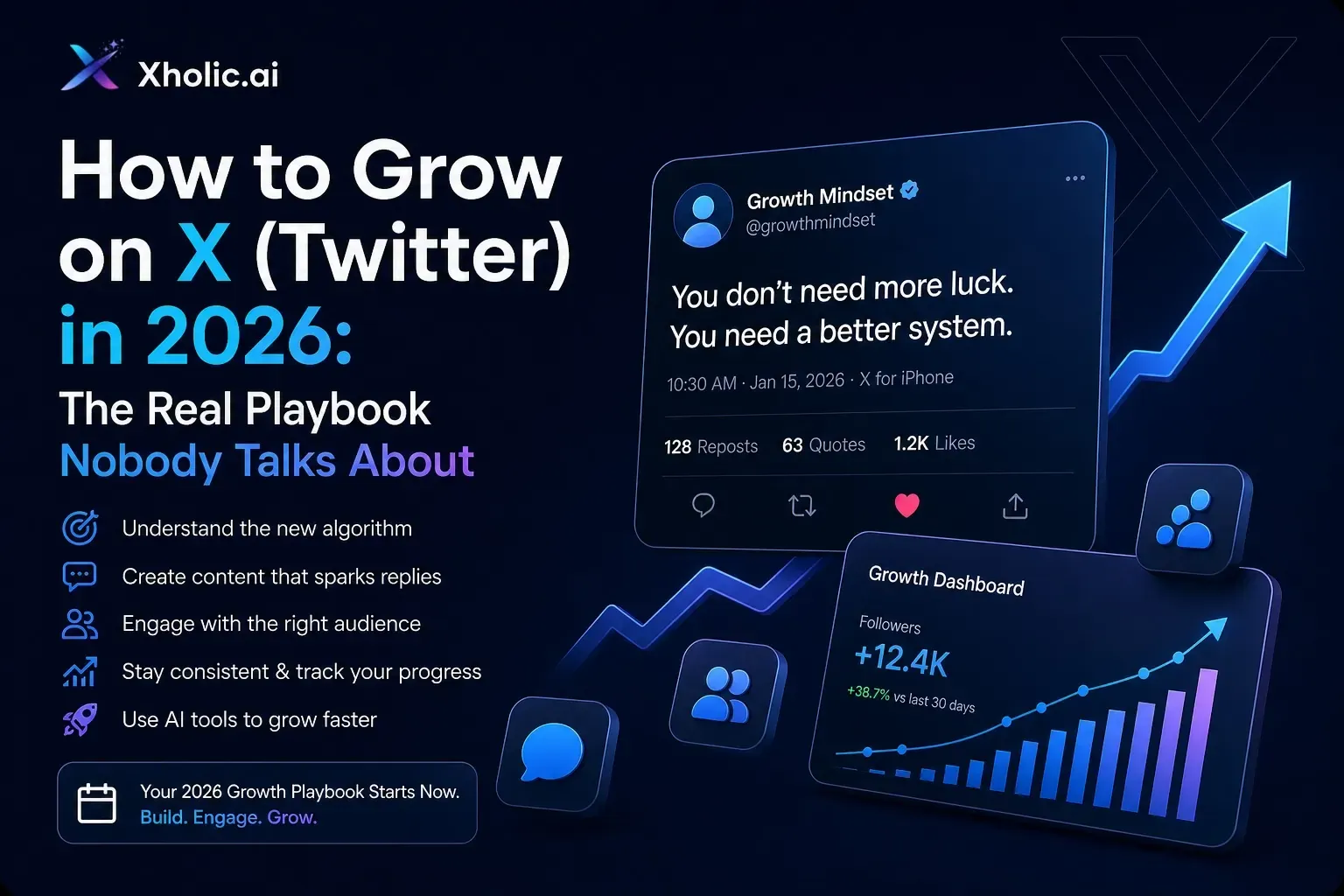
1. Xholic

If you’ve tried different tools before, you’ll notice something quickly - most of them only solve one piece of the problem.
Xholic doesn’t.
It’s built more like a system than a tool. Instead of jumping between platforms for ideas, writing, and tracking, everything sits in one place.
That alone saves a lot of time.
What actually stands out
The reply feature is probably the most useful. Instead of staring at a tweet wondering how to respond, you get suggestions that don’t sound stiff or generic. You can tweak them, adjust tone, and move on quickly.
Then there’s the daily content idea feature. This is surprisingly helpful on days when you just don’t feel like thinking. You still stay consistent without forcing creativity.
One feature that feels underrated is the “structure” breakdown. It shows you why certain tweets work, not just the content, but the format behind them. Once you start noticing patterns, your own writing improves naturally.
Where it fits
If you’re serious about growing on X, this works as your main engine, especially if you want something that handles both content and replies.
2. Hootsuite

Hootsuite has been around forever, and there’s a reason it hasn’t disappeared.
It’s reliable.
It’s not the most exciting tool, but when you need to manage multiple accounts or plan content ahead of time, it does the job well.
What it does well
The scheduling system is solid. You can map out posts across different platforms without overthinking it.
The inbox is another strong point. Instead of jumping between notifications, everything is in one place. That alone makes replying less chaotic.
They’ve added AI features too, but honestly, most people use it more for organization than creation.
When to use it
If you already have a way to generate content, whether manually or using an AI tweet generator, Hootsuite helps you stay consistent and organized.
3. Sprout Social
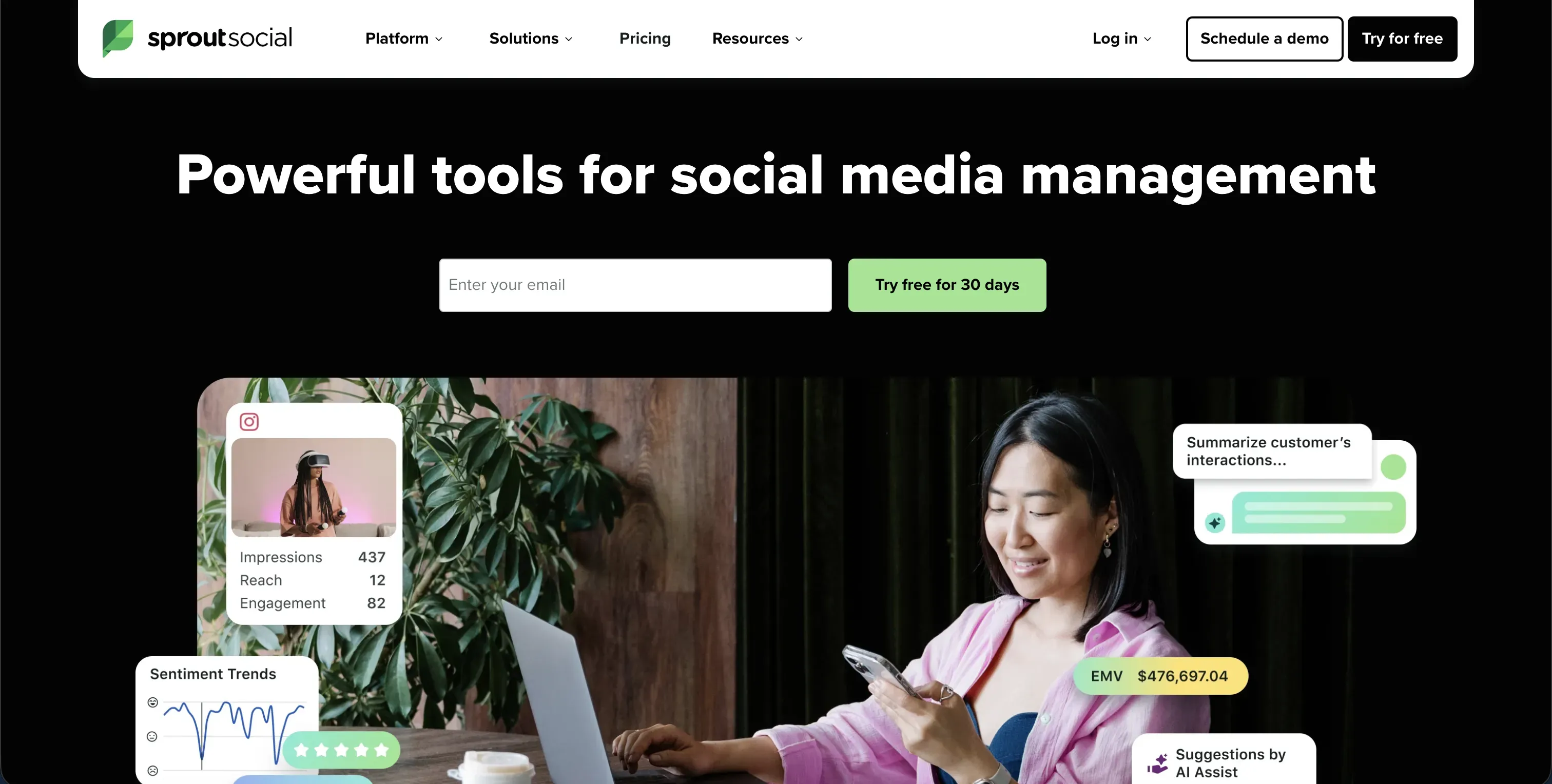
Sprout Social feels different from tools like Hootsuite.
It’s less about posting… and more about conversations.
If your goal is just to publish content, this might feel like too much. But if you care about engagement and building an audience, it starts to make sense.
What makes it useful
The way it handles conversations is probably its biggest strength. Everything feels more focused on interaction rather than just metrics.
It also gives you a better idea of what people are actually saying, not just about you, but about your niche in general.
And once you start seeing patterns in conversations, replying becomes easier and more natural.
Why people stick with it
Because it helps you understand your audience, not just reach them.
And that’s where real growth usually comes from.
4. Buffer

Buffer is simple, and honestly, that’s why a lot of people prefer it.
Not everyone wants dashboards full of data and features they’ll never use.
Sometimes you just want to:
- Write posts
- Schedule them
- And move on
What it’s good at
The interface is clean. You don’t need to figure things out, it just works.
You can plan your content for the week in a few minutes and not worry about it again.
It also has a light AI assistant, which helps if you need quick variations or small tweaks.
Best for
Creators, freelancers, or small teams who want consistency without complexity.
5. Keyhole
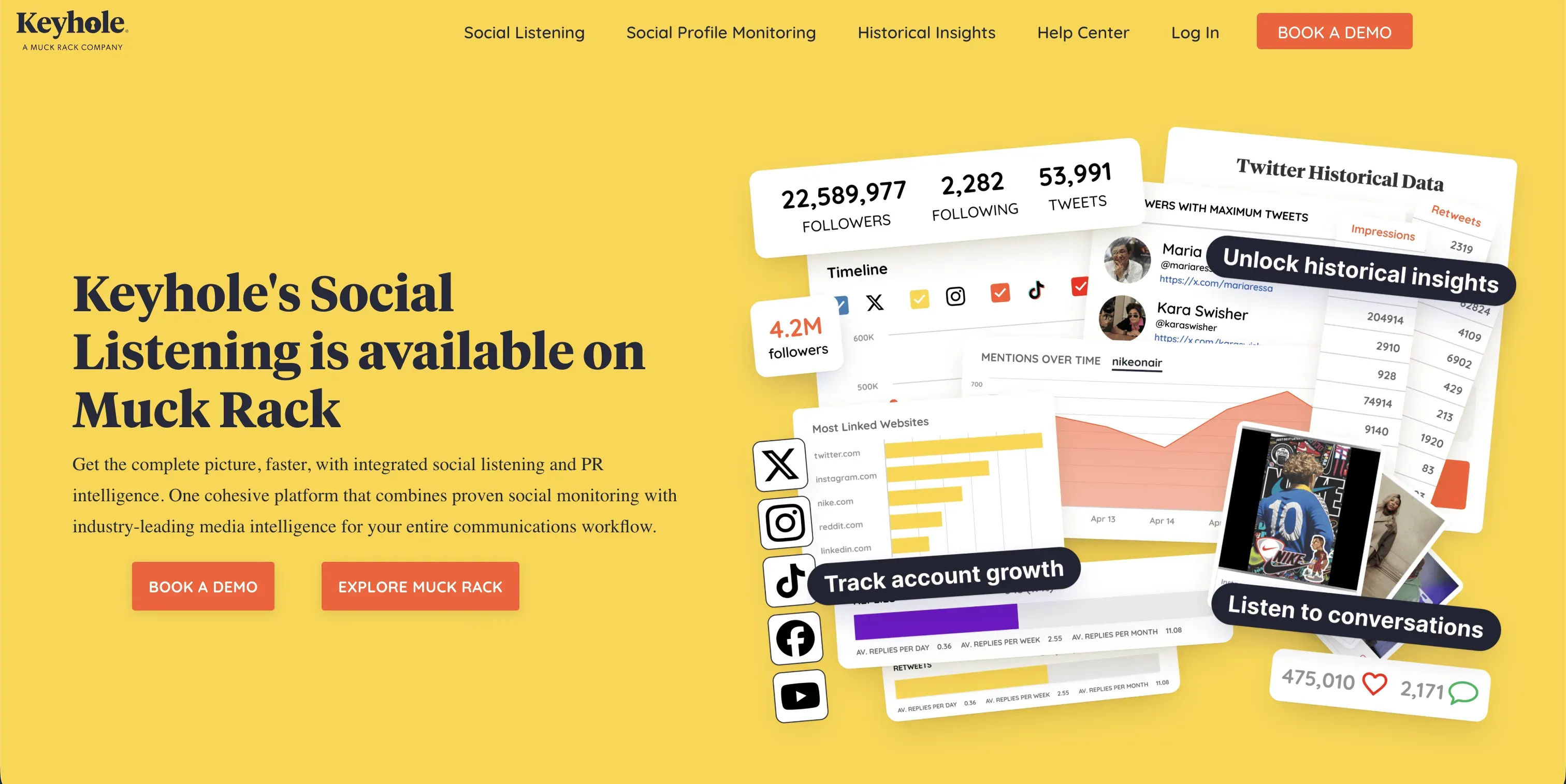
Keyhole is a bit different from everything else on this list.
It doesn’t focus on posting at all.
Instead, it focuses on what’s happening around you.
What it actually does
It tracks hashtags, conversations, and trends in real time.
You can see what people are talking about, what’s gaining traction, and how certain topics are performing.
It also shows which posts perform best and when.
Why it matters
Because guessing is slow.
When you know what’s already working, you don’t have to start from zero every time.
Pair this with a solid X tweet generator, and your content becomes a lot more strategic.
Putting It All Together
Each of these tools solves a different problem.
- Xholic helps you create and reply faster
- Hootsuite and Buffer keep your posting consistent
- Sprout Social improves how you engage
- Keyhole shows you what’s actually working
You don’t necessarily need all of them.
But using the right combination can completely change how you approach content.
Instead of:
“Let me post something and see what happens…”
You move toward:
“This is what works, let me build on it.”
Final Thoughts
Growing on X isn’t complicated, but it does require consistency and awareness.
Most people struggle not because they lack ideas, but because they don’t have a system.
That’s what these tools help with.
They don’t make you creative. They just remove the friction that stops you from showing up regularly.
If you’ve been stuck posting occasionally and seeing no results, the shift isn’t about working harder.
It’s about working with a structure.
Start small. Try one tool. Stay consistent for a few weeks.
You’ll notice the difference faster than you expect.