Never Stare at a Blank Page Again
The cursor blinks. The content calendar is empty. The pressure to publish is mounting. This is the content creator’s classic nightmare. But it gets worse in 2026 because there are more channels, more formats, and more low-value ideas competing for the same attention.
That’s why content ideation tools matter now more than ever. Marketers have shifted hard toward AI-assisted ideation and creation, with non-AI blog creation dropping from 65% to 5% over two years according to 2026 content marketing statistics from Typeface. The shift makes sense. Ideation is where most workflows stall, and AI is increasingly used there first.
If you’re trying to choose the right stack, the market is crowded. Some tools are built for social momentum. Others help you validate demand through search. Others are best for spotting trends before everyone else writes the same post. The smart move isn’t picking one winner. It’s combining the right tools for your workflow, budget, and publishing channel.
This guide gets straight to the tools that working creators, marketers, and founders use. It groups them by the jobs they do best: Social and Momentum, SEO and Search, and Trend and Audience Discovery. For each one, you’ll also see a practical workflow with Xholic AI, so you can turn raw signals into posts, threads, briefs, and replies without wasting another afternoon staring at an empty draft.
1. Xholic AI

Xholic AI is the most purpose-built option here for creators who live on X and need ideas with momentum, not just ideas that sound plausible. It’s built around a simple truth: social ideation breaks when you have to hunt manually for patterns, formats, and conversations worth joining.
Its discovery engine indexes 2.5M+ viral tweets and tracks 500k+ creators, which gives it a practical edge for finding conversations early instead of copying them late. In practice, that matters more than having another generic prompt box. You can search by meaning, pull proven structures, remix them in your own voice, and generate replies that sound like you instead of sounding like a model.
Xholic also avoids one of the most common problems in AI content workflows. It doesn’t auto-post. You review the output, edit it, and publish intentionally. For anyone trying to avoid generic social content, that review layer is a feature, not friction.
Why Xholic AI stands out
There are ten integrated tools inside the platform, but their greatest value is that they connect. Inspiration search helps you find relevant patterns. Steal the Structure turns strong posts into usable blueprints. The Tweet Remixer rewrites formats in your voice. The AI Reply Composer learns your phrasing. Daily Pack gives you ready-to-edit drafts tied to your style and product links.
That combination replaces a messy stack of tabs and docs.
- Best for X-native creators: Founders, indie hackers, analysts, and solo operators who publish on X regularly will get the most value.
- Strongest advantage: Fast movement from discovery to draft to reply without context switching.
- Main trade-off: It’s focused on X, so it won’t replace multi-channel planning or broader web research.
Practical rule: If your biggest bottleneck is “I know I should post, but I don’t know what angle is working right now,” Xholic is a better fit than a general AI writer.
The pricing is simple: a 7-day free trial on Xholic AI, no credit card required, then a launch offer of $24.65 for the first month and $29/month after. If you want a broader view of adjacent creator workflows, the company’s guide to AI tools for creators in 2026 is useful context.
Workflow with Xholic AI
Use Xholic first when the channel is X and speed matters. Search for a topic semantically, save high-signal posts into collections, pull one or two structure patterns, then remix them into original drafts. After that, use the Reply Composer on active conversations in the same niche so your ideation and engagement support each other.
What doesn’t work is treating it like a fire-and-forget generator. The best results come from choosing strong source material, editing for specificity, and keeping the product, opinion, or observation grounded in reality.
2. BuzzSumo
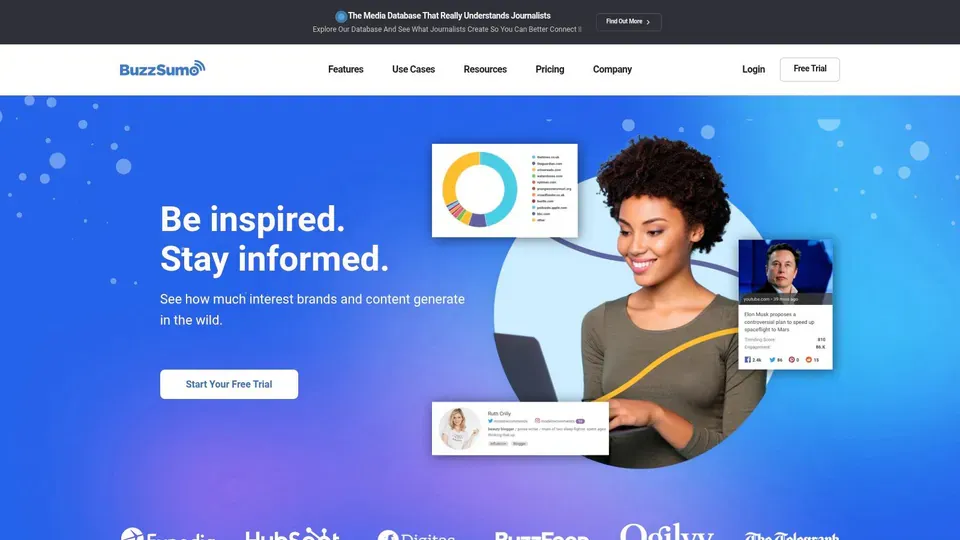
BuzzSumo is still one of the cleanest tools for answering a very practical question: what’s already working around this topic, and what angle hasn’t been overused yet? That’s why agencies and in-house teams keep it in the stack even when they already have SEO software.
Its strength is breadth. You can look at trending content, evergreen performers, question-based discussions from places like Reddit and Quora, and then move from topic to content brief without rebuilding the research manually. StoryChief’s review of content ideation tools highlights BuzzSumo’s role in real-time content performance analysis and lists its starting price at BuzzSumo annual pricing benchmarks.
Where BuzzSumo works best
BuzzSumo is strongest when you need editorial confidence. It helps you avoid publishing something that feels smart internally but has already been exhausted publicly. The alerting is especially useful for brand mentions, emerging subtopics, and reactive content planning.
Its weakness is price and scope. Solo creators often won’t use enough of the PR, media monitoring, or journalist discovery features to justify it.
- Use it for proven angles: Especially blog topics, thought leadership, and campaign briefs.
- Skip it if you only need social drafts: It’s research-heavy, not creator-first.
- Combine it with execution tools: BuzzSumo finds the angle. Another tool usually turns it into native posts.
BuzzSumo is for validation, not inspiration from scratch. It sharpens a rough idea. It rarely creates one on its own.
You can explore the platform at BuzzSumo, and if you’re translating discovered angles into platform-native content, this roundup of social media content suggestions for 2026 is a useful companion.
Workflow with Xholic AI
Start in BuzzSumo when you’re researching a broad topic like AI SEO, creator monetization, or email deliverability. Pull the strongest headlines, recurring framing devices, and forum questions. Then move those findings into Xholic AI to create shorter social takes, thread hooks, and replies that attach your brand voice to a proven topic.
This is one of the best pairings for founders who publish essays and social posts around the same themes.
3. Semrush Topic Research
Semrush is for teams that don’t just want ideas. They want rankable content maps, briefs, and optimization in one system. If your content process starts with “can this topic earn search demand,” Semrush is one of the most complete content ideation tools available.
Its Topic Research feature is useful because it surfaces subtopics, related headlines, and questions in a format that’s easy to turn into clusters. Then the rest of the platform helps you validate difficulty, search intent, competitor gaps, and on-page optimization. That end-to-end setup is why many teams stay with Semrush even if they only need part of the suite.
Best use in real campaigns
Semrush shines when you’re planning multiple pieces around one market category. Instead of picking isolated blog ideas, you can build a sequence: pillar page, supporting articles, FAQs, and repurposed social content. That’s the difference between publishing content and building coverage.
The trade-off is complexity. Lightweight creators often open Semrush and use only a fraction of what they’re paying for.
- Best for demand-backed planning: Strong fit for SEO-led teams and agencies.
- Useful bonus: Topic Research pairs well with SEO Writing Assistant and ContentShake AI.
- Main drawback: Seats, add-ons, and suite depth can make it feel heavy for simple ideation.
A lot of marketers are already using AI at the top of this workflow. Digital Applied reports that 78% of content marketers use AI for content research and topic ideation, making ideation the most common AI-assisted task in content operations. That tracks with how Semrush is used in practice.
You can review the platform at Semrush.
Workflow with Xholic AI
Use Semrush to choose the search opportunity. Build the cluster, identify the questions, and map intent. Then use Xholic AI to turn that search-backed strategy into X-native distribution: launch posts, mini threads, contrarian hooks, and reply angles tied to the same topic.
What doesn’t work is copying SEO headlines directly into social posts. Search framing and social framing are different. Semrush gives you the demand map. Xholic helps you make that map feel alive on X.
4. Ahrefs Content Explorer

Ahrefs Content Explorer is one of the few ideation tools that consistently helps with both topic selection and link strategy. That matters if your content team is judged on more than output. You need topics that can attract attention, links, and compounding search value.
Search a topic in Content Explorer and you can filter by traffic, referring domains, freshness, language, and platform. That gives you a much better picture of what kind of asset earns attention. Some ideas are perfect for social chatter but weak for backlinks. Ahrefs helps you separate those quickly.
Where Ahrefs earns its keep
This tool is strongest for web content, especially when you’re trying to identify patterns across high-performing pages rather than just collecting keyword variants. It’s also one of the better ways to find linkable formats such as data roundups, statistics pages, templates, and opinionated industry breakdowns.
Typeface notes that tools like Ahrefs support data-backed ideation by surfacing search volume, keyword difficulty, and trending topics through SEO topic discovery workflows. That’s exactly where Ahrefs is most useful.
If the content needs to rank and attract links, don’t rely on social momentum alone. Validate the asset type first.
You can access the platform at Ahrefs.
Workflow with Xholic AI
Use Ahrefs first to identify pages that earned links or sustained organic visibility. Study the angle, not just the keyword. Then move that insight into Xholic AI to create launch content that feels timely rather than textbook. A statistics page can become a thread. A tutorial can become a tactical post. A comparison article can become a reply sequence for active conversations.
This pairing works well for B2B teams that want one idea to serve search and social at the same time.
5. AnswerThePublic
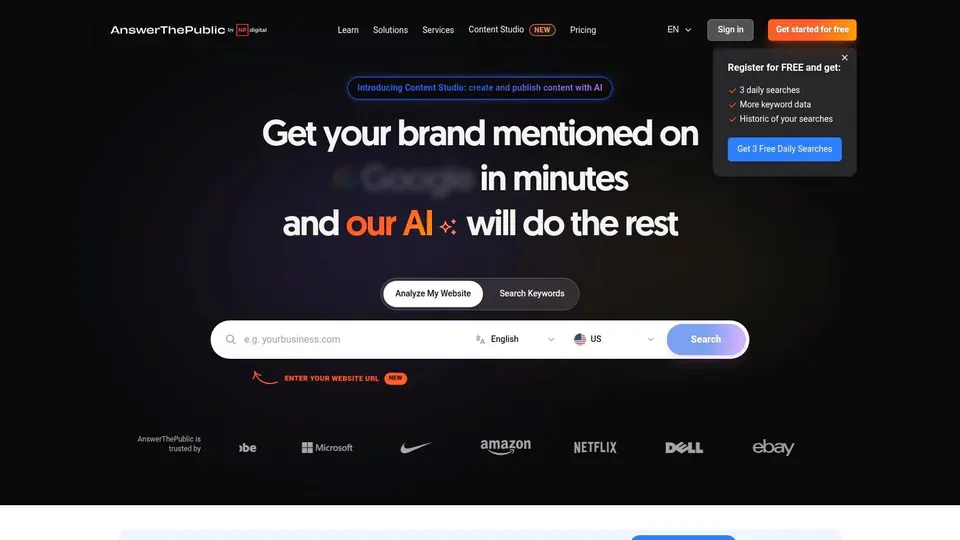
AnswerThePublic remains useful because it does one job with very little friction: it surfaces the language people use when they’re confused, comparing options, or trying to solve a problem. That makes it excellent for hooks, FAQs, objection handling, and audience-first outlines.
A lot of content ideation tools start from what creators want to publish. AnswerThePublic starts closer to what audiences are asking. That sounds basic, but it’s often the difference between a clever title and a useful one.
What it does better than bigger suites
The visual question maps are fast to scan. You can move from a seed phrase to dozens of real phrasing patterns in minutes, then use exports to shape a brief or content calendar. It’s one of the simplest ways to generate FAQ sections that don’t sound invented.
The limitation is context. You don’t get the broader competitive picture or the deeper SEO layers you’d get from a larger suite.
- Great for audience language: Especially top-of-funnel posts, FAQs, and comparison content.
- Less useful for prioritization: You’ll usually want another tool to judge opportunity.
- Best workflow: Pull questions here, validate elsewhere, draft in a writing or social tool.
You can try it at AnswerThePublic.
Workflow with Xholic AI
Pull questions from AnswerThePublic, then sort them into three buckets: beginner confusion, comparison intent, and implementation questions. Feed those buckets into Xholic AI as source material for posts, threads, and replies. This works well because question phrasing often creates stronger social hooks than polished marketing language.
What usually fails is exporting a long list and treating every question as equal. Some questions belong in website copy. Some belong in social posts. Some are too broad to be useful without an angle.
6. AlsoAsked
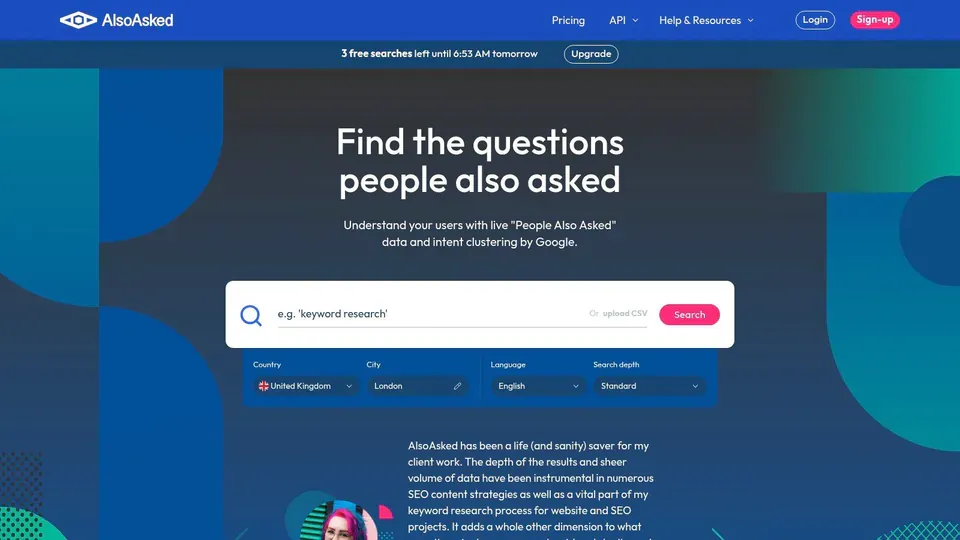
AlsoAsked is narrower than most tools on this list, and that’s why it’s good. It mines Google’s People Also Ask results and maps question hierarchies in a way that’s immediately useful for briefs and topic coverage.
When a content team is missing depth, this tool exposes it quickly. You can see the first question people ask, then the follow-up questions that sit behind it. That’s a more realistic way to structure educational content than guessing subheads from intuition.
Best for structured question mapping
AlsoAsked is particularly strong for FAQ pages, knowledge base articles, and any editorial workflow where completeness matters. If you publish educational content, this tool often shows whether your draft answers the first question while skipping the next three the reader needs.
Its drawback is obvious. It’s not a broad ideation platform. It needs help from search, trend, or social tools.
A narrow tool can still be high value if it fixes a specific blind spot. AlsoAsked fixes depth.
The platform is available at AlsoAsked.
Workflow with Xholic AI
Use AlsoAsked after you’ve chosen the core topic. Map the question tree, then use Xholic AI to create a sequence of short posts where each post answers one branch of the tree. That turns a bulky article outline into a week of social content with built-in continuity.
This is one of the cleanest ways to repurpose structured search research into conversational distribution.
7. SparkToro
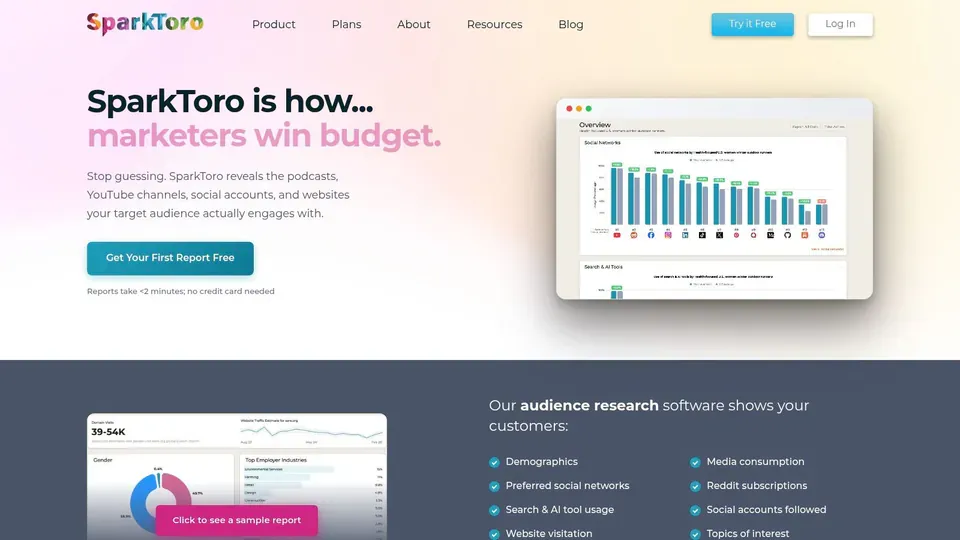
SparkToro improves ideation indirectly. It doesn’t try to write the post. It helps you understand who you’re writing for, where they spend time, what they read, what shows up in their bios, and which channels deserve effort.
That changes content quality more than is typically realized. A topic can be valid and still fail because it’s framed for the wrong community. SparkToro gives you a better read on that community before you publish.
Why audience research changes ideation quality
This tool is especially useful when teams keep asking “where should we publish this?” or “why isn’t this landing with the audience we want?” SparkToro often answers both by showing the accounts, sites, podcasts, subreddits, and YouTube channels that shape the audience’s worldview.
It’s not a content generator. That’s the trade-off. But it gives you channel-specific inputs that generic AI outputs usually lack.
- Strong fit for positioning: Great when you need audience language and community context.
- Useful for distribution planning: Not just idea generation.
- Weak fit for pure drafting: You’ll still need another tool to create assets.
You can explore it at SparkToro.
Workflow with Xholic AI
Use SparkToro to identify who your audience follows and what communities shape their vocabulary. Then search those themes in Xholic AI and build posts that sound native to those conversations. This is especially effective for founders who know their product well but keep publishing ideas that feel disconnected from the audience’s actual interests.
I’ve found this pairing is strongest when a brand sounds polished but irrelevant. SparkToro tells you where the audience is. Xholic helps you speak in a way that belongs there.
8. Exploding Topics Pro
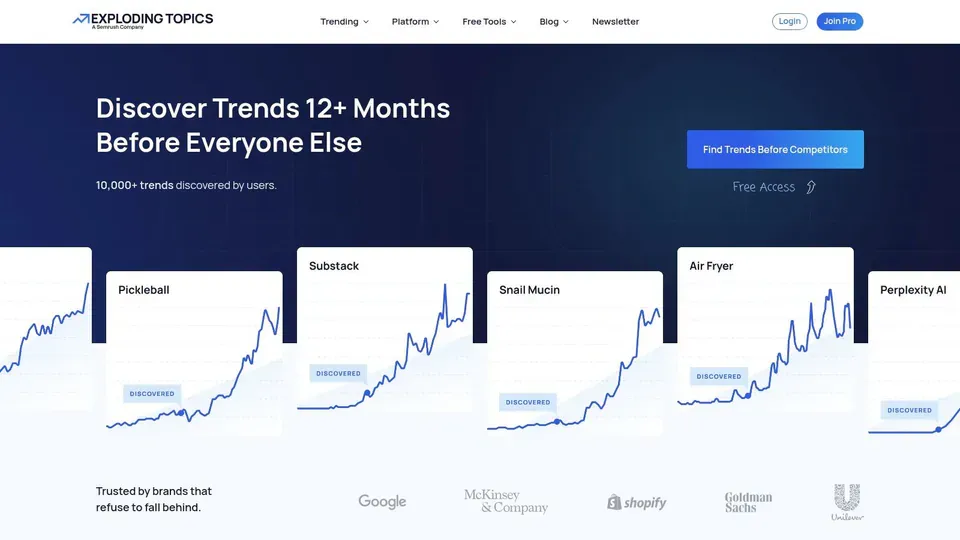
Exploding Topics is built for teams that want to publish before a topic becomes crowded. That makes it different from traditional keyword tools, which often show demand after the market has already noticed.
Its value is timing. You’re not just asking whether a topic exists. You’re asking whether it’s accelerating. For founders, creators, and product marketers, that timing edge can shape both content and product positioning.
When trend timing matters most
The tool is useful for editorial planning, category monitoring, and finding rising subtopics that haven’t saturated search or social yet. StoryChief’s review also mentions Exploding Topics as a free and paid option for spotting niche explosions, which captures the main use case well.
The trade-off is that trend detection alone doesn’t tell you how to package the idea. A rising topic still needs a clear angle, distribution plan, and editorial judgment.
Publish too early and nobody cares. Publish too late and you’re one more copycat. Trend tools help with timing, but they don’t replace taste.
You can review the platform at Exploding Topics.
Workflow with Xholic AI
Use Exploding Topics to flag a rising subject, then move into Xholic AI to find live conversations, adjacent viral structures, and practical ways to enter the discussion on X. This pairing works because trend platforms identify the wave, while Xholic helps you surf it in public.
If you skip the social validation step, you can end up with an interesting topic that still doesn’t convert into strong posts.
9. Glimpse
Glimpse is one of the fastest ways to validate a topic without opening a full research suite. It layers richer insight into Google Trends, which makes it useful when you need to sanity-check seasonality, topic timing, or whether a spike looks real.
That speed is its appeal. Some content ideation tools are built for deep workflows. Glimpse is built for quick decisions.
Fast validation without a heavy workflow
If you already use Google Trends, Glimpse feels natural. It helps you check whether a topic is cyclical, rising, or fading before you commit to writing. That’s valuable for newsletters, reactive content, and campaign timing.
It won’t replace a full stack. You won’t get broad competitive context, audience nuance, or native social packaging from it alone.
- Best for timing checks: Good for seasonality and trend confirmation.
- Low-friction setup: Especially useful for solo creators.
- Needs pairing: It’s a validator, not a full ideation engine.
You can install or learn more at Glimpse.
Workflow with Xholic AI
Validate the topic window in Glimpse, then move to Xholic AI to create actual distribution assets. If Glimpse shows the topic is rising, use Xholic to build a short thread, contrarian post, and a set of replies for active conversations around that trend.
This pairing is ideal when you move fast and don’t want heavy research before every post.
10. Tweet Hunter
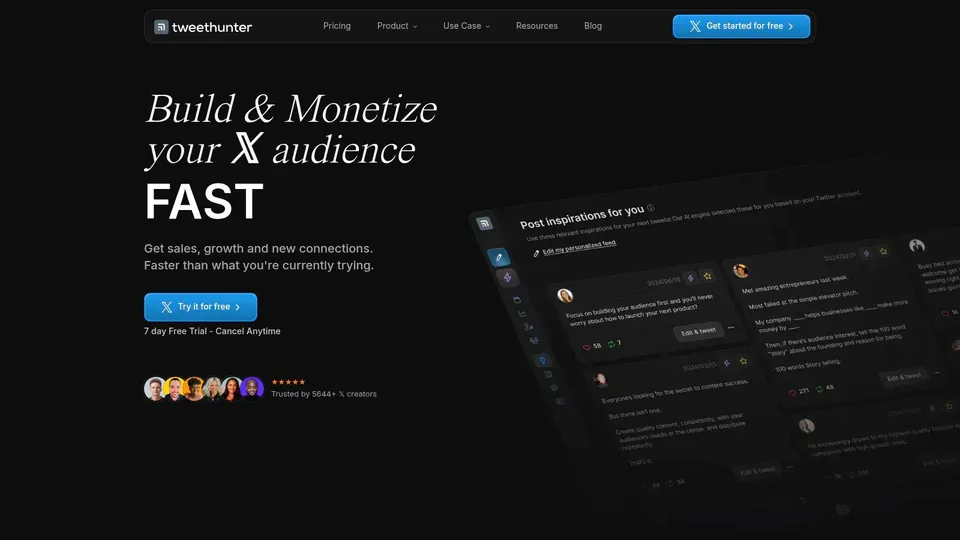
Tweet Hunter is another X-focused platform, but it takes a broader creator growth approach. It combines a viral tweet library, AI-assisted writing, scheduling, and CRM-style features aimed at creators and operators who want one place to manage publishing and relationship tracking.
That makes it attractive for users who want ideation plus execution. It’s less specialized in momentum-oriented discovery than Xholic, but stronger if scheduling and outreach are central to your workflow.
Where it fits and where it doesn’t
Tweet Hunter is useful when you want to browse proven tweet structures and turn them into fast drafts. The searchable library is the obvious draw. For some users, that alone is enough to keep momentum up.
The downside is that personalization quality can vary. The more your content relies on strong voice and specific domain nuance, the more you’ll need to edit. You can explore the platform at Tweet Hunter, and if you want platform-specific tactics beyond tooling, this guide on how to go viral on Twitter in 2026 offers a useful companion.
Workflow with Xholic AI
Use Tweet Hunter when you want broad format inspiration and scheduling support. Use Xholic AI when you need sharper discovery, better voice matching, and stronger reply workflows. In practice, some creators will prefer one and skip the other. Others will browse formats in Tweet Hunter, then develop more customized drafts and engagement plays in Xholic.
That split only makes sense if X is a major acquisition or brand channel for you. If it isn’t, both tools are too specialized.
Top 10 Content Ideation Tools, Feature Comparison
| Product | Core features | Quality & UX ★ | Value / Price 💰 | Target audience 👥 | Unique selling points ✨ |
|---|---|---|---|---|---|
| Xholic AI 🏆 | Momentum discovery (2.5M+ tweets), Inspiration search, Tweet Remixer, AI Reply Composer, Daily Pack | ★★★★★ Voice-aware AI; fast, human-feel drafts | 💰 7‑day free trial; $24.65 first month → $29/mo | 👥 Founders, indie hackers, creators, analysts, solo builders | ✨ Proprietary momentum score, voice-preserving remix & replies, ready-to-edit Daily Packs; no auto-posting |
| BuzzSumo | Topic Explorer, trending feeds, Question Analyzer, influencer discovery | ★★★★ Reliable research UX & alerts | 💰 Premium pricing; can be costly for solos | 👥 Agencies, PR/communications, content teams | ✨ Broad web+social index, brief generator, strong alerting |
| Semrush – Topic Research | Topic cards, SEO Writing Assistant, ContentShake AI, keyword database | ★★★★ End-to-end SEO + optimization UX | 💰 Suite pricing; add-ons & seats increase cost | 👥 SEO teams, content marketers, growth teams | ✨ Integrated briefs → optimization workflow; massive datasets |
| Ahrefs – Content Explorer | Search billions of pages, backlink & traffic filters, export | ★★★★⁺ Industry-grade data & filtering | 💰 Expensive for solos; usage limits apply | 👥 SEOs, link builders, content strategists | ✨ Best-in-class backlink/URL data and advanced filters |
| AnswerThePublic | Question visualizations, search listening, CSV export | ★★★ Fast, simple audience-language discovery | 💰 Freemium → paid tiers for full access | 👥 Writers, headline creators, content ideators | ✨ Rapid reveal of audience question language for hooks |
| AlsoAsked | Google PAA visual trees, deep/bulk search, exports, API | ★★★ Focused PAA mapping UX | 💰 Affordable; pay-as-you-go credits available | 👥 SEOs, FAQ builders, content planners | ✨ Maps People Also Ask hierarchies for topical coverage |
| SparkToro | Audience research (web, social, podcasts, YouTube), bio keywords | ★★★★ Channel-aware audience insights | 💰 Paid plans; costs scale for agencies | 👥 Community strategists, PR, marketers | ✨ Channel-specific audience signals to inform where to publish |
| Exploding Topics (Pro) | Fast-rising trend discovery, channel breakdowns, reports | ★★★★ Great for early trend spotting | 💰 Paid Pro plan; best for frequent users | 👥 Creators, product teams, trend scouts | ✨ Identifies nascent trends before mainstream attention |
| Glimpse (Chrome ext.) | Google Trends overlays: absolute volume, growth rates | ★★★ Quick validation inside Trends | 💰 Free extension | 👥 Marketers, content planners, quick validators | ✨ Fast, low-friction trend validation within Google Trends |
| Tweet Hunter | 3M+ viral tweet library, AI tweet/thread suggestions, scheduling/CRM | ★★★★ Tailored X ideation + publishing UX | 💰 Paid creator plans; pricing varies | 👥 X creators, social operators, growth builders | ✨ Large viral library + scheduling and CRM for relationship playbooks |
Choosing Your Perfect Content Ideation Stack
The best content ideation strategy isn’t finding one perfect tool. It’s building a stack that matches how you work. Content creators often don’t have an idea problem in the abstract. They have a bottleneck problem. They either can’t find fresh topics, can’t validate demand, can’t turn research into channel-native content, or can’t stay consistent long enough for the system to compound.
Start there.
If your pain is social publishing, use a momentum-first tool. Xholic AI is the strongest fit on this list for people who publish on X often and need faster discovery, stronger replies, and on-brand drafts that don’t feel generic. If your problem is search-led planning, pair Ahrefs or Semrush with a question tool like AlsoAsked or AnswerThePublic. If your issue is timing, add Exploding Topics or Glimpse so you stop showing up after the conversation has peaked.
A simple stack usually works better than an ambitious one.
For many teams, the right combination looks like this:
- Social and momentum core: Xholic AI for live conversation mining, structure remixing, and fast drafting on X.
- Search validation layer: Ahrefs or Semrush for demand, SERP context, and cluster planning.
- Question mining layer: AlsoAsked or AnswerThePublic for audience phrasing and FAQ structure.
- Trend layer: Exploding Topics or Glimpse for timing and early signal detection.
- Audience context layer: SparkToro when positioning or channel fit is the primary concern.
The strongest workflows also measure what matters. Digital Applied notes that while many marketers use AI daily, only a minority track AI-specific KPIs in its 2026 AI content workflow analysis. That gap shows up in real campaigns. Teams generate more drafts, but they don’t always learn which inputs produce better content. If you’re adopting more AI-assisted ideation, track outcomes by channel. Watch which source signals produce posts people engage with, which topic clusters turn into qualified traffic, and which formats repeatedly underperform.
There’s also a market signal worth paying attention to. PatentPC notes that the AI content creation market reached USD 1.1 billion in 2026 and is projected to reach USD 3.9 billion by 2036. More tooling is coming, not less. That means your advantage won’t come from using AI at all. It’ll come from choosing better inputs, building tighter workflows, and keeping a human editorial standard.
Audit your process. Find the biggest point of friction. Then pick the one tool from this list that removes it first.
If X is where your audience pays attention, Xholic AI is the easiest place to tighten the whole loop. It helps you find high-momentum conversations, turn proven patterns into original posts, write better replies in your own voice, and stay consistent without sounding automated. Start with the free trial, test it against your current workflow, and see how much faster ideation feels when the signal is built in.